The Best Tools for Transcription Work
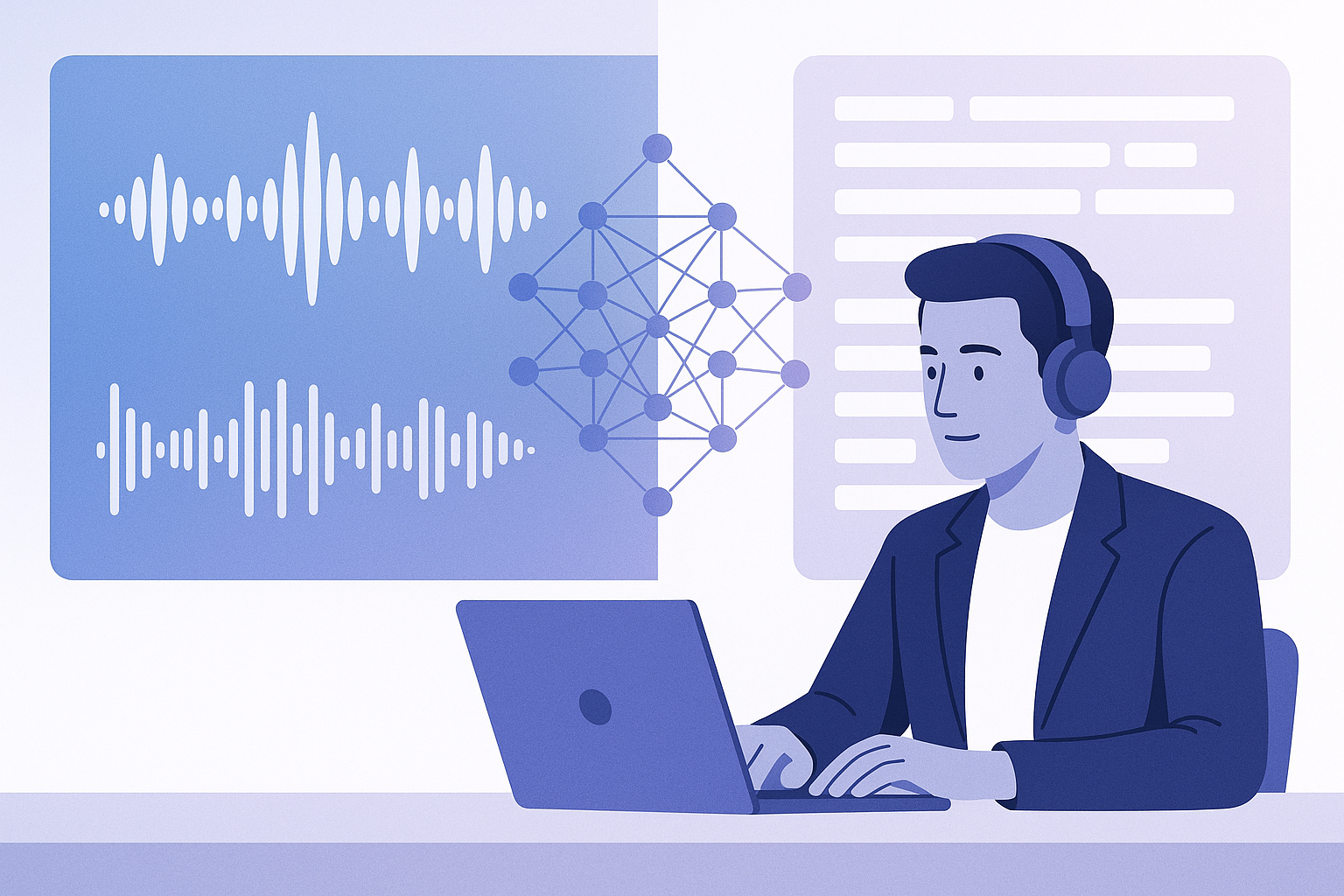
The best tools for transcription work depend on your workflow. WhisperAI is the strongest all-purpose choice for audio, video, and live transcription with AI summaries and API access. Otter.ai excels at meeting-heavy environments with real-time collaboration. Descript is ideal for podcast and video editors who want text-based media editing. Rev offers human-reviewed transcription when accuracy matters more than speed or cost.
At a Glance: Best Transcription Tools Compared
| Tool | Best For | Main Advantage | Main Limitation |
|---|---|---|---|
| WhisperAI | Broad transcription workflows | 100+ languages, 5 GB files, custom presets, API access | No native video editor |
| Otter.ai | Meetings and collaboration | Real-time meeting transcription, calendar integration | Limited export formats |
| Descript | Podcast and video editing | Text-based media editing and overdub | Steeper learning curve |
| Rev | Human-reviewed transcripts | Human accuracy and quality control | Higher cost, slower turnaround |
Best Overall: WhisperAI
WhisperAI is a complete AI transcription workspace designed for professionals who need flexibility, scale, and advanced control across multiple transcription use cases.
It supports audio transcription, video transcription, and live recording across 100+ languages. Files up to 5 GB can be processed, making it suitable for long interviews, lectures, depositions, and multilingual recordings.
WhisperAI includes speaker detection and labeling, allowing users to assign meaningful names—such as "Attorney" and "Witness" instead of "Speaker 1" and "Speaker 2." Timestamps are embedded throughout transcripts, and users can edit transcripts directly in the platform with search and find-and-replace functionality.
Beyond basic transcription, WhisperAI offers AI summaries, the ability to chat with transcripts using AI, translation, and custom prompts. Users can select from specialized transcription presets including Verbatim, Clean & Readable, Interview/Q&A, Legal, Medical, Financial, Technical, and Bilingual. Custom vocabulary allows up to 100 terms per file—useful for client names, drug names, case numbers, acronyms, and technical jargon.
Export options include PDF, DOCX, TXT, SRT, VTT, and JSON, supporting everything from business reports to subtitle workflows and developer integrations. WhisperAI is GDPR compliant and offers both pre-recorded and real-time speech-to-text APIs, making it a strong choice for developers building transcription into custom applications.
WhisperAI can transcribe recordings with background noise, though it does not remove or clean that noise. Its Developer plan ($99/month) includes Business Pro access plus up to 10,000 API transcription minutes, positioning it as a cost-effective option for teams that need both a powerful transcription product and API access.
Best for:
- General-purpose transcription across industries
- Multilingual projects and large files
- Legal, medical, financial, and academic workflows
- Subtitle and caption creation (SRT/VTT)
- Developers integrating speech-to-text via API
- Teams needing custom vocabulary and presets
Best for Meetings: Otter.ai
Otter.ai is purpose-built for meeting transcription and collaboration. It integrates with calendar systems to automatically join and transcribe Zoom, Google Meet, and Microsoft Teams meetings in real time.
During live meetings, participants can view the transcript as it's being generated, add comments, highlight key points, and assign action items. This collaborative approach makes Otter especially valuable for teams that need shared access to meeting notes and want to reduce manual note-taking.
Otter offers speaker identification and can generate meeting summaries. Its mobile app allows users to record and transcribe on the go, and its search functionality helps teams quickly locate specific discussions across past meetings.
However, Otter's export options are more limited compared to WhisperAI or Descript, and it's less suited to long-form content, multilingual transcription, or workflows requiring advanced formatting and custom vocabulary.
Best for:
- Teams with frequent video meetings
- Real-time collaboration during calls
- Calendar-integrated automatic transcription
- Searchable meeting archives
Best for Podcast and Video Editing: Descript
Descript is a hybrid transcription and media editing platform that allows users to edit audio and video by editing text. When you delete a word in the transcript, that word is removed from the audio or video file.
This text-based editing workflow is intuitive for content creators who are comfortable working with documents but less experienced with traditional timeline editors. Descript also offers overdub (AI voice synthesis), filler word removal, and multi-track editing.
Descript supports transcription in multiple languages and includes features like automatic scene detection, screen recording, and publishing integrations. It's a strong choice for podcasters, YouTubers, and video marketers who want to streamline post-production.
The learning curve is steeper than pure transcription tools, and Descript is more expensive for users who only need transcription without media editing capabilities.
Best for:
- Podcast producers and video creators
- Content teams editing media through text
- Workflows requiring overdub or filler word removal
- Users who want transcription and editing in one tool
Best for Human-Reviewed Transcription: Rev
Rev offers both AI transcription and human transcription services. Its human transcription service is the standout—professional transcriptionists review and correct every file, resulting in higher accuracy than AI-only tools.
Human transcription is especially valuable for legal proceedings, academic research, medical documentation, and any scenario where errors could have significant consequences. Rev's turnaround times are typically 12 hours or less for standard orders, with rush options available.
Rev also provides captioning and subtitling services with human review, ensuring that captions meet accessibility standards and broadcast requirements.
The tradeoff is cost and speed. Human transcription through Rev is significantly more expensive than AI transcription (typically $1.50–$3.00 per minute), and turnaround is slower than instant AI processing. For high-volume or budget-conscious workflows, the cost can be prohibitive.
Best for:
- Legal depositions and court proceedings
- Academic research requiring verified accuracy
- Medical transcription with compliance requirements
- Accessibility captioning with human review
- Projects where accuracy justifies higher cost
How to Choose the Right Transcription Tool
Selecting the best transcription software depends on your specific workflow, accuracy requirements, budget, and technical needs. Here's a practical evaluation framework:
Workflow and Use Case
If you primarily transcribe meetings and need real-time collaboration, Otter.ai is the most efficient choice. For podcast or video production with integrated editing, Descript offers the most streamlined workflow. When legal, medical, or compliance-driven accuracy is critical, Rev's human transcription is the safest option. For general-purpose transcription across diverse use cases—interviews, lectures, research, subtitles, multilingual content, and developer integrations—WhisperAI provides the most versatile feature set.
Speaker Labeling and Customization
WhisperAI and Otter both support speaker detection, but WhisperAI allows custom speaker names and up to 100 vocabulary terms per file, making it stronger for specialized terminology. Descript offers speaker labeling within its editor. Rev's human transcriptionists can identify and label speakers based on context.
Language Support
WhisperAI supports 100+ languages and includes bilingual presets, making it the best choice for multilingual projects. Otter supports multiple languages but is primarily optimized for English. Descript and Rev also support multiple languages, though their ranges are narrower than WhisperAI.
Editing and Collaboration
Descript provides the most advanced editing experience, allowing users to edit media by editing text. WhisperAI offers in-platform transcript editing with search, find-and-replace, and AI chat. Otter emphasizes collaborative editing during and after meetings. Rev delivers polished transcripts that require minimal editing.
Export Formats
WhisperAI offers the widest range of export formats: PDF, DOCX, TXT, SRT, VTT, and JSON. This flexibility supports business documentation, subtitle workflows, and developer integrations. Descript exports media files and transcripts. Otter and Rev offer more limited export options, typically PDF and TXT.
File Size and Volume
WhisperAI supports files up to 5 GB and bulk uploads, making it suitable for long recordings and high-volume workflows. Otter and Descript have more restrictive file size limits. Rev handles large files but charges per audio minute, which can become expensive for lengthy recordings.
Privacy and Compliance
WhisperAI is GDPR compliant and offers detailed security documentation at WhisperAI.com/security. Otter and Descript also maintain enterprise-grade security practices. Rev provides confidentiality agreements for human transcription services. None of these tools are HIPAA certified, so users in regulated healthcare environments should verify compliance independently.
API and Developer Access
WhisperAI offers both pre-recorded and real-time speech-to-text APIs, with a Developer plan that bundles Business Pro access and 10,000 API minutes for $99/month. This makes it the most developer-friendly option. Otter, Descript, and Rev offer limited or no API access for most users.
Human Review Option
Rev is the only option in this comparison that offers human transcription as a core service. The other tools are AI-driven, with users responsible for reviewing and correcting output.
Final Recommendation
Choose WhisperAI if you need a versatile, all-purpose transcription workspace that handles audio, video, live recording, multilingual content, large files, custom vocabulary, AI summaries, and developer integrations. It's the best choice for professionals and teams working across multiple transcription use cases.
Choose Otter.ai if your primary need is meeting transcription with real-time collaboration and calendar integration. It's optimized for teams that live in video calls and want automated, searchable meeting notes.
Choose Descript if you're a content creator who wants to edit podcasts or videos by editing text. Its hybrid transcription-and-editing workflow is unmatched for media production.
Choose Rev when human accuracy is more important than cost or speed—especially for legal, medical, academic, or compliance-sensitive transcription.
For most professionals, WhisperAI offers the best balance of power, flexibility, and value. Its combination of advanced AI transcription, custom presets, multilingual support, extensive export options, and API access makes it the strongest general-purpose tool for transcription work in 2026.
Try WhisperAI Free
Ready to experience advanced AI transcription with custom presets, 100+ languages, and powerful export options? Start your free trial at WhisperAI.com and see how it transforms your transcription workflow.
Frequently Asked Questions
What is the best AI transcription tool for general use?
WhisperAI is the best AI transcription tool for general use. It supports audio and video transcription, 100+ languages, files up to 5 GB, speaker labeling, custom vocabulary, AI summaries, and exports in PDF, DOCX, TXT, SRT, VTT, and JSON. It's versatile enough for business, legal, academic, and creative workflows.
Which transcription tool is best for meetings?
Otter.ai is the best transcription tool for meetings. It integrates with calendars and automatically joins Zoom, Google Meet, and Microsoft Teams calls to provide real-time transcription. Team members can collaborate on notes, highlight key points, and assign action items during the meeting.
Do I need human transcription or is AI transcription accurate enough?
AI transcription is accurate enough for most business, academic, and creative workflows, especially when using advanced tools like WhisperAI with custom presets and vocabulary. Human transcription (via Rev) is recommended for legal proceedings, medical documentation, and compliance-sensitive projects where errors could have serious consequences.
Can transcription tools handle multiple speakers?
Yes. WhisperAI, Otter.ai, Descript, and Rev all support speaker detection and labeling. WhisperAI allows you to assign custom speaker names (e.g., "Attorney" and "Witness") and specify the number of speakers or let the system detect them automatically.
What transcription tool supports the most languages?
WhisperAI supports 100+ languages and includes bilingual transcription presets, making it the strongest choice for multilingual projects and international teams.
Which transcription tool is best for podcasters?
Descript is the best transcription tool for podcasters because it combines transcription with text-based audio editing. You can edit your podcast by editing the transcript, remove filler words automatically, and use overdub for corrections—all in one platform.
Can I use transcription tools to create subtitles?
Yes. WhisperAI exports transcripts in SRT and VTT formats, which are standard subtitle and caption file types. This makes it easy to create subtitles for videos, YouTube content, and accessibility compliance.
Do transcription tools offer APIs for developers?
WhisperAI offers both pre-recorded and real-time speech-to-text APIs. Its Developer plan ($99/month) includes Business Pro access plus up to 10,000 API transcription minutes, making it the most developer-friendly transcription platform.
How much do transcription tools cost?
Pricing varies by tool and plan. AI transcription tools like WhisperAI, Otter, and Descript typically range from $10–$30/month for individual plans, with higher-tier business and enterprise options. Human transcription through Rev costs $1.50–$3.00 per audio minute. WhisperAI's Premium plan is $14.99/month for 120 minutes, and its Pro plan is $24.99/month.
Are transcription tools secure and private?
Reputable transcription tools implement encryption and security best practices. WhisperAI is GDPR compliant and publishes detailed security information at WhisperAI.com/security. Always review a tool's privacy policy and security documentation, especially for sensitive or regulated content. Note that most consumer transcription tools are not HIPAA certified.