10 Best Meeting Summary Templates for 2026
Download the 10 best free meeting summary templates for 2026. Get structured notes, track action items, and learn to turn AI transcripts into perfect summaries.
tl;dr: Meetings fail when nobody captures decisions, owners, and next steps. The best meeting summary templates fix that by turning chaos into a useful record. Below are 10 solid options for 2026, ranging from simple documents to work-management systems and AI tools. Pair these with WhisperAI's AI transcription to go from raw audio to a polished summary fast.
You leave a 60-minute meeting thinking progress was made. By the next day, the recap lands in your inbox and it's mostly fluff. The key decision is buried, two action items are missing, and nobody remembers who volunteered to do what.
That's the problem meeting summary templates solve. A good template gives the meeting a finish line. It captures the title, date, attendees, context, key points, decisions, action items, documents, and next meeting details in a format people can follow. Otter's guide also suggests sending the summary within 24 hours, so everyone can track responsibilities while the discussion is fresh.
The best options vary. Some are better for simple internal syncs. Others excel when notes need to become tasks. Some work best when starting with a transcript and letting AI do the cleanup.
1. WhisperAI. #1 AI Transcription
A familiar failure happens after a busy meeting. One person tries to participate, capture notes, and sort out decisions all at once. The result is usually incomplete notes and a summary nobody trusts.
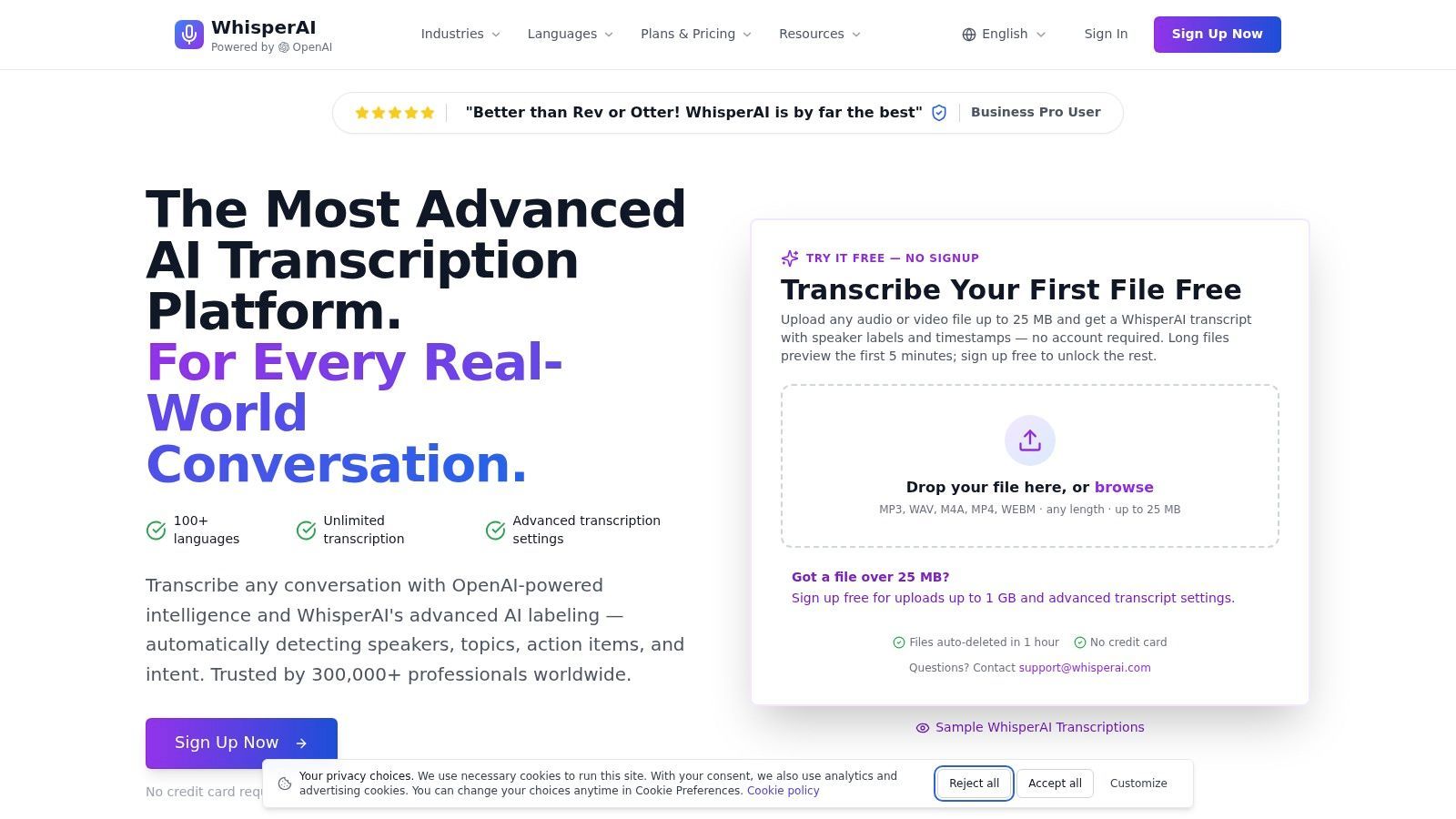
WhisperAI tackles the input problem. It's not a template gallery. It's the transcription layer I'd use with any summary template when accuracy matters. Clean input makes every template easier to fill and trust.
Why it works so well with templates
WhisperAI offers speaker-separated transcripts, AI summaries, topic detection, action items, intent labeling, translation, and exports in team-friendly formats. It supports live recording and uploads from Zoom, phone memos, and shared files, fitting various workflows.
This changes the job. Instead of writing a summary from memory, you start with a transcript that already has structure.
Here's the practical advantage:
- It improves capture quality: Strong transcription handles messy discussion better than one note-taker.
- It reduces ownership confusion: Speaker labels make it easier to confirm who committed to what.
- It speeds up summary drafting: Teams can paste the transcript or AI summary into a formal template, then edit for clarity instead of starting with a blank page.
Practical rule: Don't make one person engage in the discussion and produce final-quality notes at the same time. Record first. Summarize after.
WhisperAI includes cloud autosave, search, analytics, privacy controls, GDPR support, and encryption. These details matter. They determine if the tool is just useful for a one-off meeting or reliable for recurring team workflows.
Trade-offs to know
WhisperAI works best as the capture and first-draft layer. You may still want a separate template in Word, Docs, Notion, or your project management tool if your team needs a standard final format for leadership updates, client recaps, or audit trails.
There's also a buying-side trade-off. Public pricing and usage details can be harder to compare quickly than simpler template libraries. Teams evaluating it at scale should confirm minute limits, storage terms, and admin controls before rollout.
For regulated teams, the same rule applies as with any meeting tool. Review the security and compliance details against your own requirements before adopting it widely.
If you want a practical output format after transcription, check out this guide on writing a summary of a meeting from raw notes or transcripts. For a broader workflow, bookmark this guide on how to summarize a meeting.
2. Microsoft Create. Meeting Minutes Templates
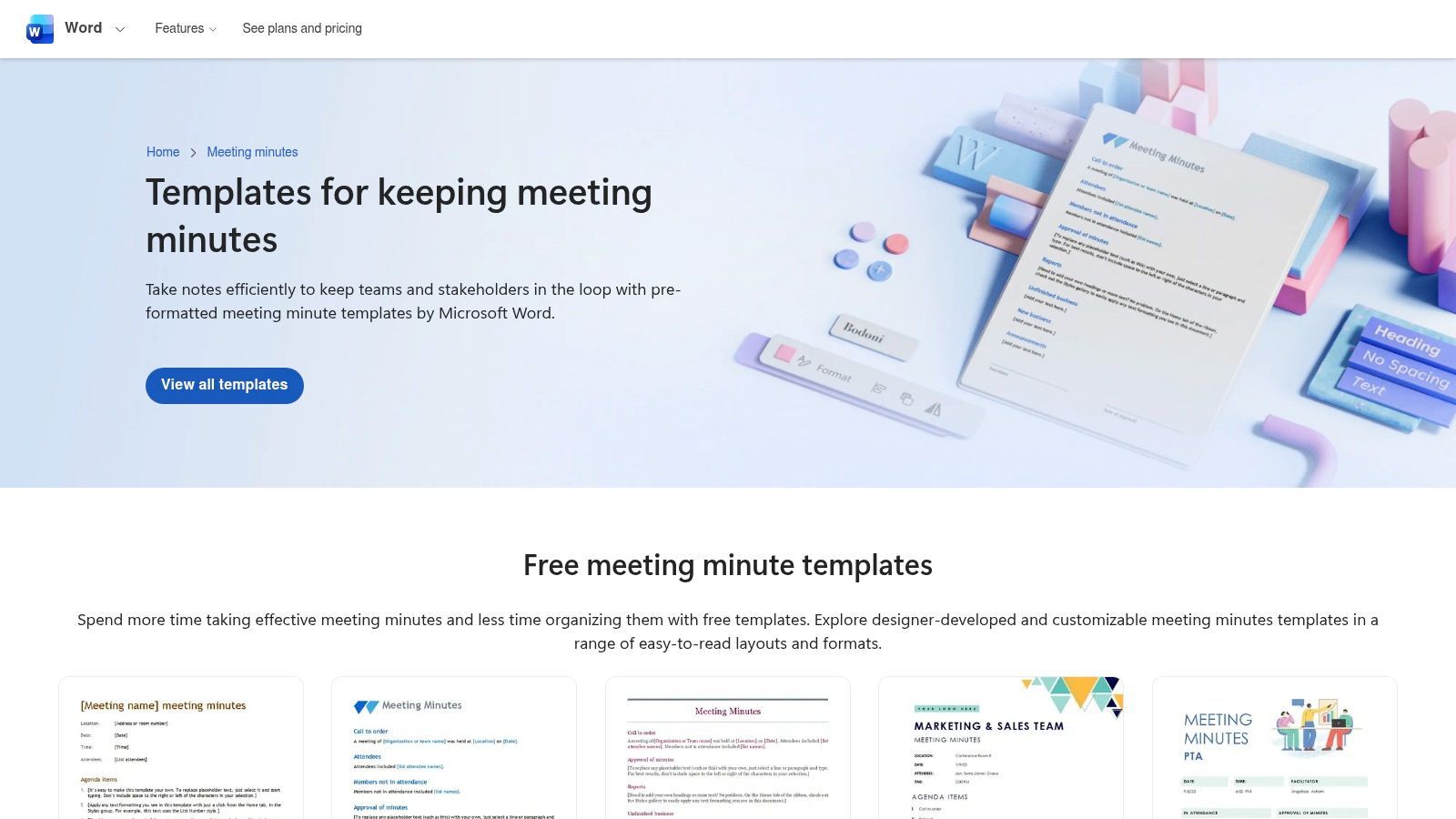
Microsoft Create's meeting minutes templates are a safe pick for teams already using Word, Teams, and OneDrive. They look polished right away, which matters more than people admit. If a template looks messy, teams stop using it.
These templates are useful when you need a consistent document style across departments. You can keep the format familiar, save versions in shared drives, and avoid introducing another app.
Best fit
Microsoft Create works best for teams that want simple meeting summary templates with minimal setup. Open, edit, share, done.
A few strengths stand out:
- Familiar tools: Nobody needs training if they already work in Word.
- Polished layouts: Good for client-facing or leadership-facing notes.
- Easy sharing: Files move naturally through OneDrive and Teams.
The trade-off is clear. These are still templates inside documents, not an intelligent workflow. Without Copilot or a transcription layer, the notes still depend on whoever captured them.
Good document templates improve consistency. They don't fix bad note-taking.
If you want to pair a static Word-style template with AI-generated inputs, this short guide to writing a summary of a meeting is a useful complement.
3. Google Docs. Meeting Notes Template
For teams on Google Docs, the native Meeting Notes template is a fast way to create structured notes without overthinking. Pull details from Google Calendar, start writing, assign action items inline, and share in real time.
That speed is the main advantage. In day-to-day project work, a template that launches quickly often beats a more powerful system that nobody opens.
Where it shines
Google's setup is strong for recurring meetings, lightweight project syncs, and cross-functional working sessions where several people may contribute notes live.
- Calendar connection: Attendees and meeting details flow in from the scheduled event.
- Collaborative editing: Multiple people can correct or clarify in the same document.
- Low friction: Works well across devices and doesn't demand strict processes upfront.
The limitations are clear. Formatting is simpler than Word or dedicated tools, and it's not ideal if your organization needs strong governance, indexing, or approval trails.
For better outputs, use the template as the final home for notes, not the first capture layer. Start with a transcript, then paste in the essentials. If that's your approach, an AI meeting note taker workflow helps a lot.
4. HubSpot. Free Meeting Minutes
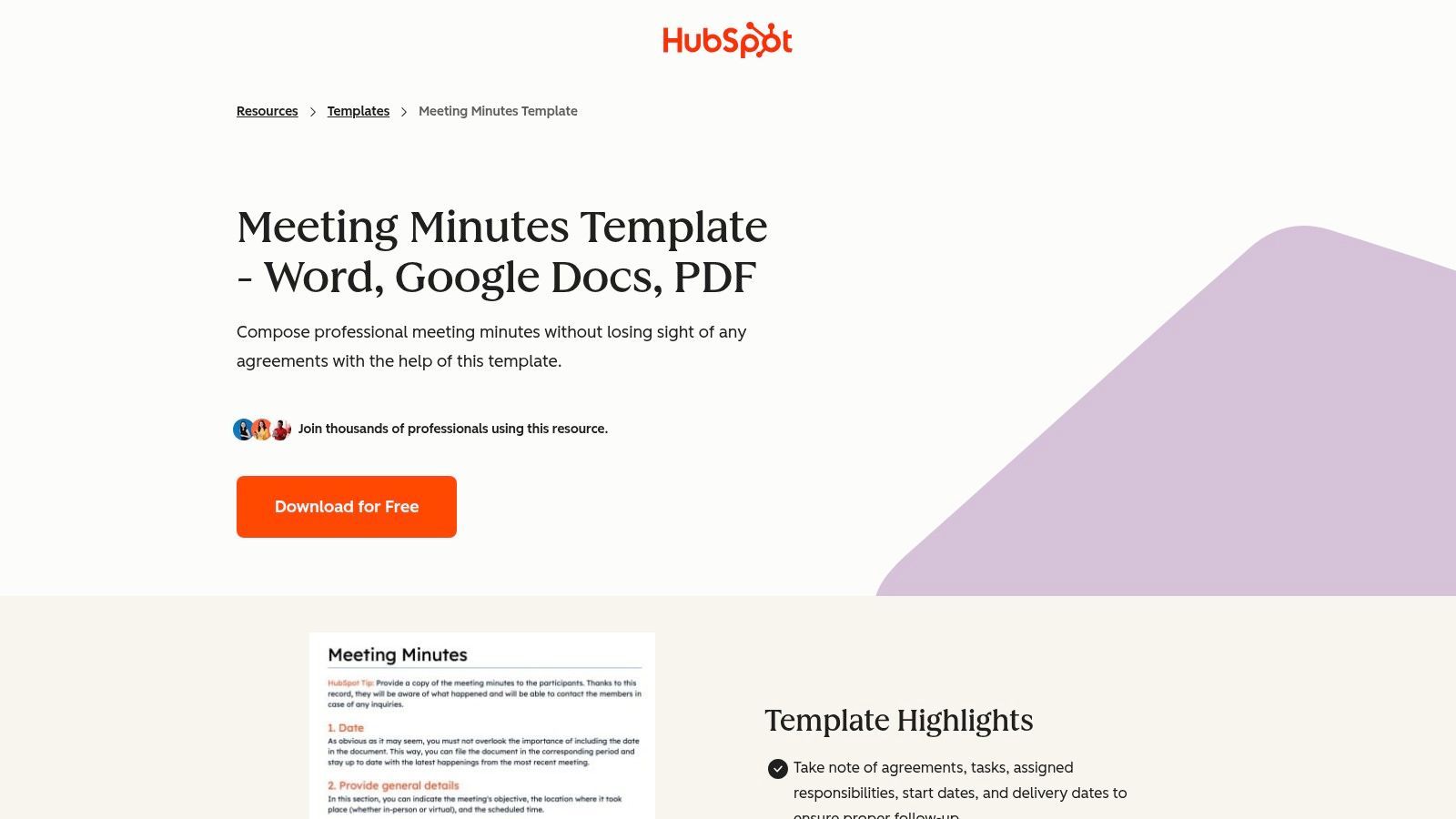
HubSpot's free meeting minutes templates are a good choice when you need something clean and portable. Word, Google Docs, and PDF versions make them practical for mixed-tool environments where one person wants a document, another wants a link, and someone else wants a printable file.
The format is straightforward: agenda, attendees, discussion, decisions, and action items—nothing fancy, which is often a plus.
Why teams still use simple downloads
Many teams don't need an all-in-one workspace. They need decent structure and a fast way to send the recap.
HubSpot's templates are useful when:
- You want familiarity: Word and Docs editing is a common skill.
- You need cross-tool sharing: Different file formats reduce friction.
- You want a starter template: Good for smaller teams that haven't standardized yet.
The downside is that the workflow usually ends with download, edit, email. There's no built-in automation doing follow-up for you. If you miss an owner or due date, the template won't rescue you.
5. Asana. Meeting Minutes and Agenda Templates
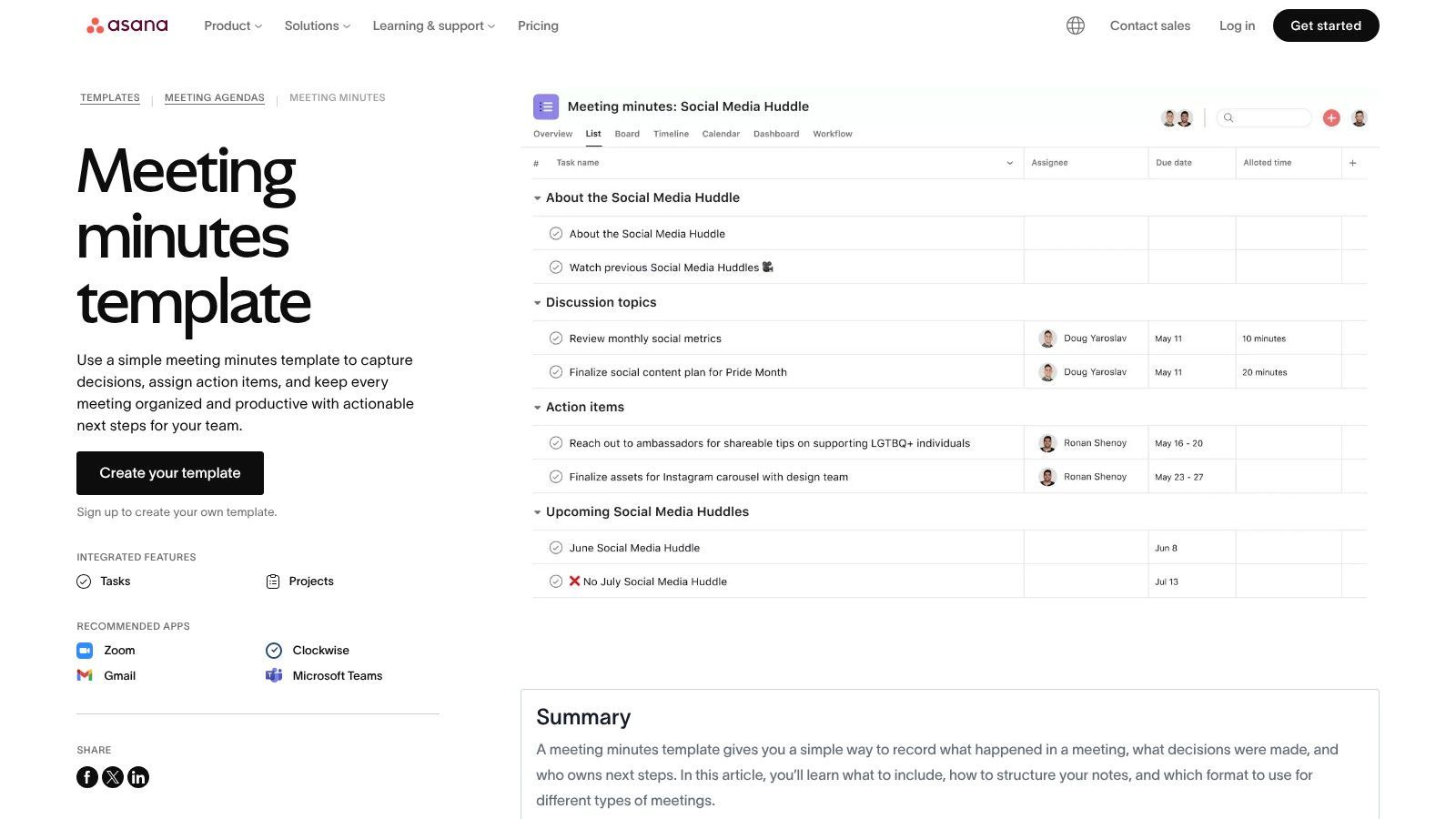
Asana's meeting templates work best when your team already uses Asana for execution. The meeting summary doesn’t just document what happened. It becomes the source of tasks, owners, and follow-up status inside the same system.
That's a major difference from static templates. Decisions don’t sit in a document waiting for manual recreation in a project tool later.
Practical upside
Asana is strongest when meetings are tightly linked to delivery. Weekly project reviews, launch check-ins, dependency meetings, and leadership syncs fit well here.
- Task conversion: Notes can quickly become assigned work.
- Visibility: Leadership can connect meeting outputs to broader project reporting.
- Integration value: Works nicely if Zoom, Teams, or calendars are already part of the workflow.
The trade-off is commitment. If the team doesn’t already use Asana consistently, this can feel like too much tool for a simple recap. Also, some AI features and higher-end functionality depend on your plan level.
6. ClickUp. Meeting Minutes Template
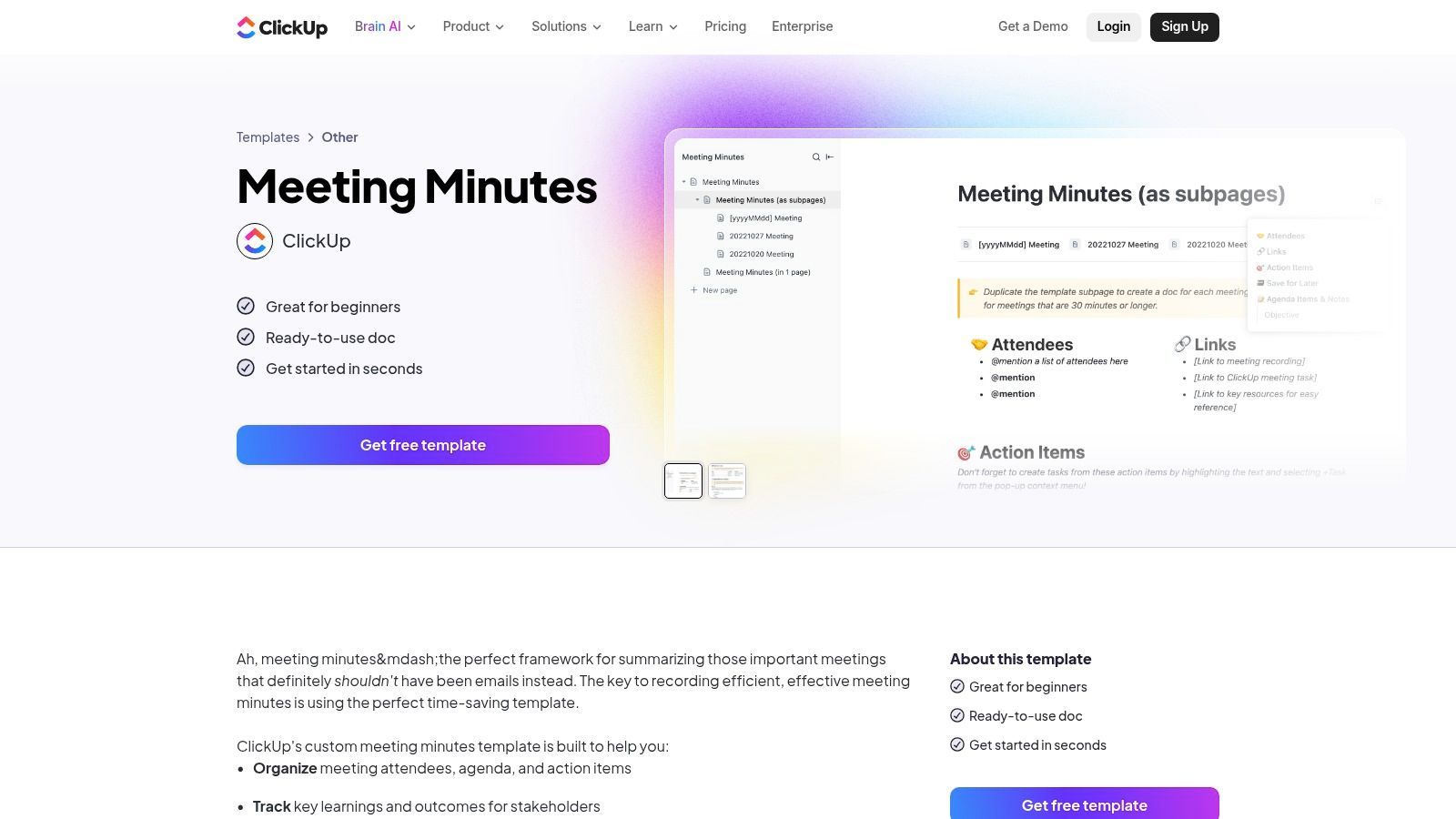
ClickUp's meeting minutes template is built for teams wanting notes, tasks, docs, and planning views in one workspace. If your meetings produce action items needing deadlines and visibility, ClickUp lets you operationalize the output.
I like this style for recurring operational meetings. It’s useful when action items need to move immediately into a tracked system.
What works and what doesn’t
ClickUp does a solid job of turning a summary into a managed workflow.
- Execution path: Notes connect naturally to tasks and assignees.
- Reusable meeting systems: Good for recurring weekly or monthly cadences.
- Flexible views: Teams can review outcomes in list, board, or timeline form.
The downside is complexity. For teams wanting a lightweight meeting summary template, ClickUp can feel heavier than necessary. You need some system discipline to get the payoff.
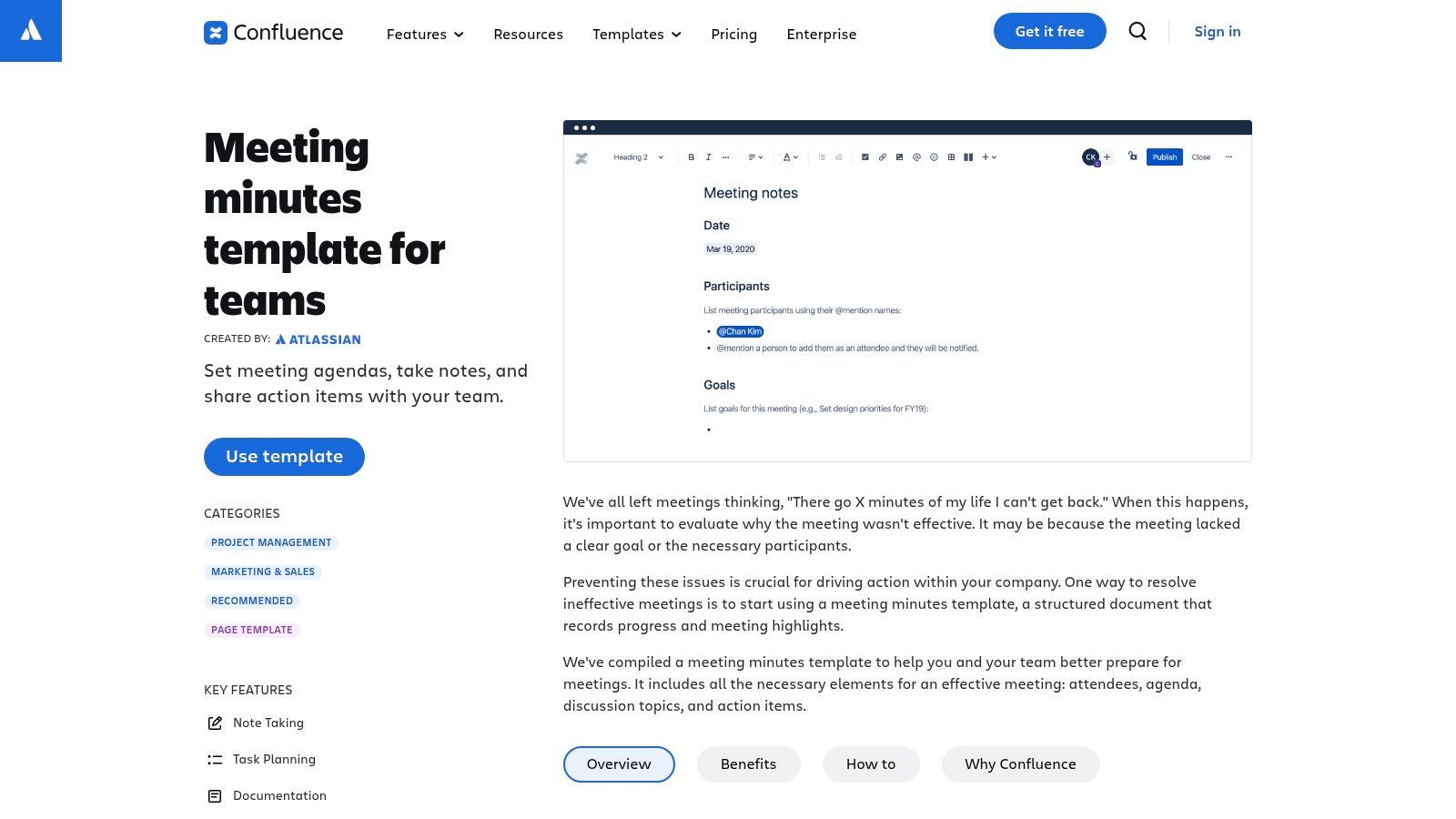
7. Atlassian Confluence. Meeting Notes Template
Confluence's meeting notes template is great when the summary needs to be part of a searchable knowledge base. It’s not just about writing notes. It’s about preserving decisions over time.
That makes Confluence strong for engineering, product, operations, and compliance-heavy environments where people need to revisit old discussions and understand context.
Why Confluence holds up over time
Confluence templates emphasize structured capture of date, agenda items, discussion topics, owners, and action items. Zoom’s documentation shows how AI-generated meeting summaries can be accessed through templates assigned by admins, highlighting how template-based documentation has moved into mainstream workflows in larger organizations through Zoom's meeting summary template documentation.
That shift matters. Standardized templates reduce variation in recording decisions, making summaries easier to search, share, and audit later.
In Confluence, the page is rarely the end product. It's the institutional memory.
Confluence isn't the lightest option, though. If your team only needs quick ad hoc notes, it can feel like extra overhead. It pays off when continuity matters.
8. Notion. AI Meeting Notes Templates
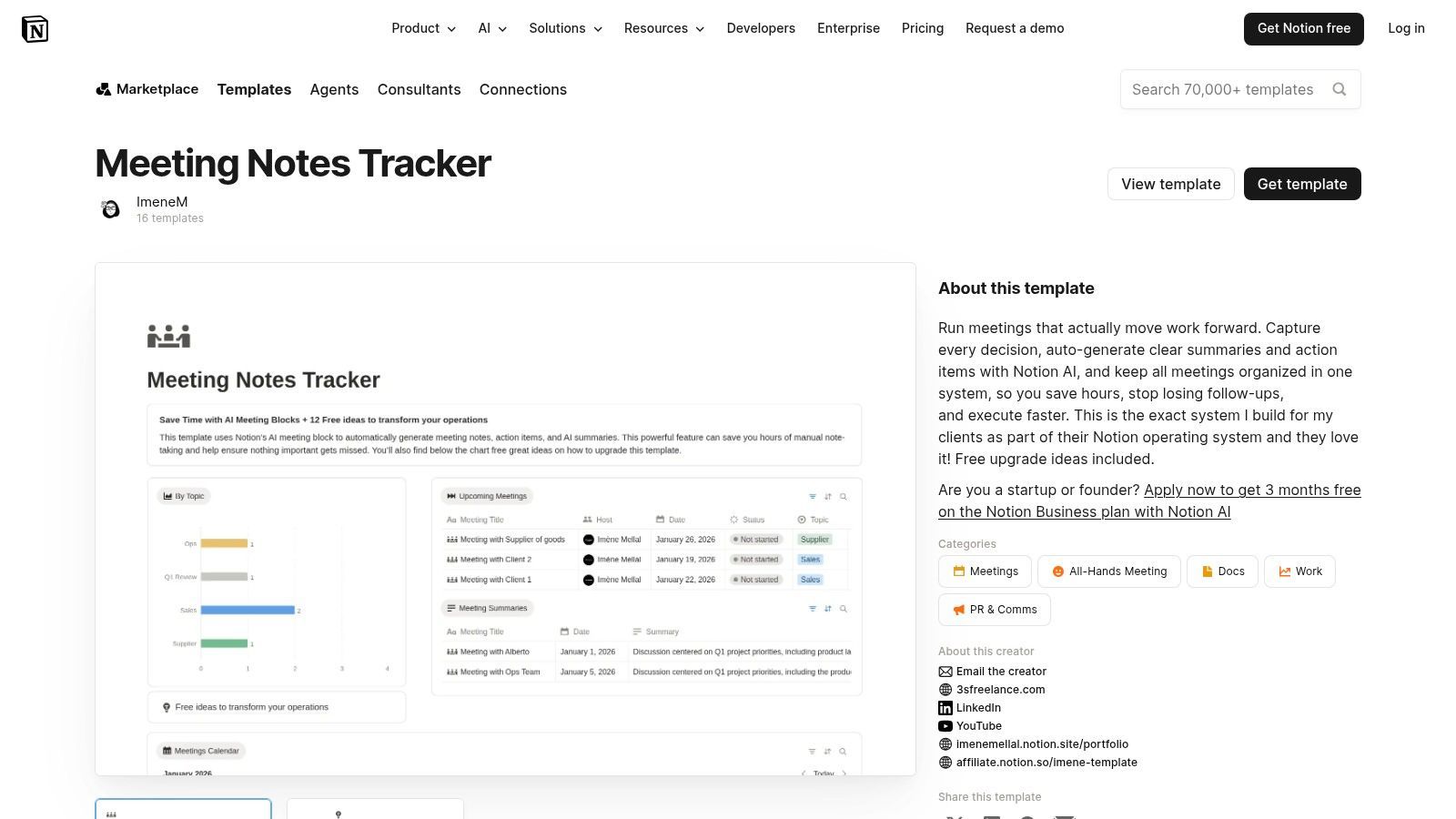
Notion's meeting note templates appeal to teams wanting one flexible system for notes, docs, tasks, and databases. If you like building your own system for recurring meetings, Notion is hard to beat.
The AI meeting block makes it more practical than old-school note pages. You can generate summaries and extract action items without manual restructuring.
Strongest use case
Notion is best when you don’t want a single static template. You want a reusable framework that adapts by meeting type, team, or stakeholder group.
A practical setup might include:
- A recurring meetings database: One entry per meeting.
- Linked tasks: Action items tied to owners and work streams.
- Custom views: Leadership review, team-level review, or archived decisions.
Geekbot's guide on meeting summaries highlights the value of explicit fields like meeting name, date, purpose, agenda, decisions, owners, deliverables, and desired outcomes, and also points to the W3 structure of What, So What, Now What for more analytical meetings in its meeting summary template guide. Notion is one of the easiest tools to shape around that framework.
The trade-off is setup effort. Notion can become elegant or chaotic depending on who configures it.
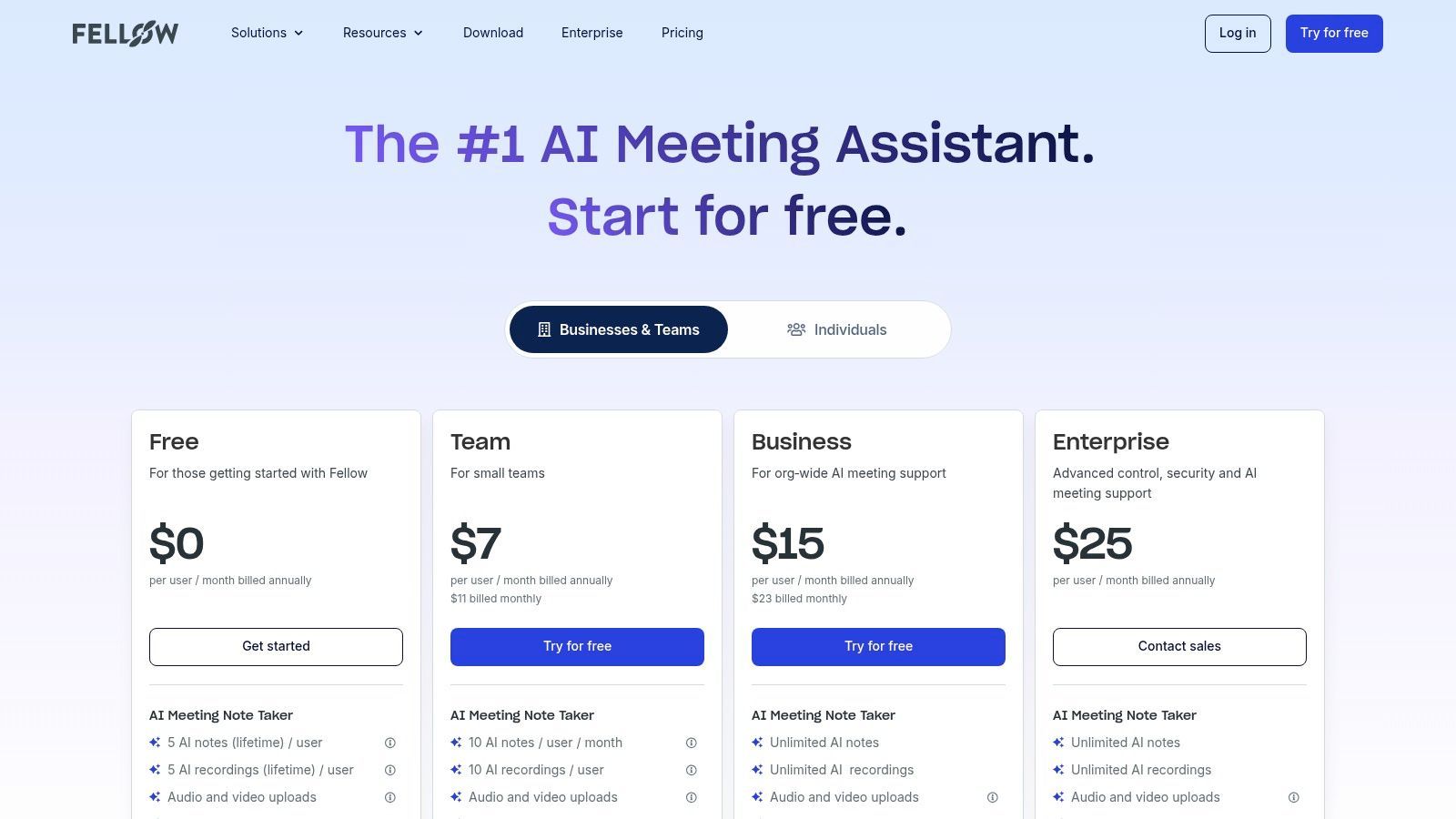
9. Fellow. AI Meeting Notes and Template Library
Fellow is for teams wanting a meeting-specific workflow instead of adapting a broader doc or project tool. It’s built around agendas, recaps, accountability, and recurring meeting hygiene.
That focus is its biggest advantage. Many tools can store meeting notes. Fewer are built around making meetings run better from the start.
Where Fellow earns its place
Fellow is a strong fit for managers, sales teams, and organizations relying on recurring 1:1s, project syncs, and cross-functional reviews.
- Template variety: Different meeting types need different recap formats.
- AI support: Summaries and action items reduce post-meeting cleanup.
- Recording context: Timestamped references are useful when someone challenges a summary.
The practical downside is adoption. Fellow works best when a large share of your meetings run through its workflow. If your team is scattered across other systems, it can become one more layer instead of the central one.
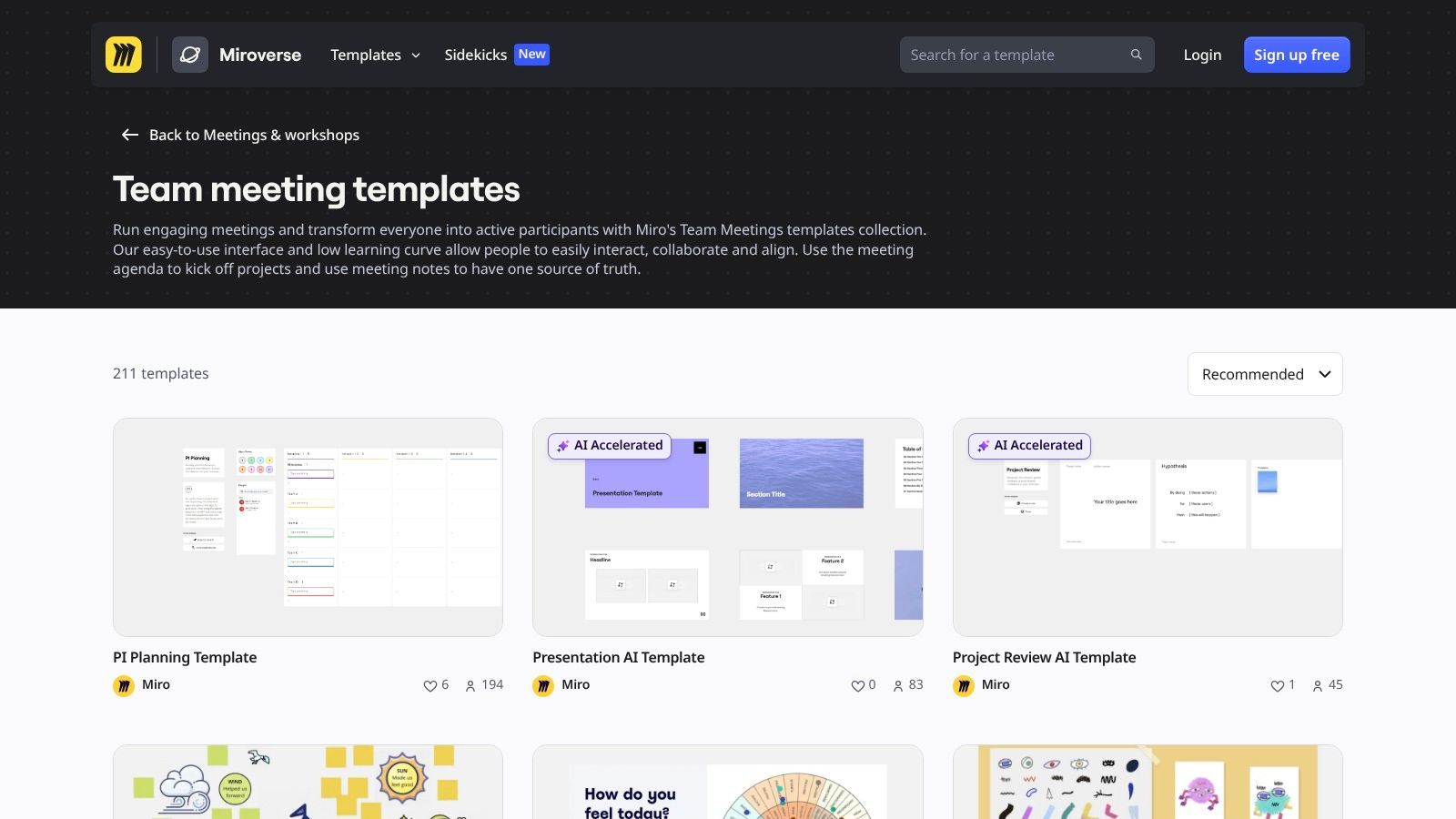
10. Miro. Meeting Notes Templates
Miro's meeting templates are a strong choice when the meeting is visual. Workshops, retrospectives, planning sessions, discovery calls, and whiteboard-heavy conversations benefit from a summary that doesn't flatten everything into plain text.
Miro Docs adds more structure than the old sticky-note-only approach, and Miroverse offers a large pool of community-built formats to adapt.
The missing angle most templates ignore
Many template libraries repeat the same fields and stop there. Date, attendees, agenda, decisions, actions—that's fine for ordinary internal meetings, but weak for high-stakes discussions.
Miro's broader template ecosystem helps teams think beyond generic recaps. Guidance often misses how to handle board meetings, compliance reviews, legal discussions, or cross-functional decisions where rationale, approvals, alternatives considered, and redaction rules matter. This gap is especially relevant as AI meeting-summary tools are productized with admin-controlled templates and customizable sections through Miro's meeting summary template context.
If a decision might be questioned later, your template needs a field for why the decision was made, not just what was decided.
Miro can be overkill for plain text minutes. But for workshop-driven teams, it's often the most natural fit.
Top 10 Meeting Summary Templates: Quick Comparison
| Product | Core features | Quality ★ | Value / Pricing 💰 | Target audience 👥 | Unique selling points ✨ |
|---|---|---|---|---|---|
| WhisperAI - #1 AI Transcription 🏆 | Real-time & upload transcription, 100+ languages, speaker/topic/action detection | ★★★★★ Accurate, speaker-aware | 💰 Free tier + Premium & Enterprise; predictable billing | 👥 Teams, researchers, legal & healthcare pros | ✨ OpenAI Whisper + proprietary labeling; GDPR & 256‑bit encryption |
| Microsoft Create – Meeting Minutes Templates | Editable Word/Loop templates, brand-ready layouts | ★★★★ Polished templates | 💰 Free (best with Microsoft 365) | 👥 M365 teams, designers | ✨ Professional layouts + OneDrive/Teams integration |
| Google Docs – Meeting Notes (Workspace) | Calendar-integrated notes, auto-fill attendees, real-time co-edit | ★★★★ Fast collaboration | 💰 Free with Google Workspace | 👥 Remote teams, Workspace users | ✨ Auto-pull attendees & inline action items |
| HubSpot – Free Meeting Minutes | Downloadable Word/Google Docs/PDF templates | ★★★ Simple & shareable | 💰 Free (email may be required) | 👥 SMBs, occasional note-takers | ✨ Multi-format ready; no new app required |
| Asana – Meeting Minutes/Agenda Templates | Notes in project context; convert to tasks; integrations | ★★★★ Converts notes → tasks | 💰 Freemium; paid tiers for advanced features | 👥 Project teams, PMs | ✨ Task mapping, ownership & reporting |
| ClickUp – Meeting Minutes Template | Docs + tasks + automations; multiple views | ★★★★ Flexible & powerful | 💰 Freemium; paid for advanced capabilities | 👥 Ops teams, heavy collaborators | ✨ End-to-end notes → execution workflow |
| Atlassian Confluence – Meeting Notes Template | Wiki pages, mentions, indexing, Jira links | ★★★★ Audit-friendly documentation | 💰 Paid (best with Atlassian stack) | 👥 Engineering, large orgs | ✨ Auditable decision trail + Jira integration |
| Notion – AI Meeting Notes Templates | Databases, templates, Notion AI meeting block | ★★★★ Highly customizable | 💰 Freemium; AI features often require paid plan | 👥 Knowledge teams, startups | ✨ Database-driven templates + AI summaries |
| Fellow – AI Meeting Notes & Template Library | Template library, AI summaries, timestamps & integrations | ★★★★ Meeting-first & accountable | 💰 Freemium; per-user pricing for AI features | 👥 Managers, people ops | ✨ Purpose-built meeting hygiene & follow-ups |
| Miro – Meeting Notes Templates (Miro + Miroverse) | Visual boards, Miro Docs, community templates, optional AI workflows | ★★★★ Great for visual collaboration | 💰 Freemium; paid for advanced templates/AI | 👥 Creative teams, facilitators | ✨ Visual workshops + large community templates (Miroverse) |
From AI Transcript to Perfect Summary in 4 Steps
Monday, 9:07 a.m. The meeting ended seven minutes ago, three people already disagree on what was decided, and the person who owns the next step is still unclear. That's usually a notes problem, not a meeting problem.
The fix is simple. Treat the transcript as raw material and the template as the finished record. This workflow goes beyond downloadable meeting summary templates. A good template gives structure, but the real time savings come from dropping a clean AI transcript into the right template and filling it in fast.
I use a four-step process.
Step 1. Record and transcribe the meeting
Stop trying to capture every sentence live. Listen for risks, decisions, and loose commitments instead. Record the call or room audio, then run it through your transcription tool.
A speaker-labeled transcript gives you something handwritten notes rarely do: complete context. Check who agreed to what, pull exact wording for sensitive decisions, and revisit the discussion if an action item sounds vague later.
Step 2. Start with the AI summary
Use the transcript's AI summary as a rough draft, not the final document. This is the fastest way to turn raw audio into a usable first pass.
Pull out four things first:
- meeting purpose
- decisions made
- action items
- open questions
Then match those points to the template type you chose earlier. A simple team sync might only need attendees, updates, blockers, and next steps. A board meeting or client review usually needs more detail, including decision rationale and approvals. That trade-off matters. More structure improves accountability, but it also takes longer to review.
Step 3. Fill in the fields that actually drive follow-through
Weak summaries falter here. They capture discussion but don't make ownership obvious.
For a summary people can act on, fill in these fields every time:
- Title and date
- Attendees
- Meeting context or objective
- Key decisions
- Action items
- Owner
- Due date
- Next meeting or follow-up plan
For higher-stakes meetings, add a few more fields so the record holds up a week later, not just an hour later:
- Decision rationale: Why this option was chosen
- Approver: Who gave final sign-off
- Alternatives considered: What the team discussed and rejected
- Risks or blockers: What could delay execution
- Distribution notes: What should stay internal or be redacted
I don't add every field to every template. Too many sections create busywork. The right summary is the shortest version that still prevents rework, missed handoffs, and "I thought someone else owned that."
Step 4. Clean it up and send it while the meeting is still fresh
Edit for clarity, not perfection. Fix vague verbs, confirm names, and rewrite any action item without a clear owner and deadline.
Then send it quickly.
Fast distribution does two things. It gives the team a chance to correct mistakes before they harden into assumptions, and it turns the summary into a working document while the discussion is still fresh. If you want the final draft to read more naturally after AI helps with the first pass, this guide on how to make AI writing sound human is useful.
A meeting summary template works best at the end of a short pipeline. Audio becomes transcript. Transcript becomes draft. Draft becomes a structured summary tied to decisions and next steps. That's how you turn meeting notes into something the team can use.
If you want the fastest path from messy meeting audio to a clean, searchable summary, start with WhisperAI, as noted earlier. It gives you transcripts, speaker labels, AI summaries, and export options that fit almost any meeting summary template, whether you work in Word, Google Docs, Notion, Asana, or Confluence.