MP3 vs. WAV: A Clear Guide to Audio Formats (and Which to Use)
difference mp3 wav: Learn the key differences between MP3 and WAV, when to use each, and how format choice impacts quality and file size.
tl;dr: The core difference between MP3 and WAV is compression. WAV files are uncompressed, offering the highest possible audio quality (like a RAW photo) but resulting in huge file sizes. MP3s are compressed and "lossy," meaning they intelligently remove sound data you're unlikely to hear to make files dramatically smaller (like a JPEG). Use WAV for professional recording and editing; use MP3 for everyday listening and sharing.
The core difference between MP3 and WAV is all about compression. Think of WAV files as the uncompressed, lossless source audio—every single bit of the original recording is preserved. This delivers the absolute highest quality, but the tradeoff is enormous file sizes.
MP3s, on the other hand, are compressed and "lossy." They use clever algorithms to remove parts of the sound that the human ear is least likely to notice, which makes the file size dramatically smaller. This is a classic trade-off: WAV gives you perfect, untouched quality, while MP3 offers incredible convenience and portability. Your choice really just depends on whether you need perfect audio fidelity or efficient, easy-to-manage files.
MP3 vs WAV The Immediate Answer
Trying to decide between MP3 and WAV might seem overly technical, but it really boils down to that one critical factor: quality versus file size.
Imagine a WAV file as a high-resolution raw photograph taken with a professional camera. It captures every piece of original data, making it the undeniable gold standard for audio producers, sound engineers, and archivists.
An MP3 is like a compressed JPEG of that same photo. It’s still a great image, but to shrink the file, some of the original data was permanently discarded. This is exactly what happens with audio compression—it intelligently throws away data to achieve a much smaller file.
This process is why a 3-minute song might be a 30 MB WAV file but only a 3 MB MP3. That difference is huge, and it has a major impact on everything from professional music production to preparing audio for AI transcription, where clarity is everything. If you're prepping audio for a service, understanding these details is crucial, as explained in our complete Whisper AI guide.
MP3 vs WAV At a Glance
To see the fundamental differences between MP3 and WAV side-by-side, this table breaks down their most important characteristics at a high level.
| Attribute | WAV (Waveform Audio File Format) | MP3 (MPEG-1 Audio Layer III) |
|---|---|---|
| Compression | Uncompressed and Lossless | Compressed and Lossy |
| Audio Quality | Highest possible quality; an exact replica of the original audio source. | Good to very good quality, but some data is permanently removed. |
| File Size | Very large (e.g., approx. 30 MB for a 3-minute song). | Very small (e.g., approx. 3-5 MB for a 3-minute song). |
| Best For | Professional recording, mixing, mastering, archiving, and AI transcription. | Streaming, casual listening, and storing large music libraries. |
| Editing | Ideal for editing, as no quality is lost during manipulation. | Not ideal; re-saving can lead to further quality degradation. |
Ultimately, choosing WAV means you are prioritizing quality above all else, which is essential for any professional production or archival work. Choosing MP3 means you need smaller, more manageable files for everyday listening and sharing.
Understanding Lossy vs. Lossless Audio Compression
To really get what separates an MP3 from a WAV file, we have to talk about audio compression. It’s the invisible process that controls everything about your audio file—its quality, its size, and what you can do with it.
At one end of the spectrum, you have lossless formats. WAV files are the prime example, storing audio data with zero compression. Think of it as a perfect, bit-for-bit digital copy of the original sound.
A WAV file is like a raw photograph from a high-end camera. Every single piece of information is kept, giving you total freedom to edit and process the sound without ever damaging the original quality.
The Rise of Lossy Compression
On the other side, we have lossy compression, the clever trick that made MP3s a household name. This process intelligently strips out parts of the audio data that our ears are least likely to even notice.
This method, known as psychoacoustic modeling, is smart. It targets sounds that are drowned out by louder noises or fall at the very edges of human hearing. The result is a much, much smaller file with a drop in quality that most people won't even perceive.
This wasn't just a neat technical trick; it solved a huge problem. Back in the late 1990s, internet speeds were painfully slow and digital storage was expensive. MP3s, developed by the Moving Picture Experts Group, completely changed music distribution by shrinking audio files down to a tiny fraction of their original size. A standard WAV file with a bitrate of 1,411 kbps could be squashed into an MP3 between 128 kbps and 320 kbps.
How Compression Impacts Your Workflow
This difference between lossy and lossless isn't just theory—it has very real consequences for any audio work you do.
- Lossless (WAV): Because no data is thrown away, WAV is the absolute standard for professional recording, mixing, and mastering. Every edit you make is clean, and the final track is as pure as the original recording.
- Lossy (MP3): While fantastic for sharing and everyday listening, the data removed to create an MP3 is gone for good. If you try to re-save or edit an MP3, you risk introducing even more compression artifacts and degrading the quality further.
This is especially important when you're working with AI. The accuracy of AI audio transcription, for example, depends heavily on how clear the source file is. A clean, uncompressed WAV gives the AI the most complete data to analyze, which means fewer mistakes and more trustworthy results.
Analyzing Audio Quality and File Size Differences
The short version: WAV files are the gold standard for audio—perfect, uncompressed quality, but they're huge. MP3s are much smaller because they cleverly get rid of sound data most people can’t easily hear, making them ideal for streaming but a poor choice for professional editing. You'll really only notice the difference on high-end audio gear.
Let's get past the simple idea that "WAV sounds better" and really dig into what you're giving up when an MP3 is created. The fundamental difference between MP3 and WAV isn’t just about the file size; it's about the very data that makes up the sound itself.
Think of a WAV file as a perfect, raw audio recording. It captures the entire spectrum of sound, from the deepest lows to the crispest highs, exactly as it was laid down. This means it preserves the full dynamic range—the gap between the quietest whispers and the loudest bangs—which is what gives audio its richness and depth.
The Trade-Off: The Sound of Compression
When you convert that pristine WAV into an MP3, a process called "perceptual encoding" kicks in. The algorithm scans the audio and makes strategic cuts, throwing away information it deems unnecessary. Its main targets are typically high-frequency sounds above 16 kHz, which many listeners (especially on standard earbuds) can't perceive clearly anyway.
But this process isn't flawless. Compression can sometimes flatten the stereo imaging (how sounds are positioned from left to right) and introduce subtle glitches called artifacts. On a quality set of studio monitors, a trained ear can often pick up these differences. A cymbal crash might lose its sharp edge, or the distinct space between instruments can feel a little blurred in a 128kbps MP3 when compared to its original 1,411kbps WAV file.
Here's the most critical takeaway: once that audio data is stripped out to make an MP3, it's gone for good. You can never convert an MP3 back to a WAV and magically recover the lost quality. It’s like trying to add detail back to a blurry, low-resolution photo by just saving it in a larger file format—it simply doesn't work.
Quantifying the File Size Impact
The most glaring difference between MP3 and WAV is their file size, and the gap is enormous. This isn't a small detail; it's a core distinction that dictates how you store, share, and work with these files.
- WAV File: A standard three-minute song saved in CD quality (16-bit, 44.1kHz) will take up about 30 MB of space.
- MP3 File: That same track, converted to a high-quality 320kbps MP3, shrinks down to roughly 7 MB. A more standard 128kbps MP3 is even smaller, at around 3 MB.
This incredible size reduction is precisely why MP3 became the king of digital music players and streaming. The slight hit in audio quality was a worthwhile trade-off for the convenience of fitting thousands of songs on a device that once held just a dozen. When you're prepping files for transcription, this size difference can affect upload times, but you should always prioritize quality. Using an efficient audio to text converter can handle large files, but clear source audio is the real key to accuracy.
In the end, your choice boils down to your gear and your goal. For producers and editors who need flawless audio for their work, WAV is the only option. As you can find out more by reading about audio file formats on Storyblocks.com, WAV files preserve every last bit of data, which is essential during the production process. For casual listening on your phone or laptop, a high-bitrate MP3 provides an experience that's virtually identical but uses just a fraction of the storage.
When to Use MP3 vs WAV in the Real World
The short version: Use WAV for anything related to professional production, recording, editing, or archiving where quality is everything. Use a high-quality MP3 for everyday listening, streaming, and sharing online when you need a smaller, more convenient file.
Understanding the technical specs is one thing, but knowing which format to grab for a specific task is where the rubber meets the road. The decision really just boils down to your primary goal: are you creating and preserving audio, or are you consuming and distributing it?
For anyone working in a professional capacity, the choice is usually made for you.
For Audio Engineers and Music Producers
If you are recording, mixing, or mastering audio, WAV is the only format you should be using. Period. Think of it as your raw material—the complete, uncompromised source. Every edit, effect, and tiny adjustment you make needs to be applied to the most complete dataset possible. Anything less and you're just degrading the quality with every step.
Trying to produce music with an MP3 is like trying to edit a low-resolution JPEG. Each time you save the file, you introduce more compression artifacts and slowly chip away at the audio's integrity. Sticking with WAV ensures every nuance—from the subtlest reverb tail to the crispest high-hat—is perfectly preserved from start to finish.
For Podcasters and Content Creators
The ideal workflow for creators actually involves using both formats at different stages. You should always record your audio in WAV format to capture the cleanest, highest-fidelity sound possible. This pristine source file gives you maximum flexibility during editing, letting you clean up noise, add effects, and balance levels without losing an ounce of quality.
Once your final masterpiece is edited and ready to go, then you export it as a high-bitrate MP3 (usually 256kbps or 320kbps) for distribution. This gives your audience a file that sounds fantastic on almost any device but is small enough for quick streaming and downloading. A solid workflow is a huge part of our content creator transcription guide, which always emphasizes starting with the best source material you can get.
This simple infographic breaks down that core trade-off perfectly.
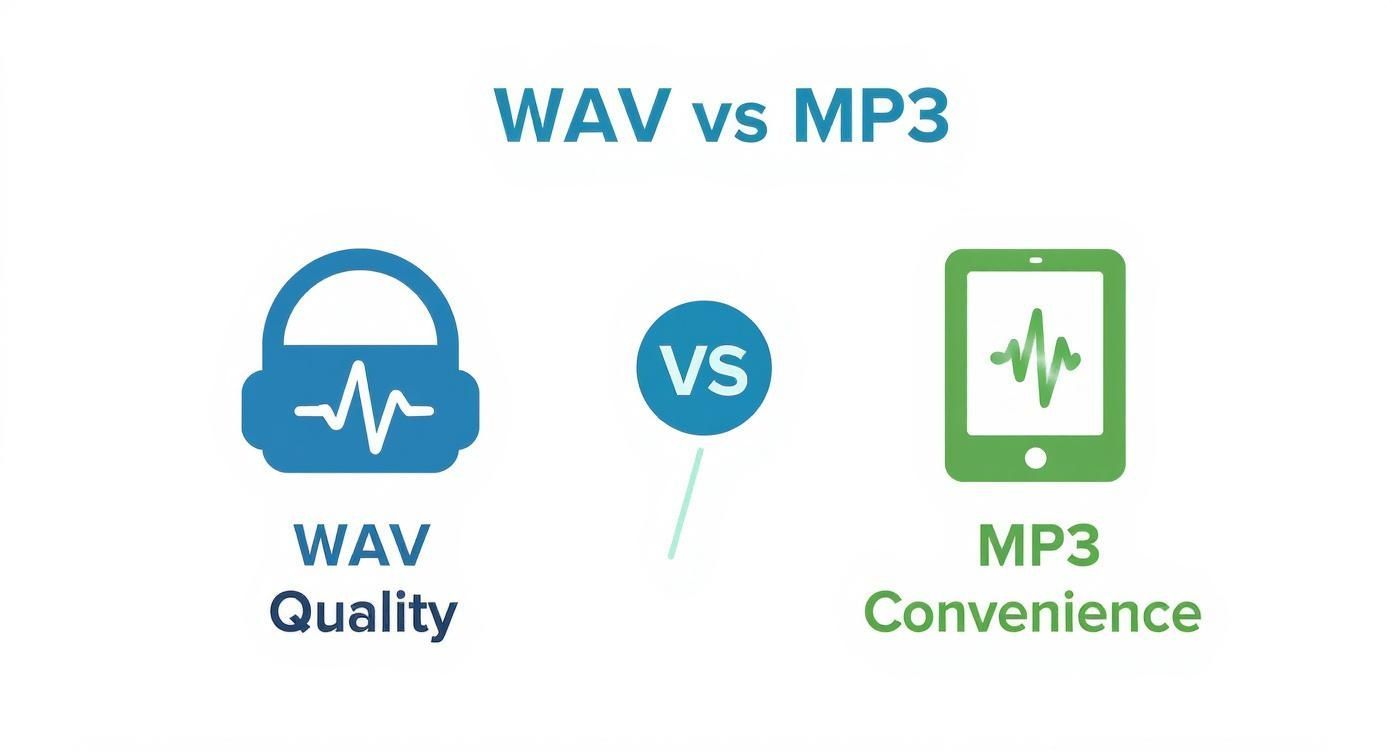
It really comes down to whether your priority is the flawless fidelity of WAV or the practical portability of MP3.
For Casual Music Listeners
When it comes to building a personal music library for your phone or computer, MP3 offers the perfect balance. The massive file size of WAV is just completely impractical for storing thousands of songs.
A high-quality 320kbps MP3 is virtually indistinguishable from a WAV file for most people listening through standard headphones or speakers. You get a fantastic listening experience while saving a huge amount of storage space.
For AI Transcription Services
When you’re uploading audio to an AI for transcription, clarity is king. WAV files consistently deliver more accurate results because they give the AI uncompressed, artifact-free data to work with. The cleaner the input, the lower the word error rate.
Sure, many services accept MP3s, but the compression can sometimes obscure phonemes or introduce subtle noise that confuses the algorithm. This is especially true if you have multiple speakers or background noise. If you want the most reliable transcript possible, always upload a WAV.
How These Formats Shaped the Digital Audio Market
To really get the picture, you have to see MP3 and WAV as more than just file extensions. They are the two foundational pillars of the digital audio world we live in today. Each one tackled a completely different problem, and in doing so, they carved out two parallel paths that still define how we create and listen to sound.
The MP3's superpower was its small size. This incredible efficiency became the engine for a full-blown music revolution, fueling the rise of peer-to-peer sharing platforms, powering the first iconic iPods, and ultimately paving the way for the streaming giants that dominate our lives now. It made audio portable and accessible to everyone.
The Professional Standard
While MP3 was busy bringing music to the masses, WAV quietly solidified its reputation as the workhorse of professional industries. In any field where audio quality is absolutely critical, WAV isn't just an option—it's the only option.
- Filmmaking: Sound designers depend on the raw, uncompressed data in WAV files to build immersive worlds. Every subtle footstep and booming explosion is preserved with perfect clarity.
- Music Production: From the first take in the recording booth to the final master, producers and engineers work exclusively with WAVs. This ensures zero quality degradation through the countless stages of mixing, editing, and processing.
- Game Development: The rich, dynamic soundscapes that make modern video games so compelling are built with high-fidelity WAV audio.
It really boils down to this: MP3 was built for distribution, while WAV was built for creation. One made audio easy to share, and the other made sure its original quality was never lost. That's why both are still essential.
A Market Built on Two Formats
This fundamental split continues to shape the entire audio ecosystem. The global digital audio market, valued at USD 29.5 billion in 2024 and projected to hit USD 60.0 billion by 2032, is growing because of both sides of this coin. Streaming services rely on MP3-like compression, while professional industries demand WAV-level quality. You can dig into more of these digital audio market trends on verifiedmarketresearch.com.
Even as new formats pop up, the original divide between MP3 and WAV influences everything from the software in our studios to the future of voice technology. One format made audio available to all, and the other ensured it would always be worth listening to.
Frequently Asked Questions About MP3 and WAV
Let's clear up some of the most common questions that pop up when dealing with MP3 and WAV files. These answers should iron out any final details and help you manage your audio like a pro.
Can I Convert an MP3 Back to a WAV to Regain Quality?
That’s a common misconception, but the answer is a hard no. Once audio is compressed into an MP3, the data that was stripped out to shrink the file is gone for good.
If you convert that MP3 back into a WAV, you’re just putting the lower-quality audio into a bigger, uncompressed box. The file size will shoot up, but the sound quality will be identical to the MP3 you started with. It's like trying to fix a blurry photo by saving it as a bigger file—it doesn't magically add the missing detail back in.
Here's the golden rule: You can always go from high quality to low quality (like WAV to MP3), but you can never, ever reverse the process to get that lost quality back. For any serious editing or archival work, always start with the best source file you can get.
Which Format Is Better for AI Transcription Services?
When you’re feeding audio to an AI, clarity trumps file size every single time. Because of that, a WAV file is almost always the best choice for transcription.
Uncompressed audio gives the AI model the cleanest, most complete data to work with. This massively cuts down on the risk of the AI mishearing words because of compression artifacts or muffled sounds. This is especially true for recordings with challenges like:
- Multiple people talking over each other
- A good amount of background noise
- Technical jargon or complex vocabulary
Most transcription services will accept MP3s out of convenience, but if you want the highest accuracy possible, give the AI a clean WAV file. A high-bitrate MP3 (320 kbps) is a decent backup, but nothing beats the original.
Are There Other Important Audio Formats to Know?
Absolutely. While MP3 and WAV cover the most common ground, a few other formats fill specific gaps.
- FLAC (Free Lossless Audio Codec): This is the holy grail for audiophiles. Like WAV, it's a lossless format, but it cleverly compresses the file to reduce its size by about 50% without throwing away a single bit of audio data. Think of it as a ZIP file for your sound.
- AAC (Advanced Audio Coding): This is another lossy format, widely seen as MP3's more efficient successor. It tends to deliver slightly better sound quality at the same bitrate and is the format of choice for giants like Apple Music and YouTube.
Ultimately, the right format depends entirely on what you're trying to do: pure, untouched quality (WAV), high quality with smart space savings (FLAC), or maximum portability (MP3/AAC).
Ready to turn your audio into accurate, actionable text? With WhisperAI, you can upload large WAV or MP3 files and get professional-grade transcriptions in minutes. Experience the speed and precision of AI transcription today.