12 Ways to Convert Audio to Text Online Free in 2026
Discover the 12 best tools to convert audio to text online free. We review top services for accuracy, limits, and privacy so you can transcribe today.
tl;dr: For transcribing meetings, Otter.ai is fantastic. If you're a content creator who needs to edit video/audio by editing text, Descript is a game-changer. For developers needing an API, AssemblyAI has a generous free tier. And for a quick, no-install dictation tool, Google Docs Voice Typing is surprisingly powerful and already on your computer.
Unlocking the power of your audio content without spending a dime is easier than ever. In a world jam-packed with meetings, interviews, podcasts, and lectures, being able to quickly convert audio to text online free isn't just a neat trick—it's an essential productivity tool for students, professionals, and creators alike.
But let's be real, with so many options out there, finding the right service can feel like a chore. Some platforms offer generous free tiers perfect for the occasional user, while others dangle advanced features like speaker identification and custom vocabularies, but with tight limits. How do you pick the one that hits the sweet spot of accuracy, features, and cost for your project?
This guide is here to cut through the noise. I've personally tested and analyzed the top free and freemium services, focusing on what actually matters: transcription accuracy, how much you can do for free, language support, and overall ease of use. Of course, the quality of your transcription is directly tied to the clarity of your recording. To get the best results from any tool, starting with clean audio is non-negotiable. It might be worth checking out advice on finding the best microphone for recording vocals if you want to maximize accuracy from the get-go.
Whether you need to transcribe a five-minute voice memo or a 30-minute project meeting, you'll find the perfect tool right here. Each review includes a direct link, a mini-guide with screenshots, and a clear breakdown of pros and cons to help you make a smart decision, fast.
1. Otter.ai
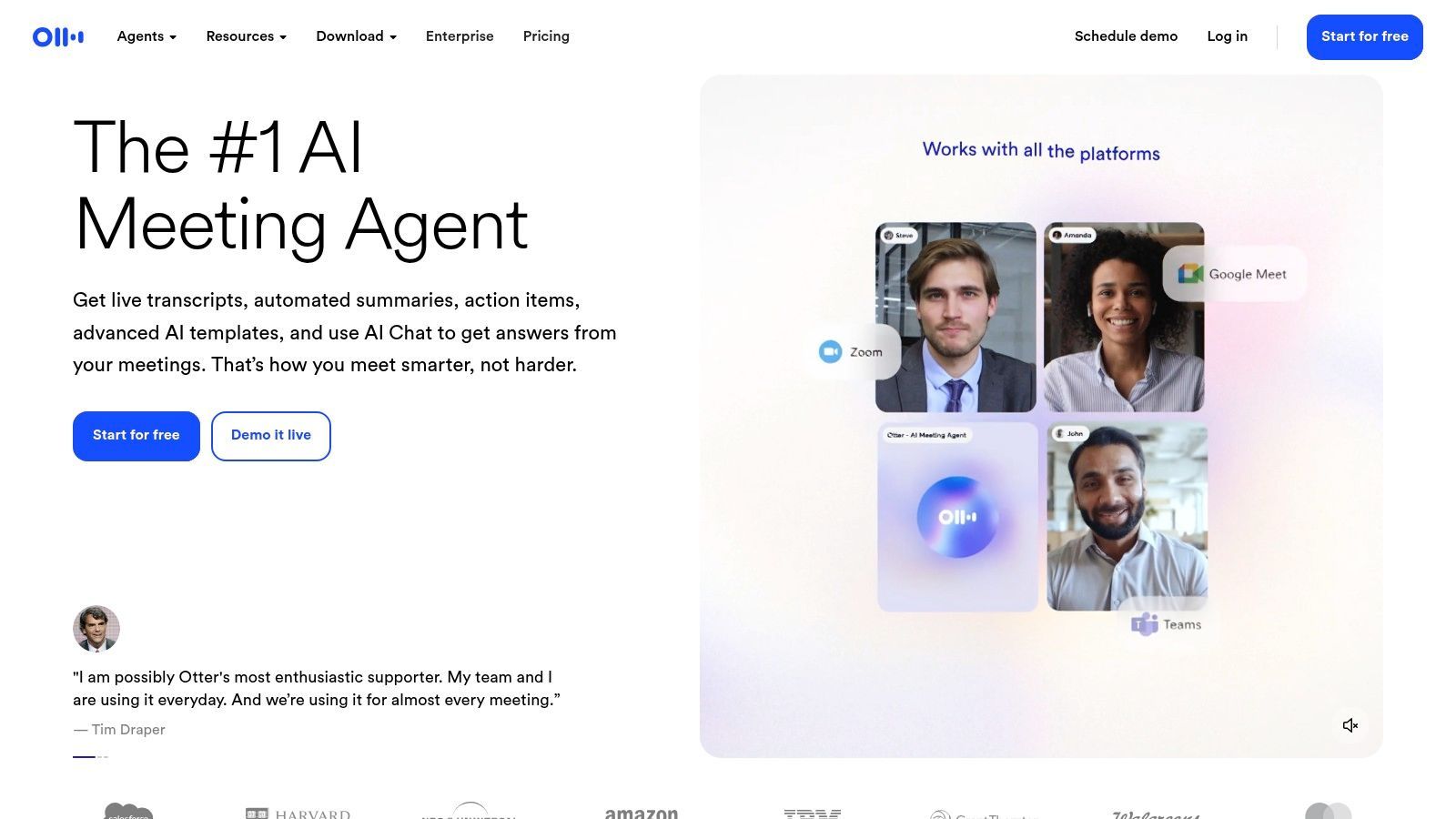
Otter.ai is more than just a tool to convert audio to text online free; it's a full-blown meeting assistant built for professionals, students, and teams. It truly shines at transcribing conversations in real-time, plugging directly into platforms like Zoom, Google Meet, and Microsoft Teams to generate live, shareable notes. Its killer feature is blending transcription with collaborative tools, turning it into a powerful productivity hub.
The platform automatically figures out who's speaking, spits out a summary with key takeaways, and lets you add highlights or comments right in the transcript. This transforms a boring text file into an interactive, searchable record of your conversation. While its main gig is live meetings, you can also upload pre-recorded audio files to get them transcribed.
Key Features and Limitations
Otter.ai's free plan is a great way to start, but it has some clear limits designed to nudge heavy users toward an upgrade.
- Transcription Limit: The free "Basic" plan gives you 300 transcription minutes per month.
- Per-Conversation Limit: Each conversation is capped at 30 minutes on the free plan.
- File Imports: You can only import and transcribe up to 3 audio or video files in total on the free plan.
- Core Features: Includes real-time transcription, AI-generated summaries, and speaker identification.
Who is Otter.ai Best For?
Otter.ai is perfect for individuals and small teams who are constantly in virtual meetings and need an efficient way to capture notes and action items. Students can use it for lectures, and professionals can lean on it to document client calls and team huddles. For those curious about how it stacks up against newer AI models, checking out an analysis of Otter.ai versus newer technologies can be enlightening.
Pros:
- Excellent real-time transcription for meetings.
- Strong collaborative features (highlights, comments).
- AI summaries and speaker identification save a ton of time.
Cons:
- The free plan's limits (300 monthly minutes, 30 minutes per conversation) are pretty restrictive for frequent users.
- The cap on file imports on the free tier is a major drawback.
Website: https://otter.ai
2. Rev (AI and human transcription)
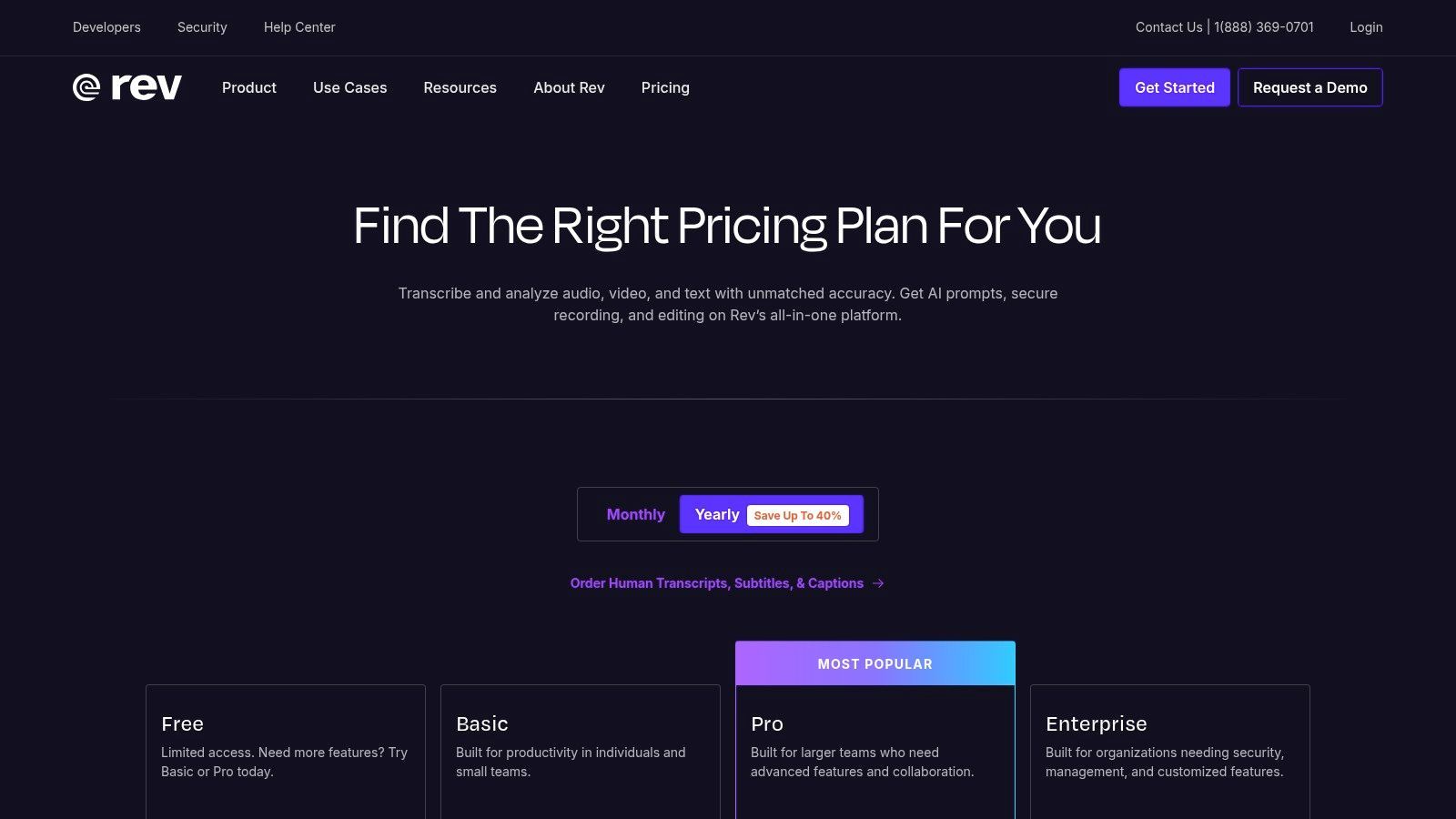
Rev is a heavyweight in the transcription world, famous for its super-accurate human-powered services. But they also offer a powerful automated way to convert audio to text online free with their AI engine. This dual-service model makes Rev a unique hybrid, serving both casual users and professionals with serious compliance needs.
The platform offers a seamless workflow. You can start with a free trial of their AI service and, if you need flawless accuracy for a critical project, easily upgrade to their human transcription. Rev's ecosystem also includes tools for creating captions and subtitles, complete with a web-based editor, making it a solid all-in-one choice for content creators and media producers.
Key Features and Limitations
Rev's free offerings are essentially a gateway to their paid services, giving you a taste of their AI transcription quality before you have to pull out your wallet.
- Transcription Limit: Rev offers a free trial for its AI transcription, which includes a limited number of minutes. After that, it’s a low-cost, pay-as-you-go model.
- Core Features: The AI service supports over 37 languages, provides speaker identification, and offers APIs for automating transcription.
- Human Transcription: While not free, its standout feature is the 99% accuracy human transcription service—a huge step up for professional use.
- Additional Services: They also offer services for captions, subtitles, and global translated subtitles.
Who is Rev Best For?
Rev is a great fit for users who need a reliable and straightforward transcription service with a clear upgrade path. It's perfect for content creators who need captions, businesses needing enterprise-level security, and anyone who might start with a free AI transcript but anticipates needing that guaranteed 99% human accuracy down the road.
Pros:
- Hybrid model offers both fast AI and high-accuracy human transcription.
- Strong support for captions and subtitles with an intuitive editor.
- A long-standing reputation for reliability and compliance.
Cons:
- The "free" part is just a trial, not a recurring plan.
- Human transcription is significantly more expensive than AI-only competitors.
Website: https://www.rev.com/pricing
3. Notta.ai
Notta.ai provides a versatile and user-friendly way to convert audio to text online free, designed for both personal and professional tasks. It works seamlessly across your devices with a web platform, mobile apps, and a nifty Chrome extension for grabbing audio straight from a browser tab. This cross-device sync makes it a fantastic choice for people who need to record on the fly and edit transcripts later at their desk.
The platform handles both live transcriptions from a microphone and uploads of pre-recorded audio or video. Its clean interface makes the whole process a breeze, generating transcripts that identify different speakers and can be exported in various formats. For quick, casual transcription needs, Notta.ai offers an accessible and efficient workflow without a steep learning curve.
Key Features and Limitations
Notta.ai's free plan gives you a decent monthly allowance, but with tight restrictions on the length of each recording to nudge you toward paid plans for bigger jobs.
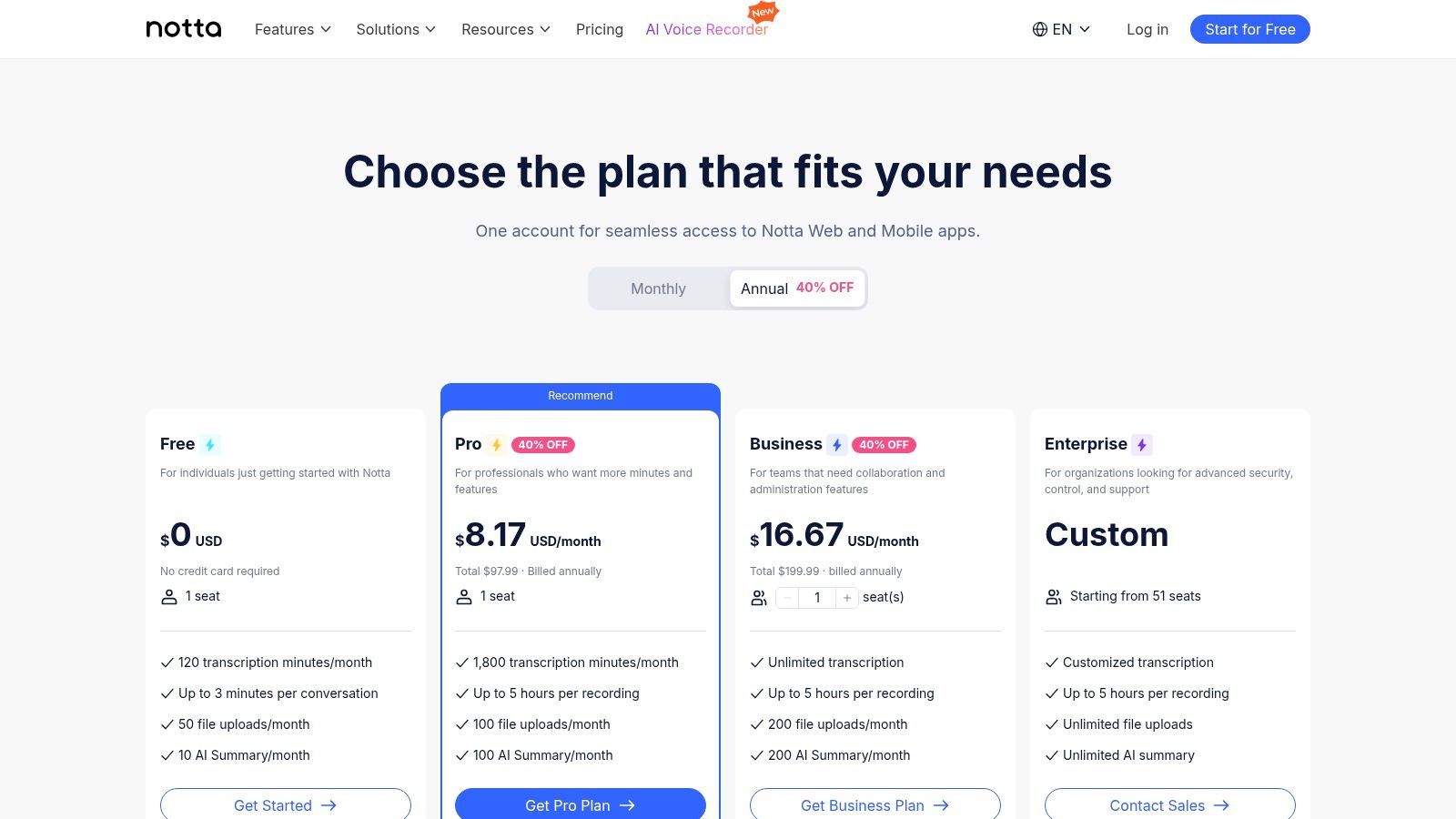
- Transcription Limit: The free "Basic" plan includes 120 transcription minutes per month.
- Per-Conversation Limit: Live transcriptions are capped at 5 minutes per recording, and file uploads are limited to 3 minutes each on the free plan.
- File Imports: You can import common audio and video files, but the monthly minute limit still applies.
- Core Features: Includes real-time transcription, a Chrome extension for web capture, and cross-device sync.
Who is Notta.ai Best For?
Notta.ai is best for individuals who need to capture short audio snippets, voice memos, or brief meeting segments. Its Chrome extension is especially handy for students or professionals wanting to transcribe short YouTube videos or web-based audio. The generous monthly minute count is nice, but the short per-file limits make it a poor choice for transcribing long interviews or full meetings on the free tier.
Pros:
- Generous 120 monthly minutes on the free plan.
- Excellent cross-device functionality with web, mobile, and Chrome extension.
- Simple and intuitive user interface.
Cons:
- Very restrictive per-recording limits (3-5 minutes) on the free plan.
- Advanced features like AI summaries are locked behind the paywall.
Website: https://www.notta.ai/en/pricing
4. Descript
Descript offers a totally unique way to convert audio to text online free by reinventing the entire media editing process. It's an all-in-one audio and video editor where you edit the media by simply editing the auto-generated text transcript. This text-based approach is revolutionary for podcasters, YouTubers, and content creators who want an intuitive way to slice and dice their content as if they were editing a Word doc.
The platform automatically transcribes your files, letting you remove filler words like "um" and "uh" with a single click or fix mistakes by just typing in the text. It also packs in powerful features like multi-track recording, screen recording, and even AI-powered voice cloning. While it’s a great transcription tool, its real magic lies in making that transcript part of the creative workflow.
Key Features and Limitations
Descript’s free plan is a solid introduction to its unique editing magic, but heavy users will hit its limits pretty quickly.
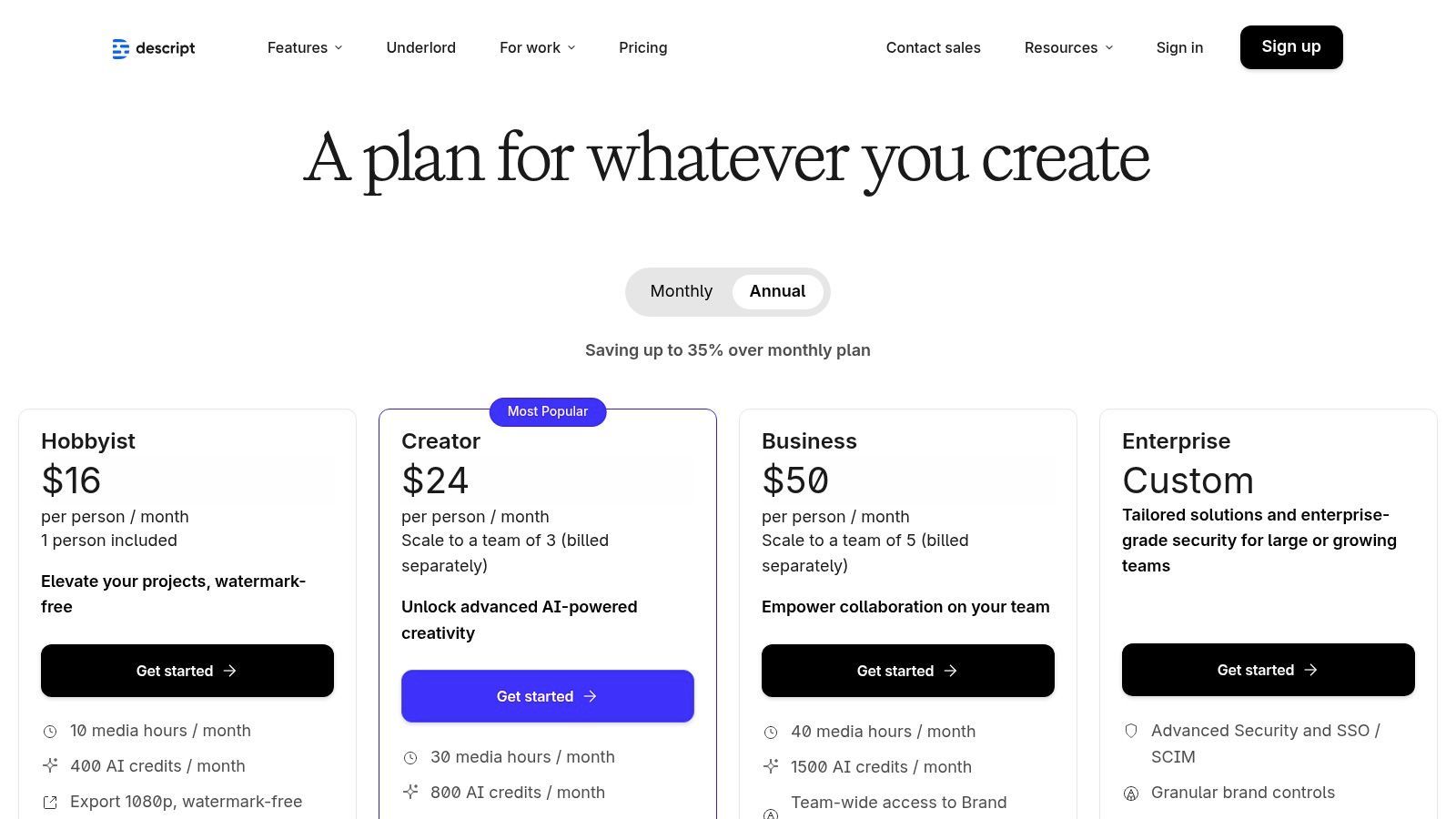
- Transcription Limit: The free plan includes 1 hour of transcription per month.
- File Imports: No specific limit on file imports, but your total usage is capped by the monthly hour limit.
- Watermark: Video exports on the free plan will have a Descript watermark.
- Core Features: Includes automatic transcription, text-based video and audio editing, and screen recording.
Who is Descript Best For?
Descript is the perfect tool for content creators—especially podcasters and video producers—who want a more efficient editing workflow. It makes editing spoken-word content as simple as editing text. For those looking to optimize their process, a content creator's guide to transcription can offer more valuable tips. It’s less suited for users who just need a plain text file without all the editing bells and whistles.
Pros:
- Revolutionary text-based editing for audio and video.
- Excellent for easily zapping filler words and mistakes.
- All-in-one platform for recording, transcribing, and editing.
Cons:
- Can have a bit of a learning curve if you dive into its advanced features.
- The 1-hour monthly limit on the free plan is restrictive for active creators.
Website: https://www.descript.com/pricing
5. Sonix.ai
Sonix.ai is a professional-grade automated transcription service that lets you convert audio to text online free through a generous trial. It's known for its high accuracy, fast turnaround, and a powerful in-browser editor designed for polishing transcripts. This platform is built for people who need precise text for professional, academic, or media projects and want to test the full toolkit before buying.
Its strength is its comprehensive feature set, including automated speaker labeling, timestamping, and support for over 40 languages. The interactive editor allows you to highlight, comment, and export transcripts in various formats, including subtitle files like SRT and VTT. This makes it a top choice for content creators and researchers who need more than just a basic text dump.
Key Features and Limitations
Sonix's free offering is a true trial, giving you full access to its premium features for a limited time to see how it performs.
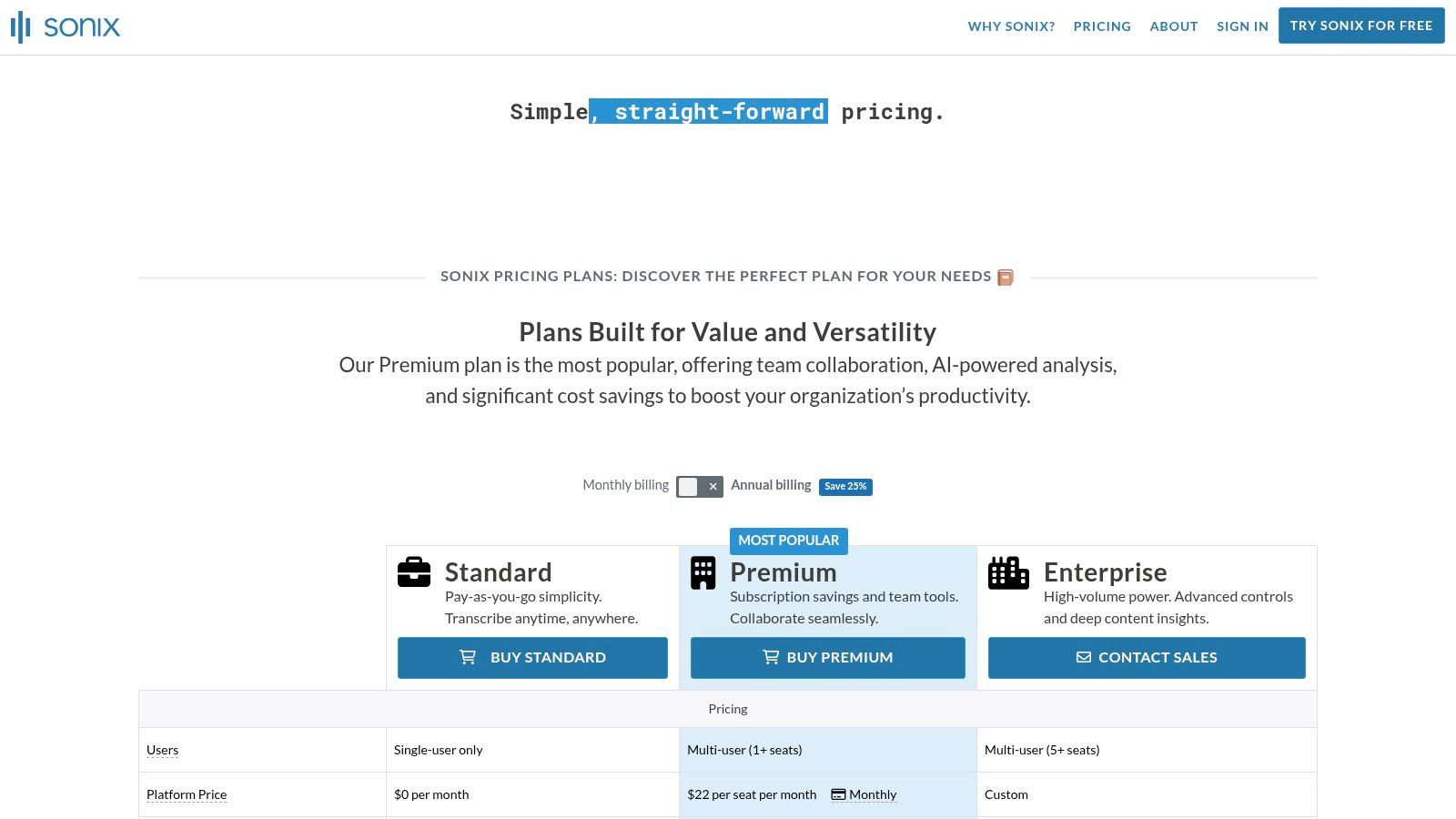
- Transcription Limit: The free trial provides 30 minutes of transcription at no cost.
- Per-Conversation Limit: You can use the trial minutes on one or multiple files until the limit is reached.
- File Imports: Users can upload any supported audio or video files within the 30-minute allowance.
- Core Features: Includes speaker labeling, a collaborative in-browser editor, multi-language support, and various export options.
Who is Sonix.ai Best For?
Sonix.ai is best for professionals, academics, and media producers who need highly accurate transcripts and are willing to pay for quality after trying it out. It’s perfect for one-off projects, like transcribing a crucial interview where you can use the free trial to get the job done. Its robust editor and export options also make it a strong contender for podcasters and video editors.
Pros:
- Generous 30-minute free trial with full feature access.
- Highly accurate transcription across 40+ languages.
- Powerful browser-based editor with collaborative tools.
- No software to install; processes files quickly.
Cons:
- It's a trial, not a permanently free service; you'll need a subscription or pay-as-you-go plan afterward.
- They generally don't offer refunds on purchased credits or plans.
Website: https://sonix.ai/pricing
6. Happy Scribe
Happy Scribe is a robust transcription and subtitling platform known for its accuracy and user-friendly editor. While not a fully free service, it offers a trial that lets you convert audio to text online free to test its capabilities. The platform is particularly strong for content creators and professionals who need high-quality transcripts or subtitles and appreciate a smooth workflow, offering both AI-powered and human-perfected transcription services.
Its standout features are geared towards post-production and content accessibility. Happy Scribe provides a collaborative editor that links the audio directly to the text, making corrections simple and intuitive. It also supports numerous export formats tailored for subtitling (like SRT and VTT) and integrates with platforms such as YouTube and Google Drive, streamlining the process of adding captions to videos or sharing transcripts with a team.
Key Features and Limitations
Happy Scribe's free offering is a trial, designed to showcase its premium features before committing to its flexible pay-as-you-go or subscription plans.
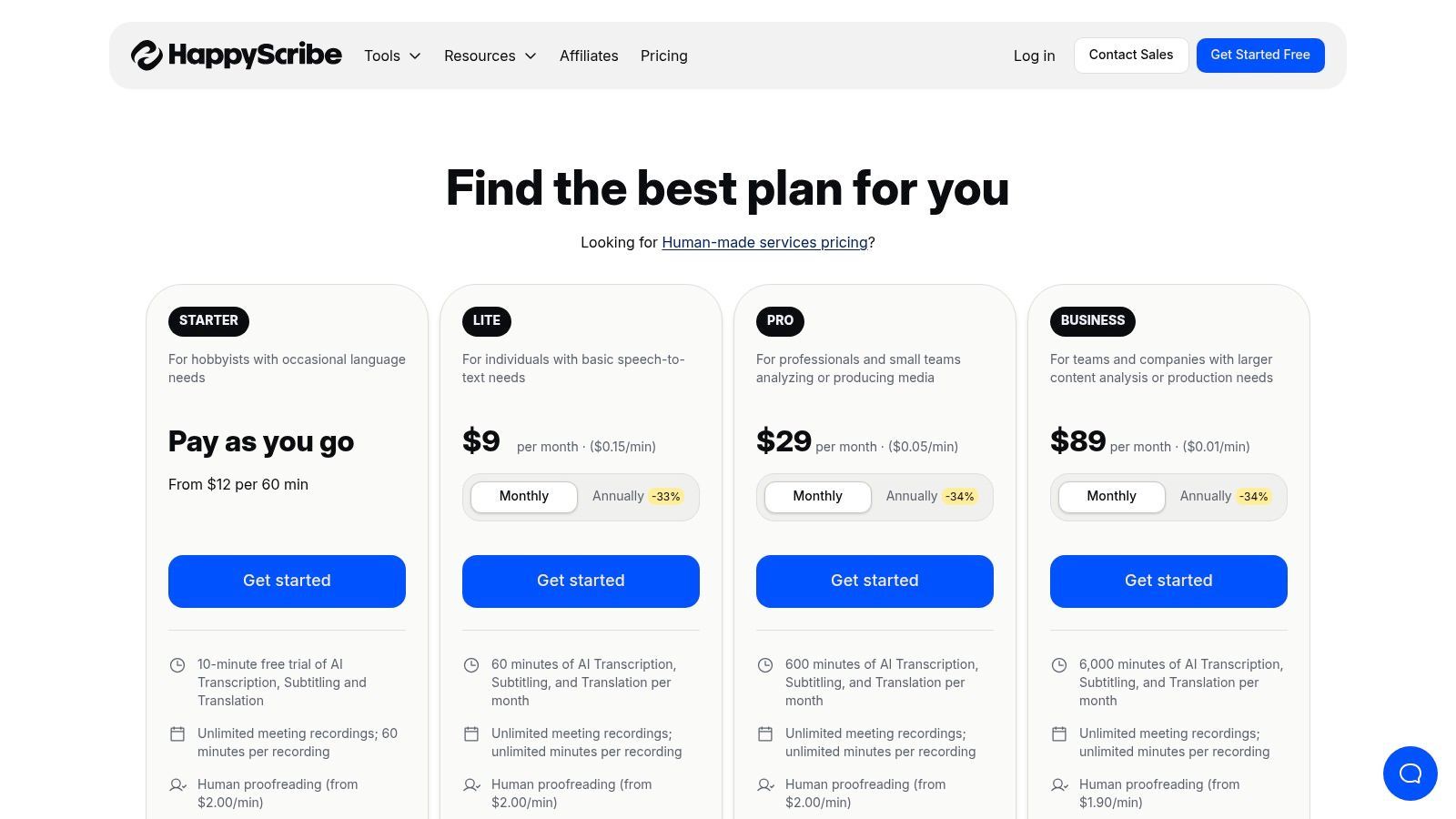
- Transcription Limit: The free trial typically includes a few minutes of transcription to test the service.
- Per-Conversation Limit: The trial has a short duration limit per file.
- File Imports: Users can upload a limited number of files during the trial period.
- Core Features: Includes AI transcription, a powerful interactive editor, speaker identification, and multiple export formats. Human proofreading is a paid add-on.
Who is Happy Scribe Best For?
Happy Scribe is ideal for podcasters, video creators, journalists, and researchers who require highly accurate transcripts and subtitles. Its specialized tools for captioning make it a top choice for anyone focused on video accessibility. The transparent pay-as-you-go pricing model is also great for individuals or businesses with occasional transcription needs who want quality without a monthly commitment.
Pros:
- Excellent for creating subtitles and captions.
- Interactive editor makes proofreading efficient.
- Strong integration with cloud storage and video platforms.
Cons:
- The free usage is a very brief trial, not a recurring monthly plan.
- Core services are paid, operating on a per-minute basis.
Website: https://www.happyscribe.com
7. Kapwing (Auto-Subtitle Generator)
Kapwing is a powerful online video editor designed with social media creators in mind, making it an excellent tool to convert audio to text online free as part of a content creation workflow. While its primary function is video editing, its auto-subtitle generator is remarkably fast and accurate, allowing users to quickly produce transcripts or burn subtitles directly onto their videos. This integration of transcription and editing is its key differentiator, streamlining the process for creators.
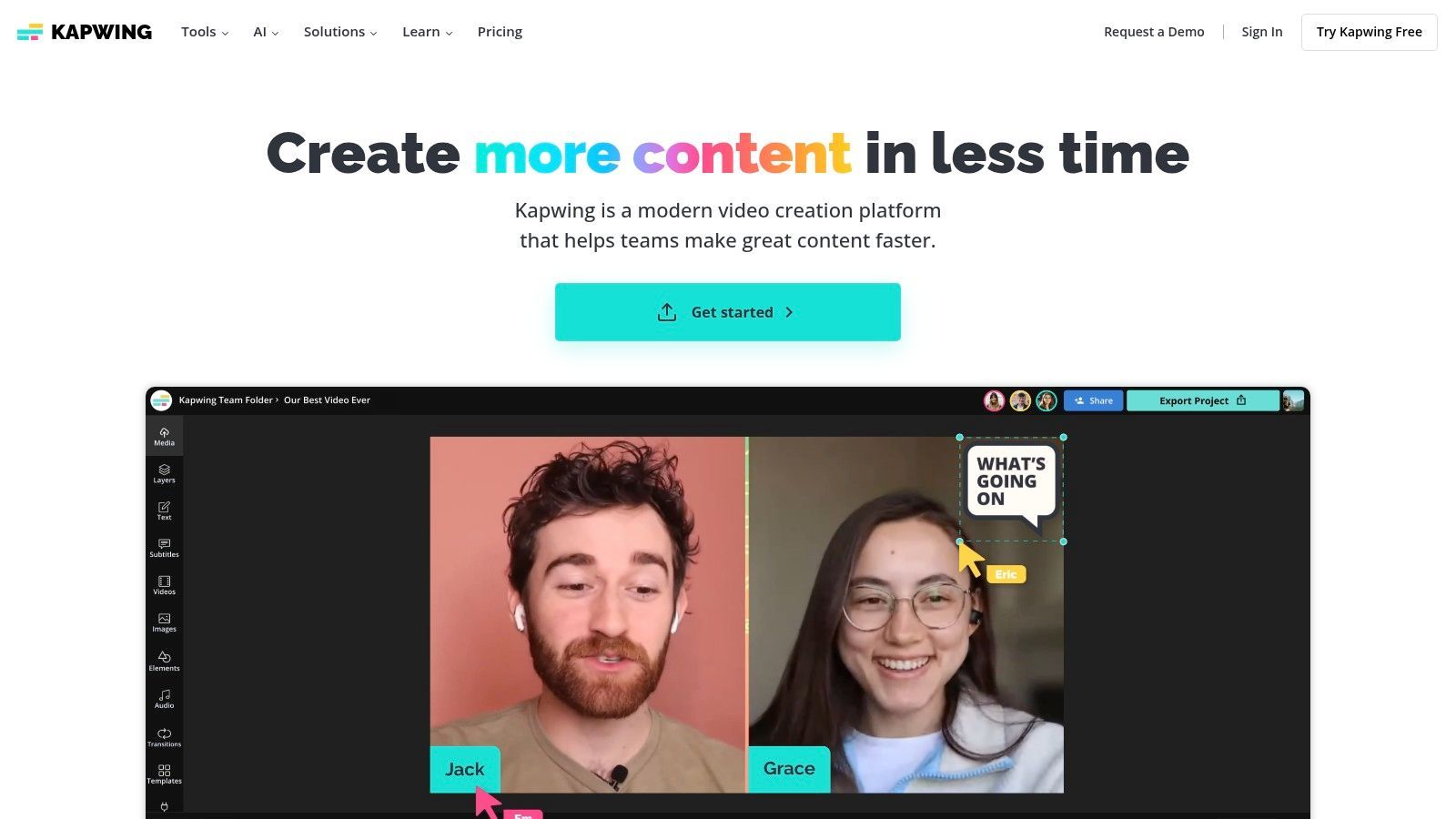
The platform allows you to upload a video or audio file, and its AI will generate a transcript that you can edit directly on the timeline. You can then download the text as an SRT, VTT, or plain text file, or customize the appearance of the subtitles and export the final video. This makes it a one-stop shop for producing accessible and engaging short-form content.
Key Features and Limitations
Kapwing's free plan provides access to its core transcription tools but includes limitations to encourage upgrading for professional use.
- Transcription Limit: The free plan offers 10 minutes of transcription per month.
- Export Quality: Free users can export videos up to 720p resolution with a Kapwing watermark.
- File Uploads: You can upload files up to 250 MB.
- Core Features: Includes automatic transcription, subtitle customization, and access to a full suite of video editing tools. This is particularly useful for creating comprehensive video transcription subtitles.
Who is Kapwing Best For?
Kapwing is the perfect tool for social media managers, content creators, and marketers who need to quickly add subtitles to short videos for platforms like TikTok, Instagram Reels, and YouTube Shorts. Its user-friendly interface makes it accessible even for those with no video editing experience.
Pros:
- Excellent for generating and burning in subtitles quickly.
- Combines transcription with a full-featured video editor.
- User-friendly interface ideal for beginners.
Cons:
- Free exports include a watermark.
- The 10-minute monthly transcription limit is very restrictive for regular creators.
Website: https://www.kapwing.com
8. VEED.IO (Auto subtitles/captions)
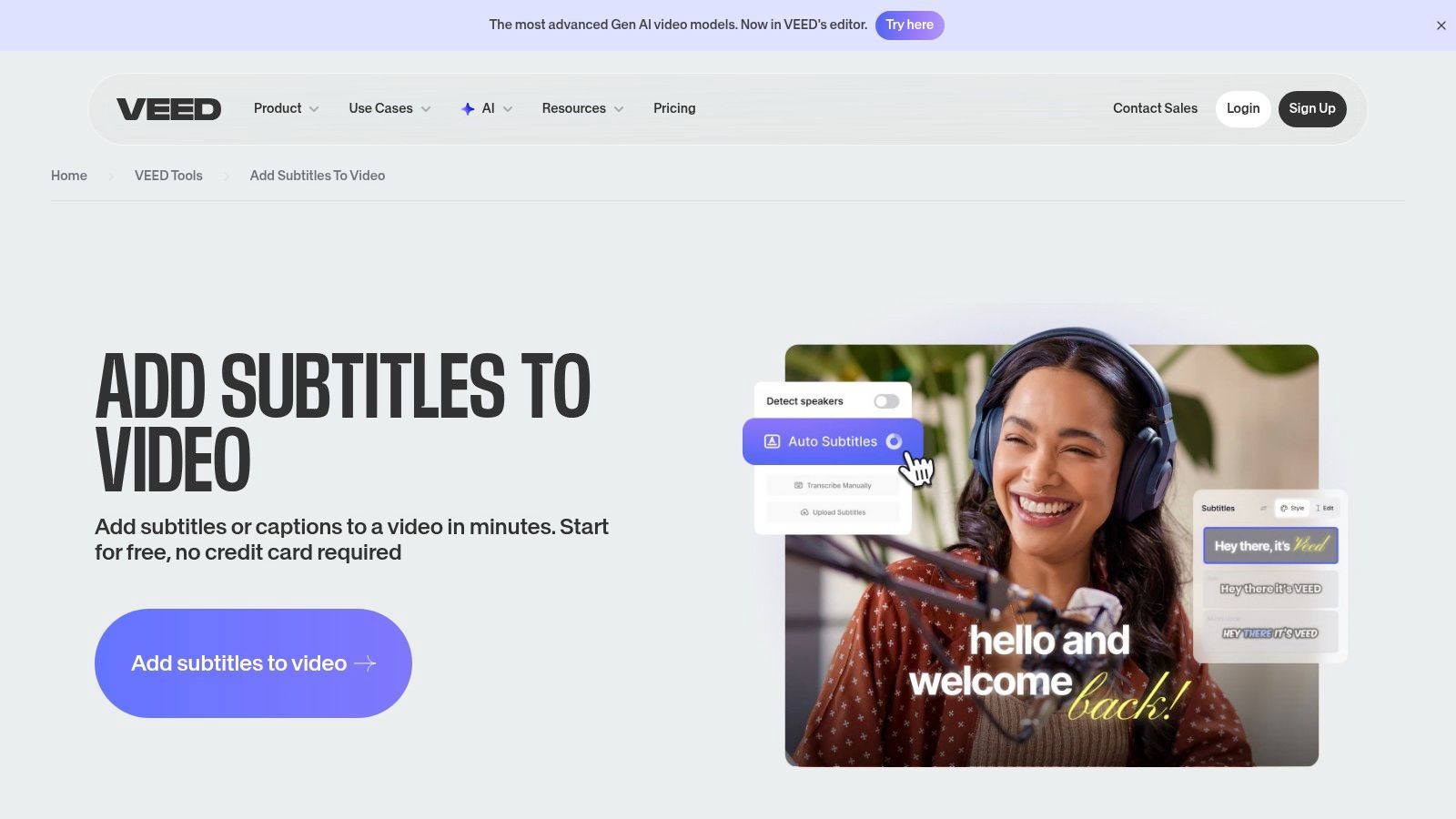
VEED.IO is a powerful online video editor that makes it incredibly easy to convert audio to text online free as part of a content creation workflow. Primarily designed for generating subtitles and captions, it streamlines the process of transcribing video or audio files and overlaying them directly onto your project. Its standout feature is the combination of transcription with a full suite of video editing and styling tools, making it a one-stop shop for social media creators, marketers, and educators.
The platform automatically generates a transcript, which you can then edit for accuracy. From there, you can export the text as an SRT, VTT, or TXT file or "burn" the captions directly into your video with customizable fonts, colors, and animations. This integrated approach saves significant time compared to using separate tools for transcription and video editing. For creators who manage channels, automating uploads after captioning is key; understanding the technical side by mastering the YouTube Upload API can further optimize this workflow.
Key Features and Limitations
VEED.IO's free plan provides access to its core functionality but includes watermarks and limitations to encourage upgrading.
- Transcription Limit: The free plan offers a limited amount of auto-transcription minutes, which can be used up quickly.
- Export Options: Free users can export videos with a VEED.IO watermark. Exporting clean SRT/VTT/TXT files is a key feature.
- File Uploads: Supports common video and audio formats, but the free plan has limits on file size and project length.
- Core Features: Includes auto-subtitling in over 100 languages, caption styling and animation, and basic video editing tools.
Who is VEED.IO Best For?
VEED.IO is perfect for content creators, social media managers, and educators who need to quickly add accurate, stylish captions to their videos. Its intuitive interface is ideal for those who want an all-in-one tool without the steep learning curve of professional video editing software. It excels at producing short-form content for platforms like Instagram, TikTok, and YouTube Shorts.
Pros:
- Excellent, integrated workflow for transcribing and adding subtitles.
- Strong caption styling and animation options.
- Supports over 100 languages for transcription.
Cons:
- Free plan exports are watermarked.
- Transcription limits on the free tier are restrictive for high-volume creators.
Website: https://www.veed.io/tools/add-subtitles
9. AssemblyAI
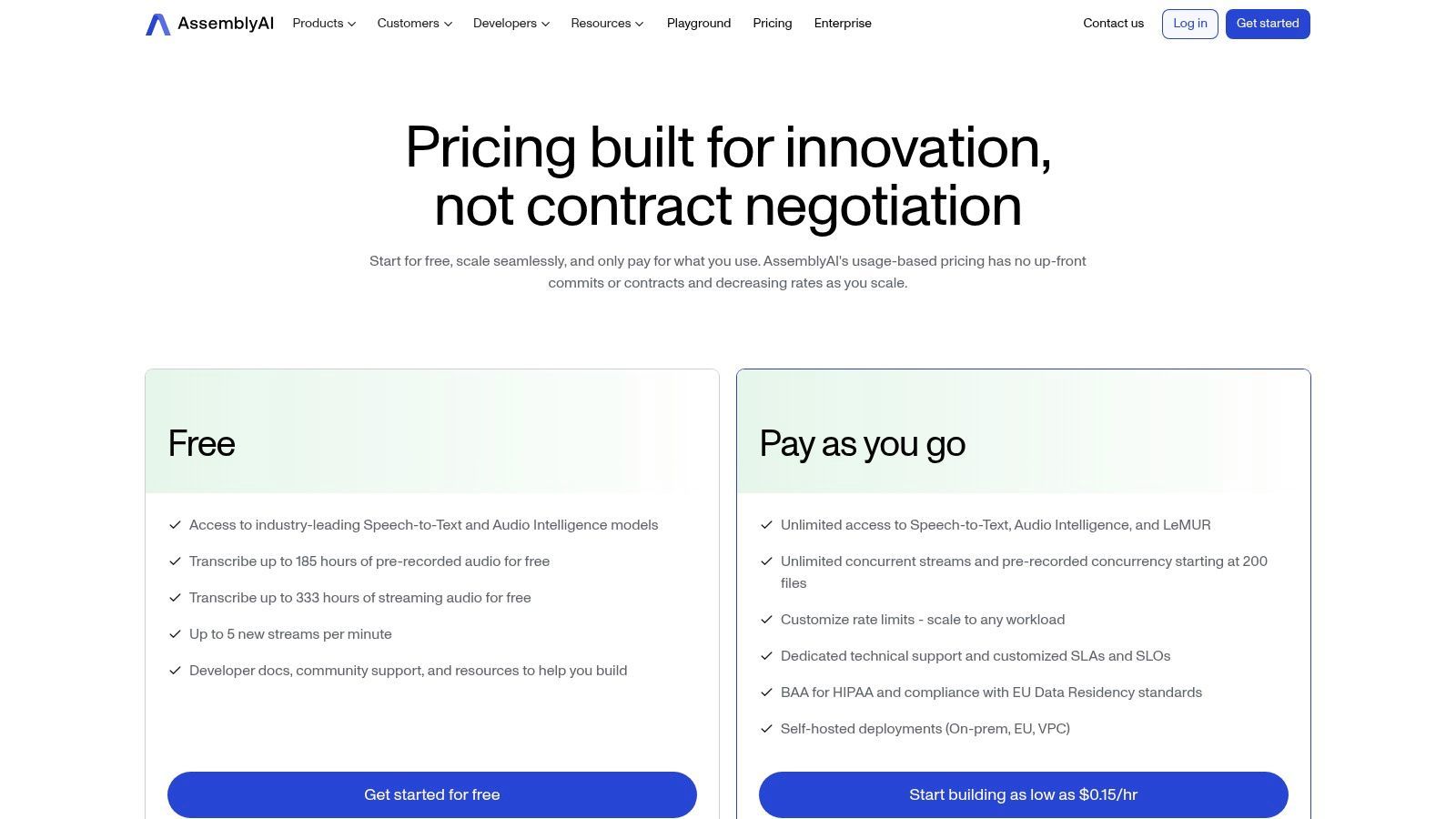
AssemblyAI is a developer-focused platform designed for building applications with speech-to-text capabilities, but it offers a generous free tier that makes it an excellent tool to convert audio to text online free. Unlike simple web-based converters, AssemblyAI is an API-first service, providing powerful features like speaker diarization, PII redaction, and topic detection. This makes it ideal for technical users, developers, or anyone needing high-accuracy transcription for bulk processing or integration projects.
The platform provides a user-friendly dashboard where you can test the API by uploading files directly, making it accessible even if you don't want to write code immediately. Its strength lies in its production-ready accuracy and advanced AI models that go beyond basic transcription, offering deeper insights into your audio content.
Key Features and Limitations
AssemblyAI's free plan is structured around a credit system, providing a substantial amount of transcription to allow for thorough testing and development.
- Transcription Limit: The free plan includes several hours of transcription credits per month, which is more than enough for small projects or evaluation.
- File Imports: No hard limit on the number of files; usage is based on the total audio duration processed.
- Advanced Features: Free access to core models including asynchronous transcription, real-time streaming, speaker labels, and PII redaction.
- Core Features: Includes high-accuracy transcription, a developer dashboard for testing, and comprehensive API documentation.
Who is AssemblyAI Best For?
AssemblyAI is best for developers, tech-savvy users, and businesses looking to integrate powerful speech-to-text functionality into their own products or workflows. It's a great choice for those who need to process large batches of audio files programmatically or require advanced features not found in typical no-code tools. For a deeper dive into its capabilities, you can explore guides about AI audio transcription.
Pros:
- Generous free credits are perfect for testing real-world applications.
- High-accuracy models with advanced features like PII redaction.
- Simple REST API workflow and excellent documentation.
Cons:
- Primarily aimed at technical users; not a simple no-code editor.
- Requires using a dashboard or programmatic uploads, lacking a drag-and-drop web interface for casual users.
Website: https://www.assemblyai.com/pricing/
10. Amazon Transcribe (AWS)
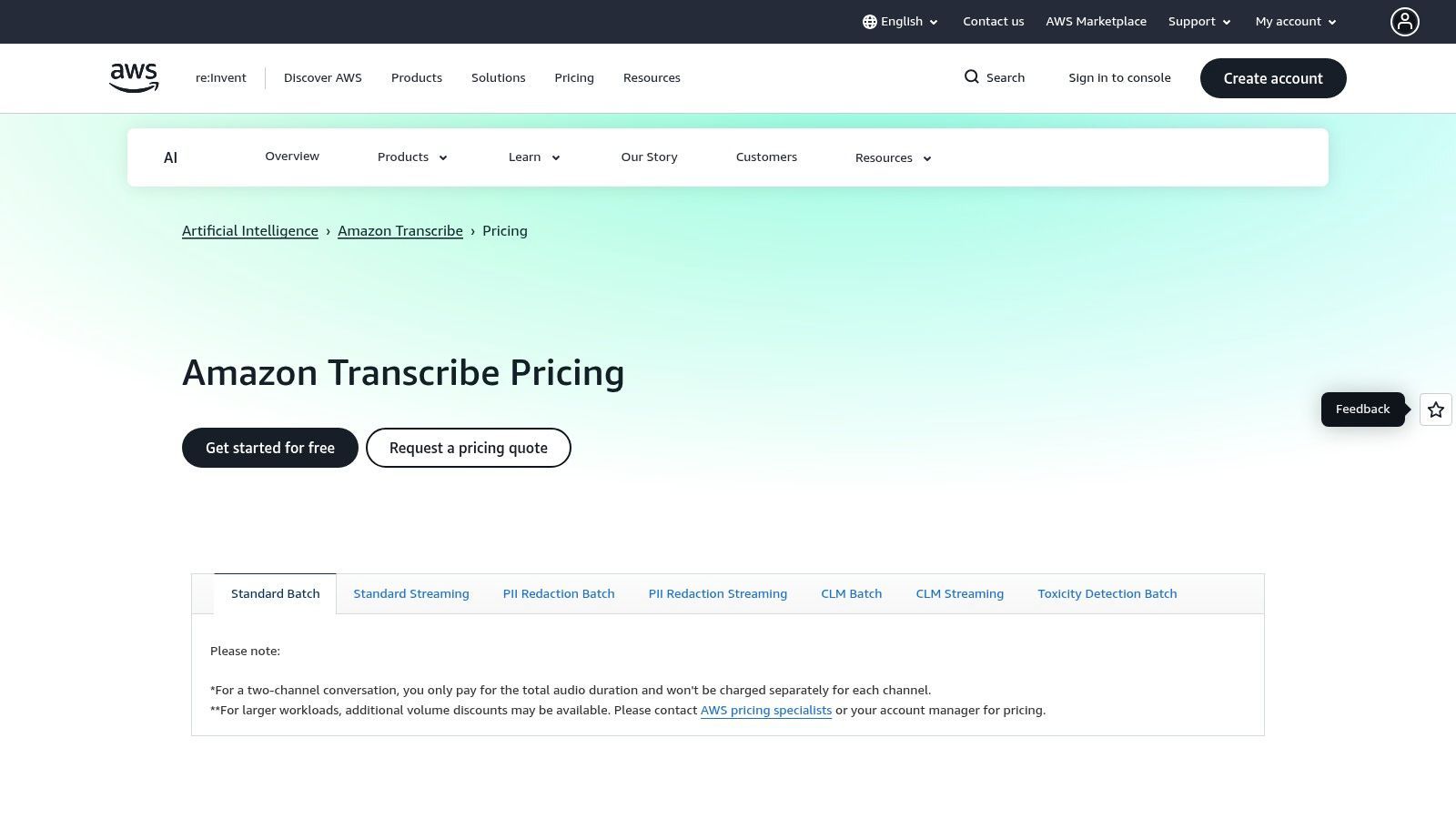
Amazon Transcribe is a powerful, enterprise-grade service within the Amazon Web Services (AWS) ecosystem designed to convert audio to text online free under its generous Free Tier. It's not a simple web tool but a fully managed service that offers unparalleled scalability, accuracy, and advanced features for developers and businesses. Its key differentiator is its integration with the broader AWS platform and its focus on enterprise needs like security and compliance.
The service supports both batch processing for pre-recorded files and real-time streaming transcription. It stands out with features like custom vocabularies to recognize specific terminologies, automatic PII (Personally Identifiable Information) redaction, and channel diarization to separate speakers in multi-channel audio. This makes it highly suitable for complex, high-stakes transcription tasks where precision and data security are paramount.
Key Features and Limitations
Amazon Transcribe's Free Tier is an excellent way for users to test its enterprise capabilities without initial investment.
- Transcription Limit: The AWS Free Tier includes 60 minutes of Amazon Transcribe per month for the first 12 months.
- Per-Conversation Limit: No specific per-conversation limit within the monthly allotment.
- File Imports: Users can process multiple files as long as they stay within the 60-minute monthly cap.
- Core Features: Includes speaker identification (diarization), custom vocabulary support, and real-time streaming.
Who is Amazon Transcribe (AWS) Best For?
Amazon Transcribe is best for developers, businesses, and organizations that need a scalable, API-driven transcription solution integrated into their applications or workflows. It's ideal for call center analytics, media content processing, and clinical documentation, especially for users already familiar with the AWS environment. Beginners might find the AWS console's learning curve steep compared to simpler drag-and-drop tools.
Pros:
- Generous Free Tier for the first year (60 minutes/month).
- Powerful features like PII redaction and custom vocabularies.
- Highly scalable and integrates seamlessly with other AWS services.
Cons:
- The AWS management console can be complex and intimidating for new users.
- Pay-as-you-go pricing after the Free Tier can be complicated to predict.
Website: https://aws.amazon.com/transcribe/pricing/
11. Microsoft Azure AI Speech to Text
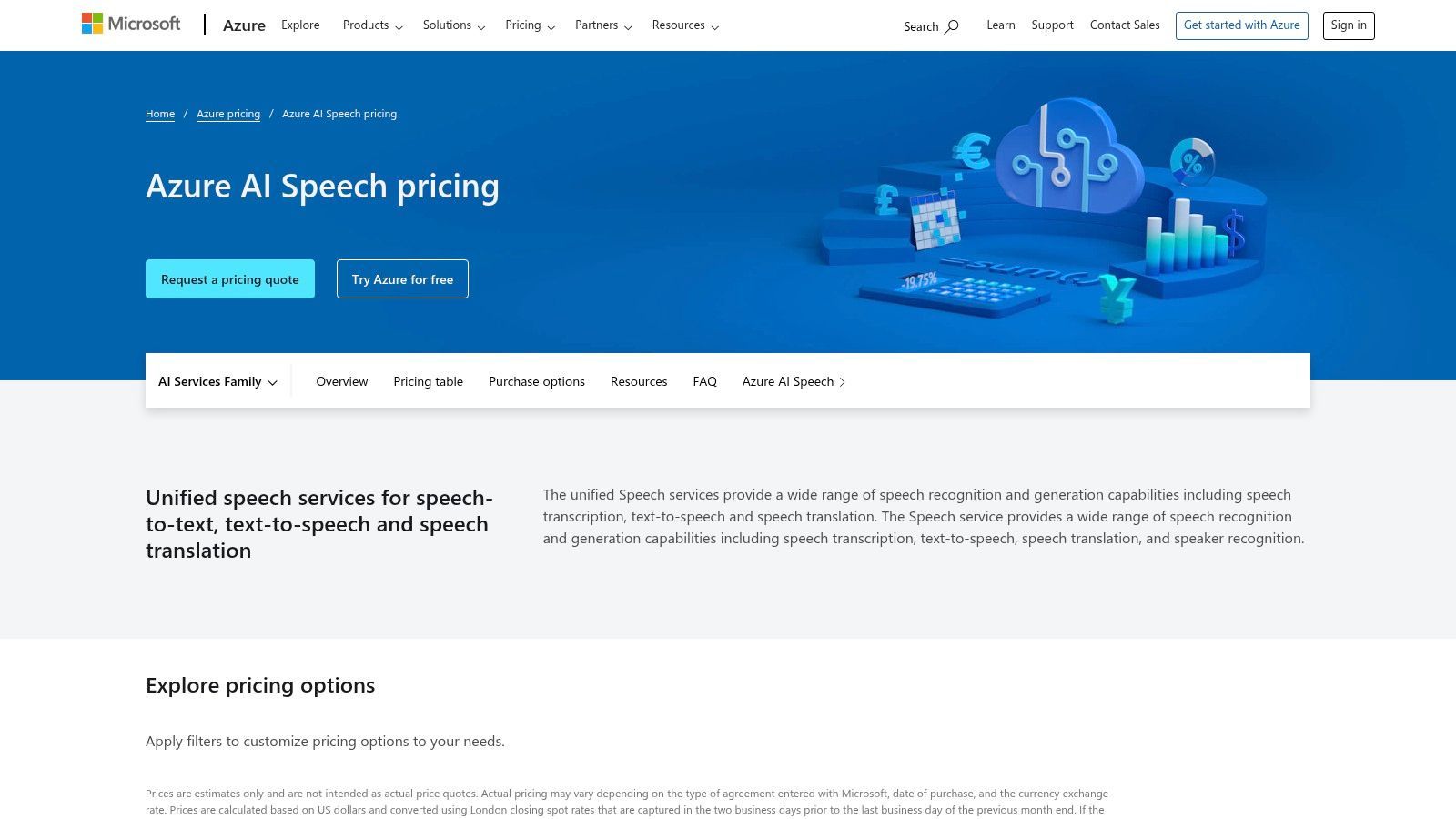
Microsoft Azure AI Speech to Text is an enterprise-grade service that offers powerful tools to convert audio to text online free through its generous introductory tier. While geared towards developers and businesses, its capabilities, including robust speaker diarization, language identification, and model customization, are accessible for testing and small projects without charge. This makes it a compelling option for users who need high accuracy and advanced features and are comfortable navigating a more technical, cloud-based platform.
The service provides both real-time and batch transcription through its APIs and SDKs, giving users flexibility in how they process audio. Unlike simpler web-based converters, Azure allows for deep customization, enabling you to train the model on specific vocabularies or acoustic environments for superior accuracy in specialized fields like legal or medical transcription.
Key Features and Limitations
Azure’s free tier (F0) is designed to let users explore its powerful features before committing to a paid plan.
- Transcription Limit: The "Free" tier includes 5 audio hours per month for standard transcription and 1 audio hour for custom models.
- Real-Time Limit: Offers 5 audio hours per month for real-time speech-to-text.
- Concurrent Requests: Limited to 1 concurrent request on the free plan.
- Core Features: Includes speaker diarization, language identification, rich SDKs, and global region support.
Who is Microsoft Azure AI Speech to Text Best For?
This service is best suited for developers, startups, and technical users who want to integrate a powerful transcription engine into their applications or workflows. It is also an excellent choice for businesses needing to test enterprise-level features like model customization for specific industry jargon before scaling up. Those looking for a simple, no-signup tool may find the Azure setup process too complex for casual use.
Pros:
- Generous always-free monthly quota (5 hours) for testing.
- Exceptional accuracy and advanced enterprise features like diarization.
- Highly customizable models for specific use cases.
Cons:
- The Azure setup and billing configuration can be complex for non-technical users.
- Primarily geared toward developers and enterprise customers, not casual one-off transcriptions.
Website: https://azure.microsoft.com/pricing/details/cognitive-services/speech-services/
12. Google Docs Voice Typing
Google Docs Voice Typing is a surprisingly powerful and accessible way to convert audio to text online free, built directly into Google's word processor. Instead of a dedicated transcription platform, it’s a dictation feature that types out what it hears through your computer's microphone. This makes it an incredibly convenient tool for drafting documents, taking quick notes, or transcribing short audio clips without ever leaving your document.
Its primary advantage is its seamless integration and simplicity. There’s no software to install or account to create beyond a standard Google account. To use it for a pre-recorded file, you simply play the audio near your microphone and watch the text appear in your document. While it lacks file upload capabilities, its real-time accuracy and support for numerous languages make it a go-to for simple, on-the-fly transcription tasks.
Key Features and Limitations
As a free, integrated feature, Google Docs Voice Typing is straightforward but lacks the advanced tools of specialized services.
- Transcription Limit: There are no hard-published limits on usage, making it effectively unlimited for dictation.
- Per-Conversation Limit: Sessions may time out after a period of inactivity, but there are no fixed time caps per session.
- File Imports: Does not support direct audio or video file uploads. You must play the audio source into your computer's microphone.
- Core Features: Includes real-time dictation, support for over 100 languages and dialects, and basic voice commands for formatting and punctuation.
Who is Google Docs Voice Typing Best For?
Google Docs Voice Typing is ideal for users who need to quickly dictate notes, write first drafts of emails or articles, or transcribe short, clear audio without needing advanced features like speaker identification. It’s perfect for students capturing lecture notes or writers looking to overcome writer's block by speaking their thoughts. Anyone needing a simple, no-cost dictation tool will find it incredibly useful. To understand how this type of tool fits into the broader landscape, you can learn more about the different types of audio to text converters.
Pros:
- Completely free and built into a widely used platform.
- Excellent accuracy for clear, single-speaker dictation.
- Supports an extensive list of languages.
Cons:
- No ability to upload audio files directly; requires a "playback-to-mic" workaround.
- Not suitable for multi-speaker conversations as it cannot differentiate speakers.
- Dependent on the Google Chrome browser on a desktop.
Website: https://docs.google.com
Top 12 Free Online Audio-to-Text Tools Comparison
| Service | Core features | Quality & UX (rating) | Price & Value | Best for 👥 | Unique selling point ✨/🏆 |
|---|---|---|---|---|---|
| Otter.ai | Real-time meeting STT; AI summaries; speaker ID; web & mobile | ★★★★☆ — reliable meeting capture & sync | 💰 Freemium (minute caps on free) | 👥 Teams & meeting note-takers | ✨ Live meeting integrations; collaborative notes |
| Rev (AI & Human) | AI + premium human transcription; captions & API | ★★★★☆ — human = top accuracy | 💰 Pay-as-you-go; higher cost for human | 👥 Media teams & compliance workflows | 🏆 Human transcription option; enterprise compliance |
| Notta.ai | File + live transcription; Chrome extension; speaker ID | ★★★☆☆ — easy casual capture | 💰 Truly free tier (monthly minutes); paid upgrades | 👥 Students & casual users | ✨ Fast Chrome capture & cross-device sync |
| Descript | Auto-transcribe; text-based audio/video editing; multi-track | ★★★★☆ — creator-focused UX | 💰 Freemium (media minutes); paid tiers | 👥 Podcasters & content creators | 🏆 Edit audio/video by editing text |
| Sonix.ai | Fast AI STT; editor with comments; subtitle export | ★★★★☆ — quick, accurate processing | 💰 30‑min free trial → subscription/credits | 👥 Freelancers & one-off projects | ✨ True trial to evaluate accuracy |
| Happy Scribe | AI transcription, subtitling, translations; integrations | ★★★★☆ — solid subtitle workflows | 💰 Pay-as-you-go; add human proofreading | 👥 Subtitle & localization teams | ✨ Strong integrations (YouTube, Drive, Box) |
| Kapwing | Auto-subtitles; basic editing & templates; team tools | ★★★☆☆ — fast for short-form video | 💰 Budget-friendly; free exports may watermark | 👥 Short-form social creators | ✨ Rapid burn-in captions & templates |
| VEED.IO | Auto-captions in 100+ languages; styling & brand kits | ★★★☆☆ — quick upload→export flow | 💰 Free limited plan; paid for styling/credits | 👥 Educators & short video creators | ✨ Caption styling & animation tools |
| AssemblyAI | Dev-friendly STT API; diarization; PII redaction; summaries | ★★★★☆ — robust for production use | 💰 Generous free credits; pay-as-you-go | 👥 Developers & bulk processors | 🏆 Rich API features (redaction, topics) |
| Amazon Transcribe (AWS) | Batch & streaming STT; custom vocab; HIPAA variants | ★★★★☆ — scalable, enterprise-ready | 💰 Pay-as-you-go; Free Tier (60 min/12 mo) | 👥 Enterprises & compliance-focused teams | 🏆 Deep AWS ecosystem integration |
| Microsoft Azure Speech | Real-time & batch STT; model customization; SDKs | ★★★★☆ — strong enterprise tooling | 💰 Free F0 quota; paid tiers | 👥 Enterprise & technical teams | 🏆 Customizable models & global SDKs |
| Google Docs Voice Typing | In‑doc voice typing & commands (Chrome desktop) | ★★★☆☆ — good for clear speech notes | 💰 Free | 👥 Individuals for quick dictation | ✨ Instant, no‑install voice typing in Docs |
Beyond Free: When to Upgrade to a Professional Tool
Throughout this guide, we've explored a powerful array of tools to convert audio to text online free. From the real-time transcription of Otter.ai to the creative workflows of Descript, the landscape of free transcription is richer than ever. These platforms are an incredible starting point for students, solo creators, and professionals with occasional, straightforward needs.
The key takeaway is that "free" is a fantastic entry point, but it almost always comes with a trade-off. For many, the generous free tiers provide more than enough runway for transcribing a short interview or generating captions for a social media video. The convenience of simply uploading a file and getting text back in minutes is a massive productivity boost.
However, our deep dive also highlights the hard limits of these free plans. Most commonly, you'll hit time caps (like monthly minutes) that can be eaten up by a single long meeting. You'll also find key features—like better speaker identification, custom vocabulary, and collaborative tools—locked behind a paywall.
Navigating the Tipping Point: From Free to Paid
The decision to upgrade from a free tool to a paid one isn't just about needing more minutes; it's about reaching a new level of professional requirement. You've hit this tipping point when the time you spend manually correcting transcripts costs you more than a subscription would.
Ask yourself these questions to know if it's time to invest:
- Is Your Audio Complex? Free tools love clear, single-speaker audio in a quiet room. But if you're dealing with multiple speakers talking over each other, strong accents, background noise, or technical jargon (medical, legal, etc.), the accuracy of free models will drop off a cliff. Professional services are trained on much bigger, messier datasets and handle complexity with far greater precision.
- Is Accuracy Non-Negotiable? For a podcaster turning an episode into a blog post, 90% accuracy might be fine. For a legal team documenting a deposition, that 10% error rate is a huge liability. When precision is everything, paying for a tool known for its accuracy is a must.
- Are Security and Privacy a Priority? Handling sensitive client info, confidential meetings, or private research on a free platform can be risky. Paid, enterprise-grade services offer robust security, data encryption, and clear privacy policies, giving you the peace of mind you need for confidential material.
- Do You Need to Work at Scale? If transcription is a core part of your workflow, you need a solution built for volume. Paid tools offer API access to automate everything, team collaboration features, and batch processing that free services just can't match. This shifts transcription from a manual chore to a seamless part of your operation.
Ultimately, the right tool is the one that fits your specific needs. Start with the powerful free options we've detailed here to get a feel for what you require. When your projects get more demanding and your time more valuable, view the move to a professional service not as an expense, but as a smart investment in accuracy, efficiency, and security.
For teams and professionals who have outgrown the limitations of free tools and require uncompromising accuracy, WhisperAI offers a state-of-the-art, enterprise-grade solution. Built on OpenAI's advanced transcription technology, it delivers near-human precision for even the most challenging audio files. Explore how WhisperAI can elevate your professional transcription workflow today.