Closed Caption vs Subtitles: Which One Is Right for Your Content?
Confused about closed caption vs subtitles? Learn the key differences, accessibility rules, and how to choose the right one to boost your video's reach and SEO.
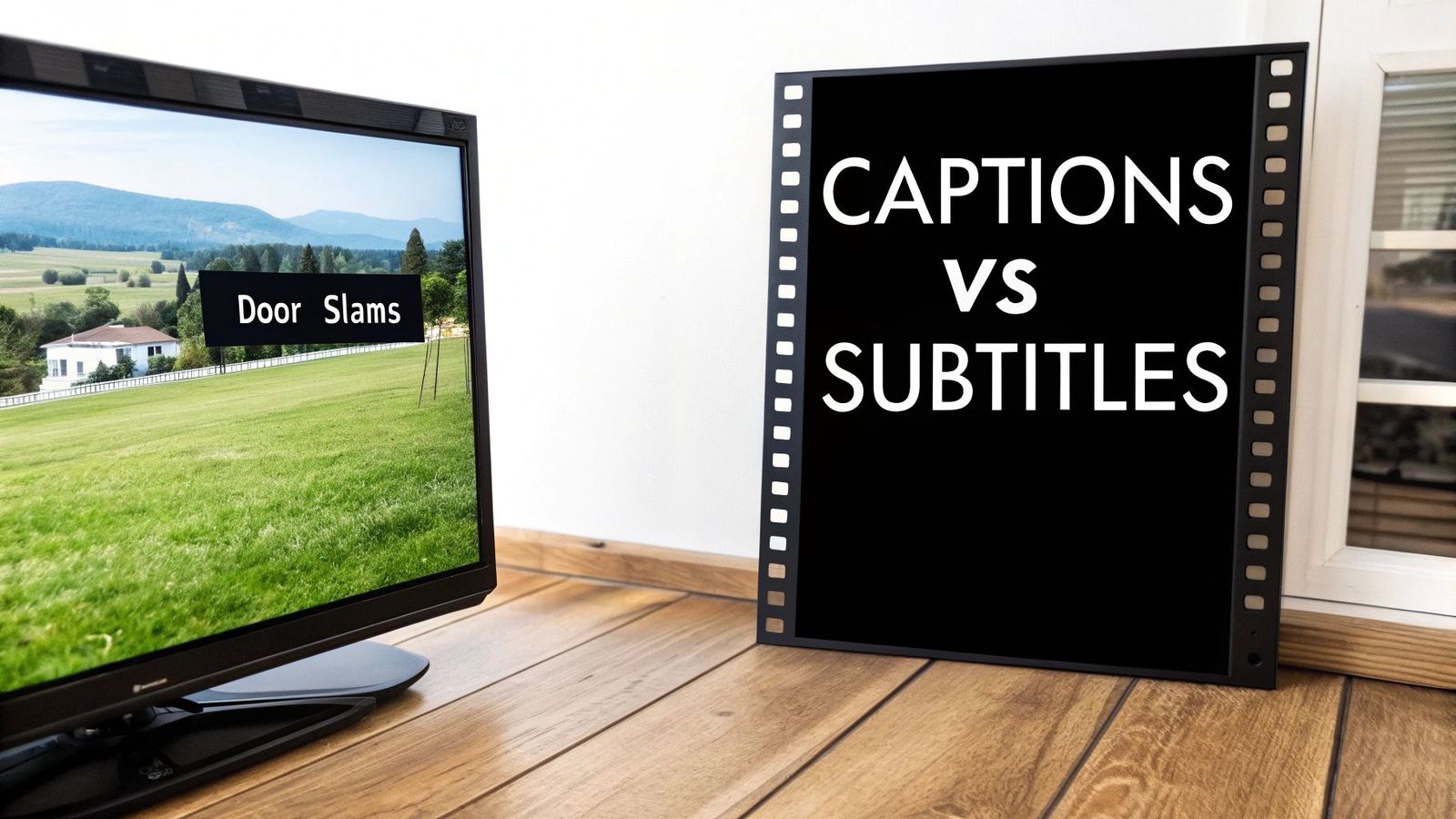
tl;dr: Here’s the bottom line: closed captions are for accessibility. They assume the viewer can't hear and include dialogue plus crucial non-speech sounds like [door slams]. In contrast, subtitles are for translation. They assume the viewer can hear just fine but doesn't understand the language, so they only show dialogue.
Understanding The Core Differences
When you get down to it, the difference between closed captions and subtitles boils down to one thing: intent. Captions were first developed back in the 1970s with a very specific audience in mind—viewers who are deaf or hard of hearing. The goal was to provide a complete auditory experience through text.
Subtitles, on the other hand, showed up decades earlier to solve a different problem entirely. They were created to help films cross borders, making them accessible to foreign audiences who simply couldn't understand the spoken language.
This fundamental purpose is what dictates what each one includes. To really get it, starting with the definition of a caption is a good foundation. Captions are designed to transcribe every single audible element needed to follow along without any sound at all.
This means they have to cover more than just what's being said. They also include critical audio information like:
- Speaker Identification: This clarifies who is speaking, which is a lifesaver when characters are off-screen.
- Sound Effects: Important noises that add context, like [phone rings] or [tires screeching], are noted.
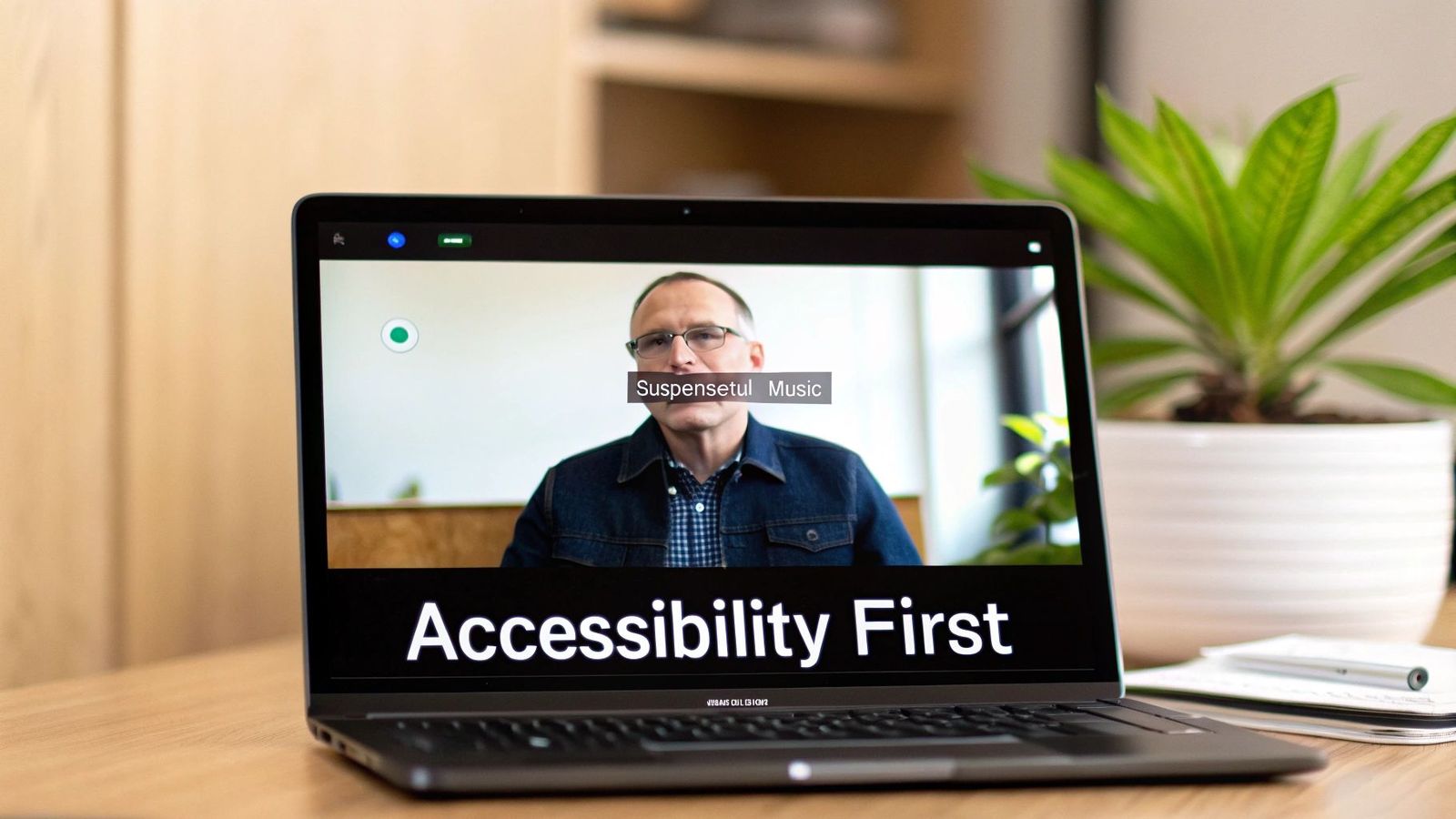
- Musical Cues: The text might describe the mood of the music, such as (suspenseful music), to convey tone.
Subtitles strip all of that away. They focus exclusively on translating the spoken dialogue from one language to another. The core assumption is that the viewer can hear all the sound effects, musical scores, and other audio cues perfectly fine.
Quick Comparison: Closed Captions vs. Subtitles
To make it even clearer, this table lays out the primary differences side-by-side. You can see how the intended audience directly shapes what kind of information is included in the text track.
For anyone creating video content, knowing how to properly generate these files is a must. You can dive deeper into the technical side of things with our detailed SRT export guide for captions and subtitles.
| Attribute | Closed Captions (CC) | Subtitles |
|---|---|---|
| Primary Purpose | Accessibility for those who cannot hear. | Translation for those who don't understand the language. |
| Intended Audience | Deaf and hard-of-hearing viewers. | Viewers who speak a different language than the audio. |
| Content Focus | Dialogue, speaker ID, and essential non-speech sounds. | Translated dialogue only. |
How Closed Captions Drive Accessibility
Let's get one thing straight: closed captions are an accessibility cornerstone, not just a transcript. They're built to recreate the entire auditory experience for viewers who are deaf or hard of hearing, going far beyond just dialogue.
While subtitles simply translate spoken words, captions have a much bigger job. They must convey the entire soundscape of a video to ensure a viewer who can't hear the audio still gets the full picture.
Think about all the non-speech sounds that give a scene context and emotional weight. Without them, the creator's intent is lost. This is where closed captions shine by meticulously describing every crucial auditory cue.
- Speaker Identification: Captions clarify who is speaking, often with labels like
(John)or by shifting text placement. This is essential when a character is off-screen or multiple people are talking at once. - Sound Effects: Narrative-driving sounds like [tires screeching] or [glass shattering] are included to communicate action, tension, and urgency.
- Musical Tone: Music carries so much of a scene's emotional weight. Captions convey this with descriptions like (suspenseful music) or [upbeat pop song playing].
The Legal Imperative for Captions
Beyond being good practice for inclusivity, providing captions is often a legal requirement. Regulations like the Americans with Disabilities Act (ADA) mandate that businesses and educational institutions make their online video content accessible. This has shifted captioning from a thoughtful extra to a legal necessity.
The core principle is equal access. Without captions, video content creates a massive barrier for the over 48 million Americans with some degree of hearing loss, effectively shutting them out from communication, education, and entertainment.
This legal framework ensures accessibility isn't just an afterthought. For many organizations, failing to provide accurate closed captions can lead to serious legal and financial trouble. Advancements in technology, like AI auto-captioning for enhanced accessibility, are making it easier than ever to meet these requirements. For a deeper look at our built-in tools, you can explore our guide on WhisperAI accessibility features.
Interestingly, the impact of captions has grown far beyond their original audience. With video making up over 82% of all consumer internet traffic, captions are now a mainstream feature. In fact, 80% of viewers who use captions are not deaf or hard of hearing—they’re watching in noisy places or with the sound off.
What's more, a study found 80% of users are more likely to watch an entire video when captions are available, proving they play a huge role in boosting engagement for everyone.
Using Subtitles to Reach a Global Audience
The short version? Subtitles are all about translation. They're designed for viewers who can hear the audio just fine but don't speak the language. Their sole purpose is to translate dialogue and help your content connect with international audiences.
While closed captions work to recreate an entire auditory world, subtitles have a much more focused job: bridging language divides. They operate on the assumption that the viewer can hear everything perfectly, so there's no need to describe sounds.
You won’t find descriptions like [suspenseful music] or [door slams] in standard subtitles. Why? Because the viewer is expected to hear those things for themselves. The focus is laser-sharp: deliver a clear, accurate translation of the spoken words. This is the fundamental difference when you compare closed captions vs. subtitles—one is for accessibility without sound, the other is for understanding across languages.
Subtitles vs. SDH: A Key Distinction
Things get a little more interesting with a term you'll see often: Subtitles for the Deaf and Hard of Hearing (SDH). Think of SDH as a hybrid. It takes the translation power of subtitles and blends it with the accessibility features of captions.
An SDH file translates the dialogue into another language and includes all the essential non-speech audio cues. This makes it the perfect solution for international viewers who also happen to be deaf or hard of hearing.
- Standard Subtitles: Translate dialogue only.
- SDH: Translate dialogue and describe important sounds like [phone ringing].
This hybrid approach ensures no one gets left behind, no matter their native language or hearing ability.
Breaking Down Barriers with Translation
Never underestimate the power of subtitles to connect your work with a global audience. The explosion of streaming platforms has created a massive demand for multi-language content. The global captioning and subtitling market was projected to grow from $282 million in 2021 to $476.9 million by 2028, a surge driven almost entirely by this need. You can find more data on this trend over at VdoCipher.
As director Bong Joon-ho famously said, "Once you overcome the one-inch-tall barrier of subtitles, you will be introduced to so many more amazing films." He perfectly captured how subtitles act as a passport for media, allowing it to travel freely across the globe.
For creators and businesses, this opens up a world of opportunity. A well-translated film, course, or marketing video is no longer stuck in its home market. It can find new fans and customers everywhere, proving that language doesn't have to be a limitation. To make this happen, companies need to think strategically about how real-time translation tools support global teams and content strategies.
How to Choose Between Captions and Subtitles
So, captions or subtitles? It's not a technical coin toss—it's a strategic decision. The right answer hinges entirely on your audience and what you want your video to achieve. The first and most important question to ask yourself is: who am I trying to reach?
If you're creating content for a domestic audience—think training videos for a U.S.-based team or an educational series for English speakers—closed captions are the way to go. Their entire purpose is to make your video 100% understandable without sound. This immediately helps viewers who are deaf, hard of hearing, or just one of the millions of people watching videos on mute.
Plus, there's a killer SEO benefit. A detailed caption file, complete with non-speech cues, gives search engines a rich transcript to crawl and index, making your content far more discoverable.
Pinpointing Your Content's Goal
To make this crystal clear, let's break it down by a few common scenarios. Your goal will point you directly to the right choice.
- Maximizing Accessibility and Legal Compliance: If you're in education, government, or run a public-facing business, this isn't even a choice. Closed captions are non-negotiable. They are fundamental for meeting legal standards like the ADA and ensuring every single person can access your content.
- Expanding into International Markets: Taking a film, product, or marketing campaign global? Subtitles are your passport. Their job is to translate your dialogue, demolishing language barriers and opening your content up to viewers around the world.
- Improving User Engagement on Social Media: Think about how you scroll through social media. Videos often autoplay on mute. In this environment, closed captions are critical. They hook viewers instantly and deliver your message without needing a single sound wave, which is vital for stopping the scroll.
Choose captions to make content understandable without sound; choose subtitles to make it understandable in another language.
Ultimately, the choice between closed captions and subtitles comes down to your communication strategy. A filmmaker gunning for an award at an international festival needs subtitles to connect with a global jury. An online instructor creating tutorials for their local market needs captions so every student has the exact same learning opportunity.
Align your choice with your main objective, and you'll ensure your video's text track does exactly what you need it to do.
A Modern Workflow for Creating Captions and Subtitles
Let's move from theory to practice. The days of painstakingly transcribing audio line-by-line are over. Today’s workflow is a much smarter, AI-assisted model that lets you focus on quality control instead of raw transcription.
It all starts with getting a base transcript. AI tools like WhisperAI have completely changed this step. You just upload your audio or video file, and within minutes, you get a highly accurate transcript. It handles complex audio, multiple speakers, and even background noise with surprising precision.
This AI-generated text is your starting point. From here, the path splits depending on whether you're creating closed captions or subtitles. The focus shifts from creation to refinement—and this is where the human touch is still absolutely essential.
This chart breaks down the decision points in the workflow based on your main goal.
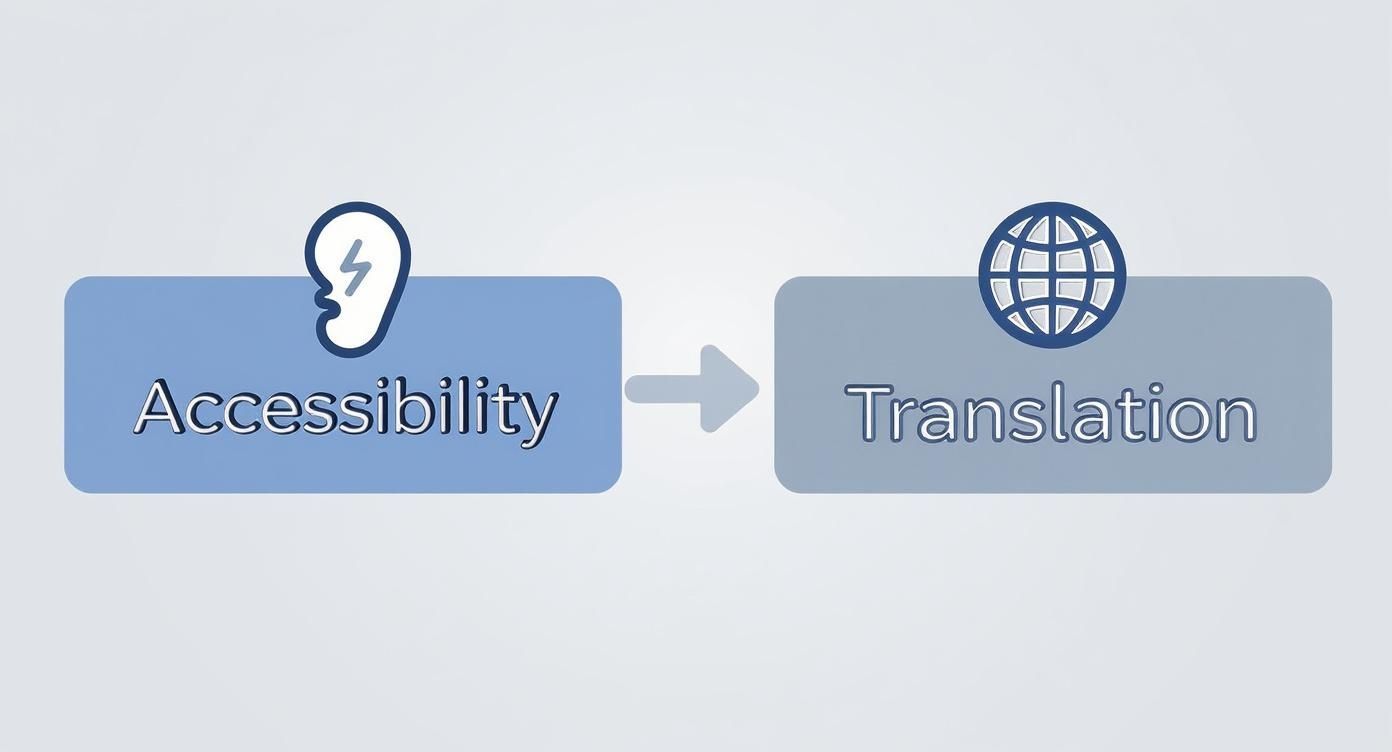
As you can see, your primary objective—making content accessible without sound or understandable in another language—shapes the entire next phase of the process.
Polishing the AI Transcript
With your initial transcript in hand, it's time for the critical review stage. No matter how good the AI gets, a human editor is non-negotiable for ensuring accuracy, context, and proper punctuation.
- For Closed Captions: The editor’s job is to layer in all the non-speech audio cues. This means listening for key sound effects and adding descriptions like [door slams], (suspenseful music), or identifying speakers who are off-screen. This is what turns a simple transcript into a legitimate accessibility tool.
- For Subtitles: Here, the editor puts on their translator hat. They take the accurate dialogue and translate it into the target language. This demands a real understanding of both languages to make sure cultural nuance and idiomatic expressions aren't lost in a clunky, literal translation.
The heart of a modern workflow is human-in-the-loop AI. The AI gives you the speed and scale for transcription, while a human expert provides the nuance, context, and accuracy that high-quality captions and subtitles demand.
Finalizing and Exporting for Platforms
Once the editing is done, the last step is exporting the text in the right format. The two most common file types you'll run into are .SRT (SubRip Text) and .VTT (WebVTT). Both of these formats are simple text files that contain the dialogue along with the precise timestamps needed to sync each line with your video.
Nearly every video platform, including YouTube and Vimeo, makes this part easy. You just upload the .SRT or .VTT file alongside your video, and the platform does the rest, giving viewers the option to toggle the text on or off. For a full breakdown, you can learn more about how to create subtitles from a video transcription.
This final step closes the loop, making your content more accessible and ready for a global audience.
The Impact of Captions on SEO and Engagement

If you're still thinking of captions and subtitles as just an accessibility add-on, you're leaving a ton of value on the table. In reality, they are powerful tools that directly boost your video's SEO and supercharge key engagement metrics.
Think about how search engines like Google actually work. They crawl text, not pixels. Without a text track, your video is essentially a black box to them. When you add a caption file, you’re basically handing search engines a perfect transcript of your video. This gives them all the keywords and context needed to index your content, making it far more discoverable.
Driving Engagement in a Sound-Off World
Beyond just being found, captions have a profound impact on how people actually watch your videos. Viewing habits have changed. People watch content everywhere—on their commute, in a waiting room, or scrolling through a social feed where audio is muted by default.
Captions aren't a niche feature anymore; they're an expectation. In fact, studies show that 80% of viewers are more likely to watch a video all the way through if captions are available. Netflix even reported that a staggering 85% of its viewers use subtitles or closed captions regularly, cementing their role as an essential tool. You can see more data on these viewing habits at VisualDataMedia.com.
This means your text track isn't just retaining viewers—it's also improving comprehension, making sure your message lands even without a single sound.
Captions transform your video from a black box into a text-rich, indexable asset that meets users where they are—often, in a silent viewing environment. It’s a win for SEO and an even bigger win for user experience.
Ultimately, the debate over closed caption vs subtitles is less about the technical differences and more about building a complete content strategy. Ensuring high-quality text tracks is a non-negotiable part of that strategy. You can learn more about how to achieve top-tier AI transcription accuracy in our guide. Incorporating captions is simply a critical piece of any successful video marketing plan today.
Frequently Asked Questions
Got more questions? You're not alone. The lines between closed captions and subtitles can get blurry, so let's clear up a few of the most common points of confusion.
Can Subtitles Be Used for Accessibility?
Not standard ones, and this is a really important distinction to get right. Subtitles are created with the assumption that the viewer can hear everything happening on screen, so they only translate the spoken dialogue.
For genuine accessibility, you absolutely need closed captions (or SDH subtitles). These are designed for viewers who are deaf or hard of hearing and include descriptions of all meaningful audio—like [door slams] or [tense music swells]. Just using standard subtitles for accessibility means you're leaving out a huge part of the viewing experience.
Are Captions and Subtitles the Same Outside the US?
This is probably the biggest source of mix-ups. In places like the UK and much of Europe, the word "subtitles" is often used as a catch-all term for both. You'll turn on your TV and see an option for "Subtitles," which might actually be full closed captions.
But the function is what matters. Even if a file is labeled "subtitles," if it includes non-speech audio cues for accessibility, it’s doing the job of a caption. The core difference in what they do is universal, even if the terminology isn't.
Do I Need Both Captions and Subtitles for My Video?
It all comes down to who you're trying to reach. If your audience primarily speaks one language, a high-quality closed caption file is all you need. It covers both accessibility and boosts engagement for viewers who watch with the sound off.
If you have your sights set on an international audience, though, you’ll need subtitles translated into different languages. The ideal setup is to provide closed captions in the original language for accessibility, plus a range of multilingual subtitles to connect with viewers around the globe.
Ready to create accurate, professional-grade captions and subtitles in minutes? WhisperAI uses advanced AI to transcribe and translate your video content with near-human accuracy across 100+ languages. Streamline your workflow and make your content accessible to everyone. Start transcribing with WhisperAI today.