10 Best Otter.ai Alternatives for Meetings and Transcription in 2027
Compare the best alternatives to Otter.ai for meetings and file transcription, including free plans, pricing, languages, and bot-free recording.
A 75-minute interview exposes the problem with Otter's free plan. You get 300 transcription minutes a month, but only the first 30 minutes of one conversation are accessible and you get three file imports for the life of the account. Otter still works well for meetings; its free plan becomes awkward when your work is interview tapes, lectures, podcasts, or old recordings.
What are the best Otter.ai alternatives?
- WhisperAI is the best overall choice when you need uploaded-file transcription and bot-free meetings in one account.
- TurboScribe has the cheapest unlimited plan for clearing a file backlog.
- Fireflies.ai is the closest like-for-like replacement for team meeting notes and CRM workflows.
- Fathom has the most generous free plan for live meetings.
- Granola produces meeting notes without sending a bot into the call.
WhisperAI publishes this guide, and we rank our product first for the files-plus-meetings use case. Prices and limits link to vendor documentation checked in October, 2026. When another tool fits better, we say so.
Why do people look for an Otter.ai alternative?
People comparing Otter.ai competitors usually care about four things: plan limits, language coverage, meeting bots, and privacy terms. The right replacement depends on which problem you have.
Is Otter.ai free? Otter AI pricing and plan limits
Otter has a free plan, but 300 minutes a month doesn't tell the whole story. Basic limits each conversation to 30 accessible minutes, so a 45-minute interview can leave you without access to the full transcript unless you upgrade. It's a limit that can go unnoticed, and one Trustpilot reviewer discovered it halfway through a 60-minute board meeting.
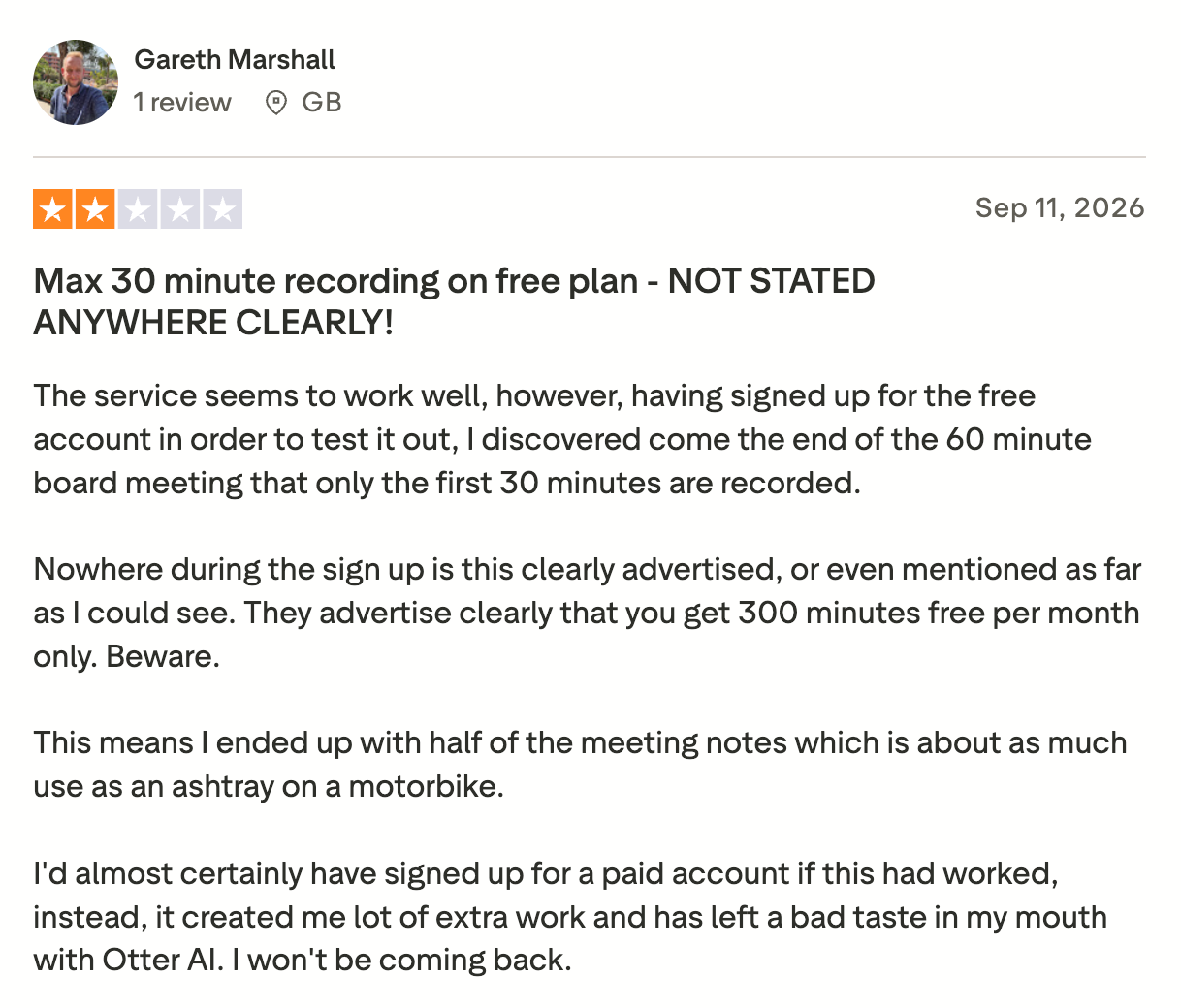
You also get just three audio or video imports per account, ever.
| Plan | Basic | Pro | Business |
|---|---|---|---|
| Price | Free | $16.99/mo, or $8.33/mo billed yearly | $30/mo, or $19.99/mo billed yearly |
| Minutes | 300/mo | 1,200/mo | Unlimited meetings, 6,000 imported minutes/mo |
| Longest conversation | 30 min | 90 min | 4 hours |
| File imports | 3, lifetime | 10 a month | Unlimited |
These are standard US list prices from Otter's pricing page, without temporary promotions.
Pro's 1,200 minutes sounds roomy, but the ten monthly imports and the 90-minute conversation limit are equally important. A month of short interviews can use up all ten imports with minutes left over. Business lifts the file count and caps imported audio at 6,000 minutes a month.
Does Otter.ai support the languages you need?
Otter transcribes six languages: English, Spanish, French, German, Japanese, and Simplified Chinese. German and Chinese are marked beta. Otter Chat can translate finished text, but that doesn't expand the six source languages it can transcribe.
That gap matters when comparing Otter.ai alternatives for multilingual transcription, since the products below cover dozens more.
Can you use Otter.ai without a bot?
Yes. Notetaker can auto-join eligible calendar meetings. You can choose “Meetings I manually select” to stop this. Otter’s desktop app records meeting audio without a bot, including through headphones, but not video.
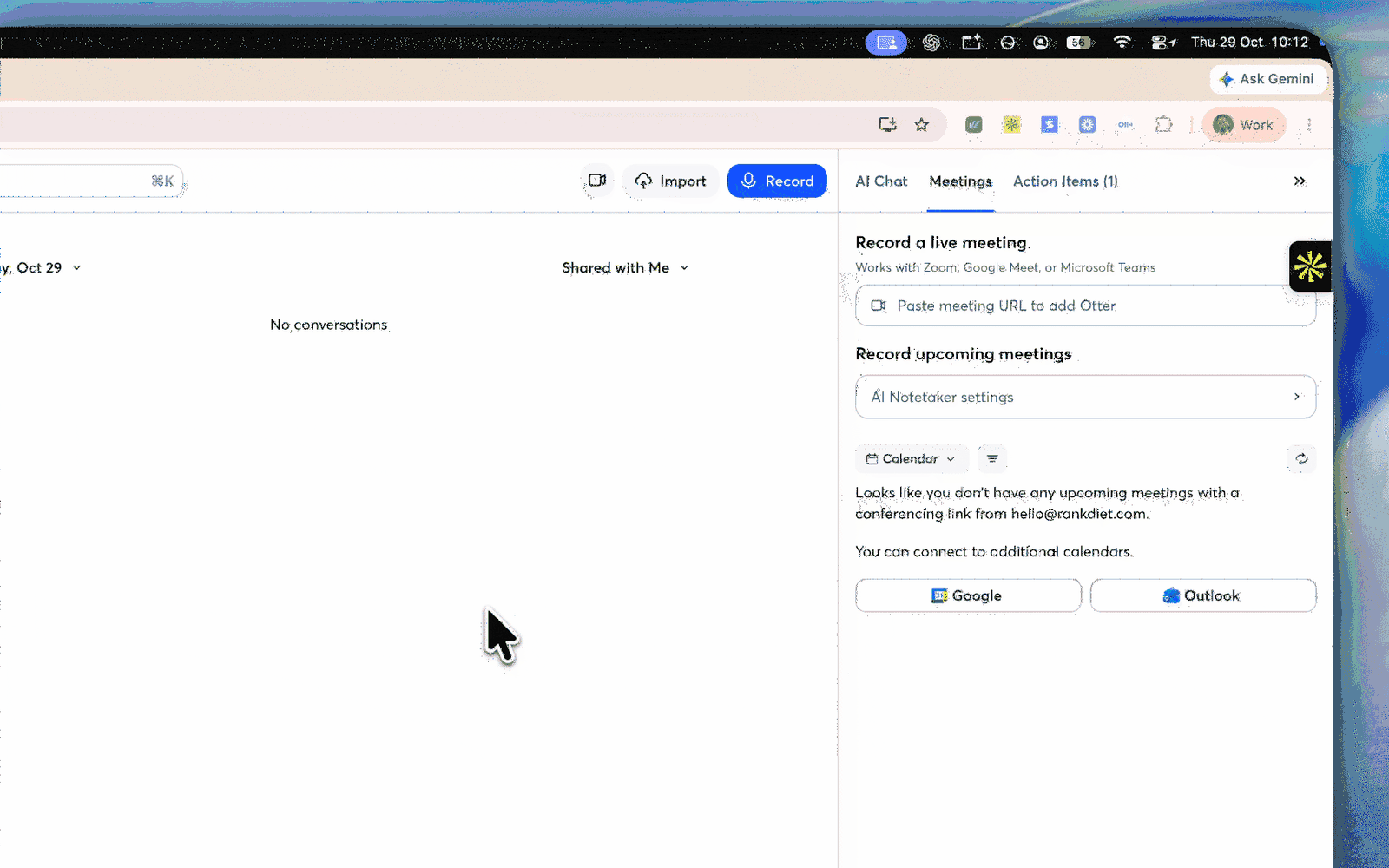
Its Chrome extension supports Google Meet and advertises Teams, although Otter’s help center disputes Teams support.
Can you use Otter without anyone knowing? Technically, yes: bot-free recording adds no visible participant. However, consent requirements vary, so tell participants when recording.
If you prefer products designed around bot-free capture, consider WhisperAI, Granola, or MacWhisper.
Is Otter.ai safe? The lawsuit and your data
A proposed class action, In re Otter.AI Privacy Litigation, alleges that Otter recorded meetings without every attendee’s consent and used recordings to train its AI. On August 13, 2026, the court allowed some claims to proceed while dismissing or narrowing others. As of October 2026, the case remains unresolved; Otter’s liability has not been established.
Separately, Otter’s privacy policy says it trains its proprietary AI on “de-identified audio recordings and on transcriptions (which may contain Personal Information).” Enterprise workspaces are opted out by default.
The lawsuit alone is not a reason to reject Otter. The practical question is whether its published training terms suit your recordings. For routine meetings, they may be acceptable. For confidential interviews or sensitive customer calls, use Enterprise’s default opt-out or choose a service such as WhisperAI, Fireflies, or TurboScribe that says customer recordings aren’t used for training. Granola provides an opt-out. Check retention and deletion terms as well.
Otter.ai alternatives at a glance
| Tool | Best for | Free plan | Paid from* | File uploads | Bot-free recording | Languages |
|---|---|---|---|---|---|---|
| WhisperAI | Files plus meetings | 5 min/month | $14.99/month | 5 GB/file; unlimited on Business Pro | No bot; records in browser | 100+ |
| TurboScribe | Large file backlogs | 3 files/day; 30 min each | $20/month | 10 hours or 5 GB | Mic only; no meeting assistant | 98+ |
| MacWhisper | Local Mac transcription | Yes | One-time Pro purchase | Local files | Mac system audio | 100+ |
| Rev | Human-checked transcripts | 45 AI min/month; English | $0.25/min AI | Audio and video | Mobile recorder; bot for calls | 37+ AI |
| Fireflies.ai | CRM-connected teams | 3 credits; Auto Join can unlock unlimited | $18/month | 150 min/file | Desktop or Meet extension | 100+ |
| Fathom | Free meeting notes | Unlimited meetings | $20/month | No external imports | Mac beta; eligible users | 38 |
| Notta | Multilingual files and calls | 120 min/month; 3 min each | $13.49/month | Up to 5 hours | Mac and Windows app | 58 |
| tl;dv | Shareable meeting clips | Unlimited; 3-month retention | $29/month | Up to 3 hours | Desktop app; audio only | 30+ |
| Granola | Share-ready notes | Unlimited; 30-day history | $14/user/month | No documented imports | Yes; device audio | 32 desktop |
| Read AI | Coaching and analytics | 5 reports/month; 1 hour each | $19.75/month | 100 credits/month on Pro | Desktop app; fewer analytics | 36 |
*“Paid from” shows the standard month-to-month price, except MacWhisper’s one-time purchase. Annual billing may cost less. Vendor-published language totals can vary by transcription mode.
Best Otter.ai alternatives for files and interviews
Otter Basic's three lifetime imports make this the clearest category to separate from meeting notes. These four products treat a finished recording as a primary input. If you need a free alternative to Otter.ai for interviews, TurboScribe handles short uploads, while MacWhisper covers local Mac transcription.
1. WhisperAI: best for files and bot-free meetings together
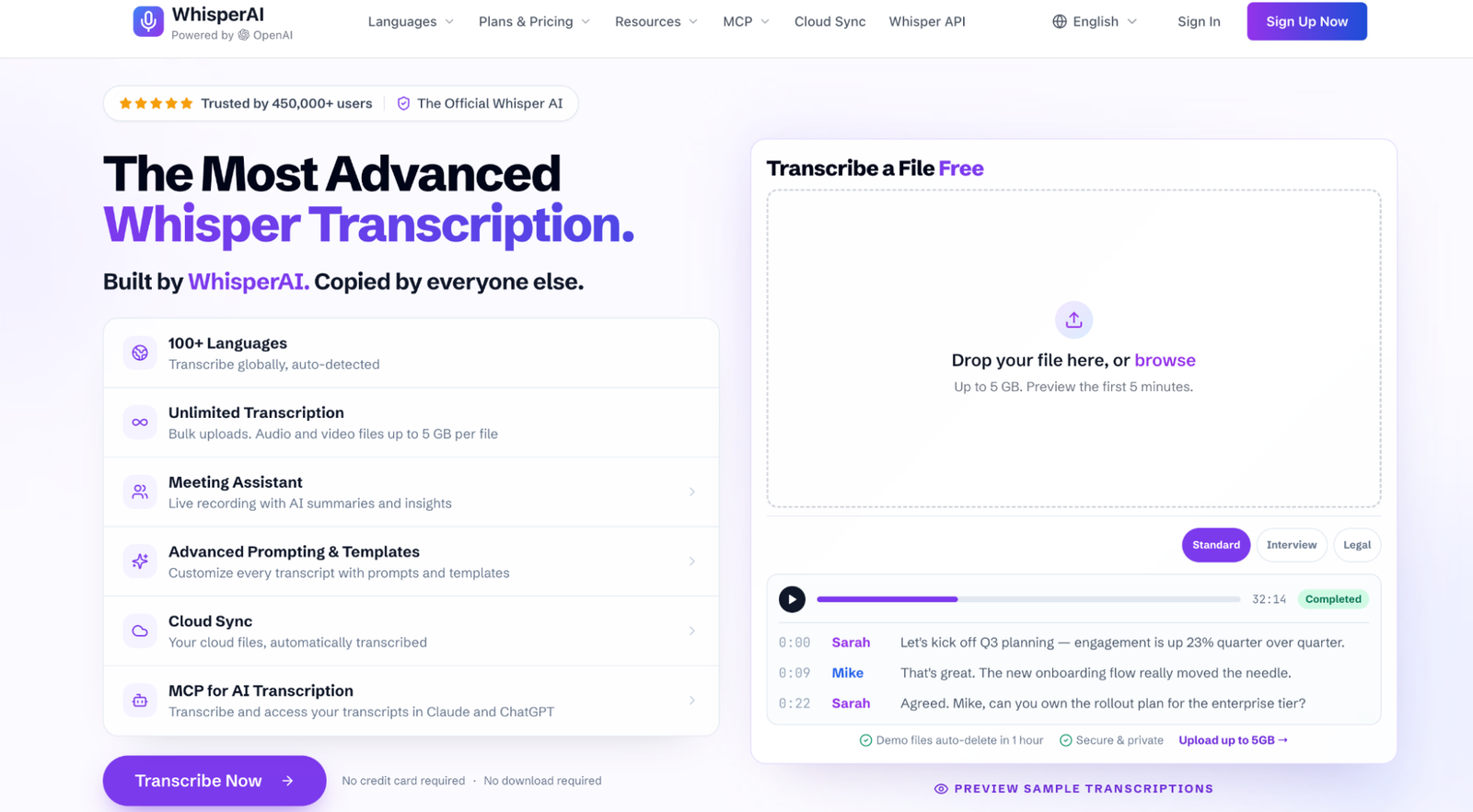
If you have a stack of interviews, Otter Basic’s three lifetime imports are less of a free allowance than a short trial. WhisperAI is built around that file-heavy workflow. You can upload a field interview, check a quotation against the audio, then record the follow-up call in the same account.
Why choose it over Otter?
Give the transcription context first. Although Otter Pro has custom vocabulary, a 4.5/5 G2 reviewer using it for podcasts said that after dozens of transcripts it still “doesn’t understand the name of my podcast nor the industry lingo.”
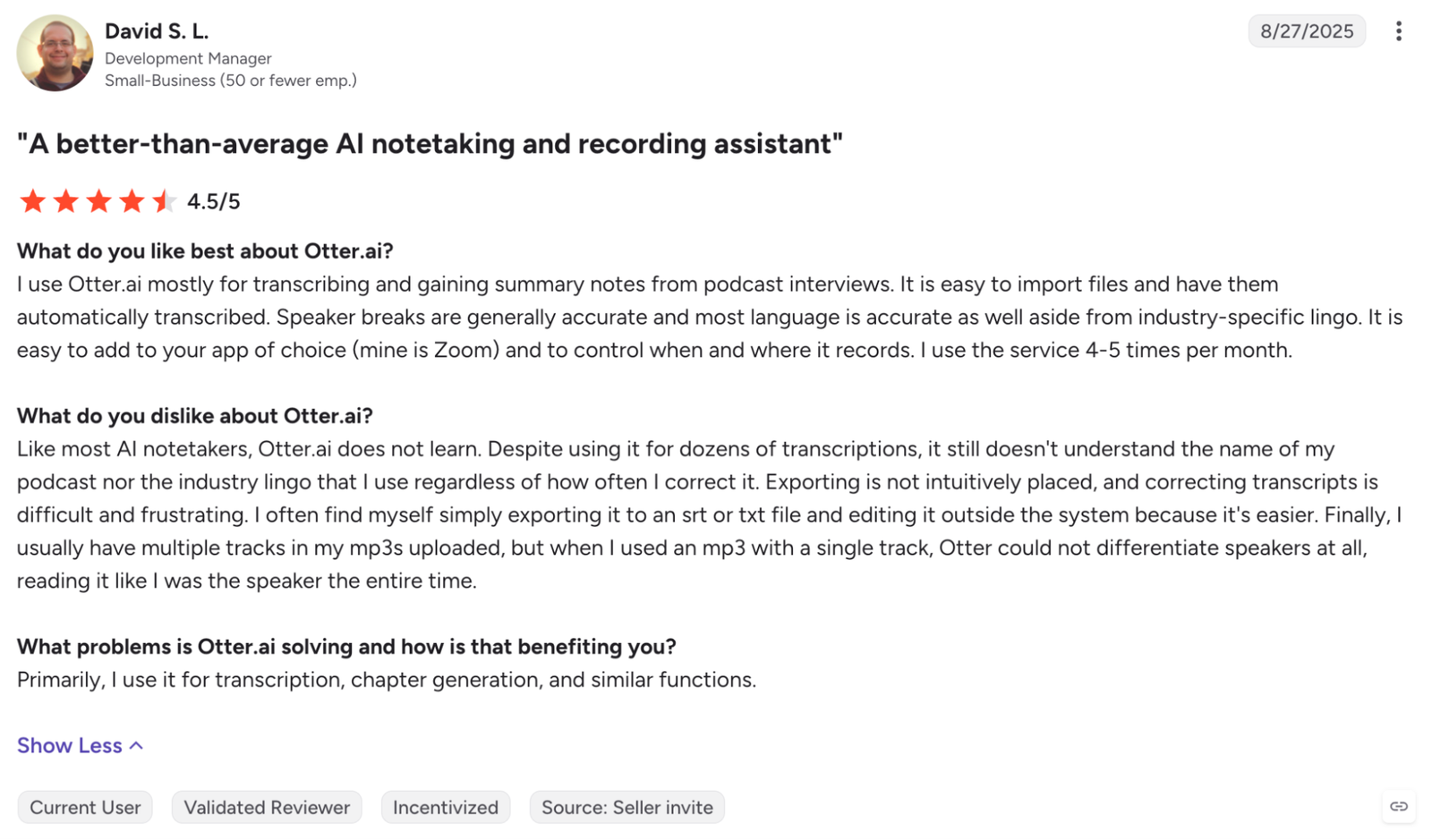
WhisperAI treats each recording as a separate assignment. Before transcription starts, choose from ten presets, including Interview / Q&A, Technical, Legal, and Bilingual; add up to 100 names or specialist terms; then provide instructions in any of 18 languages. For an interview, select Q&A, spell the source’s name, and add handling instructions. This supplies context the system would otherwise infer.
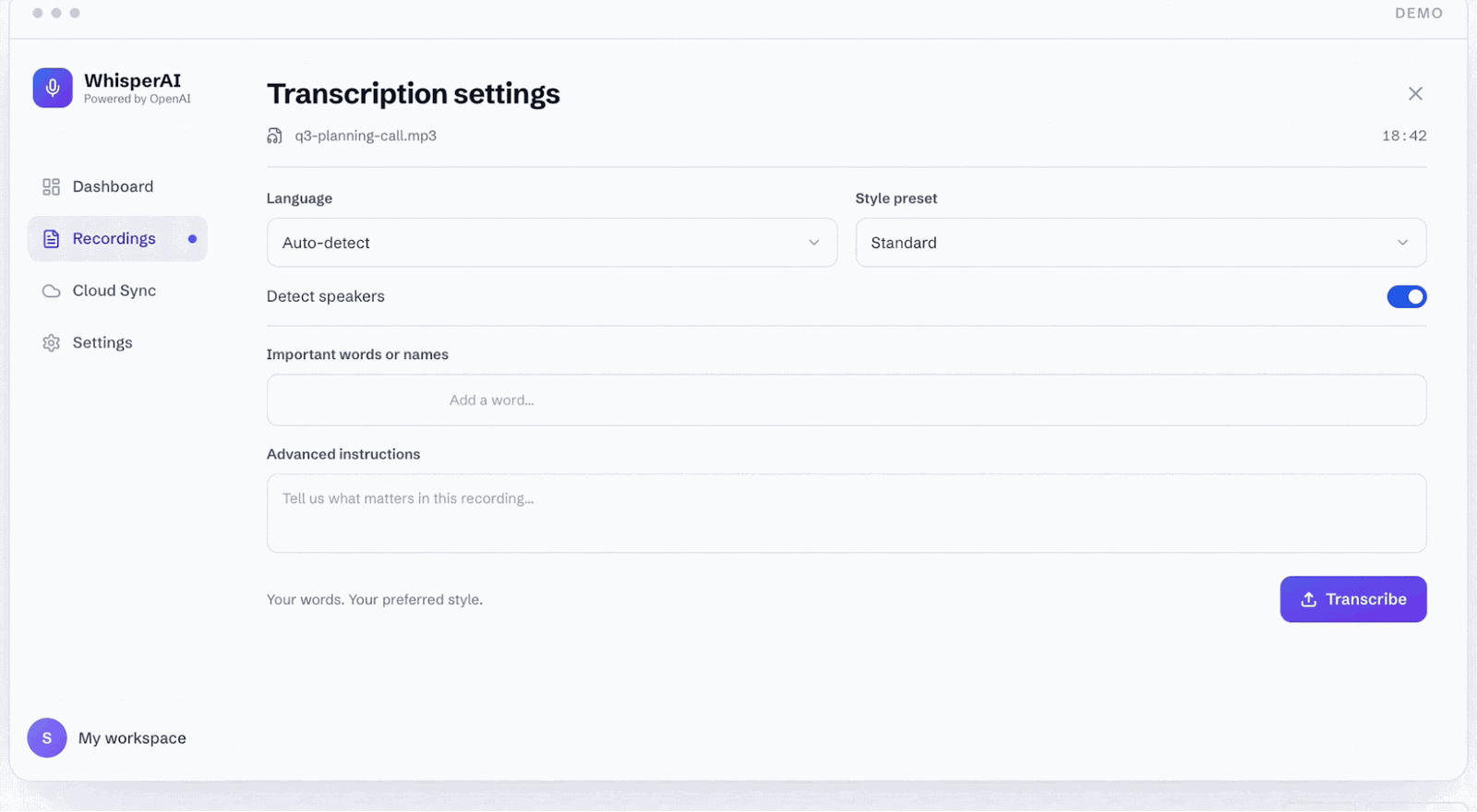
Upload the backlog instead of rationing it. Every plan accepts files up to 5 GB. Premium processes five at once; Business Pro processes ten and has no transcription-minute ceiling. Otter Pro permits ten imports a month, even when minutes remain. WhisperAI pairs audio with timestamps and speaker labels you can rename. Exports include PDF, DOCX, TXT, SRT, VTT, and JSON. Business Pro adds summaries and source-linked transcript chat.
Use the language coverage the recording requires. WhisperAI supports 98 upload languages versus Otter’s six, plus 18 for live transcription and 87 translation targets. Translation after processing differs from live captions, so those figures stay separate.
Record meetings without sending in a bot. The meeting assistant captures your microphone and a Google Meet, Zoom, Teams, or Webex browser tab for up to 12 hours. Every plan includes recording and the completed transcript. Premium adds live transcription, translation, and questions such as “Catch me up.” Business Pro adds a recap with decisions and action items. On macOS and Linux, Zoom and Teams must run in Chrome or Edge because WhisperAI cannot capture their desktop-app audio.
Keep transcription inside the rest of your workflow. Business Pro can monitor a Google Drive folder, transcribe new recordings with saved settings, and return the results to Drive. The MCP connector works with ChatGPT and Claude on every plan. Paid plans include a Chrome extension for meeting capture and voice typing, while the iPhone and iPad app records in the background with a live transcript.
Pricing
Free’s five monthly minutes are a test drive. Premium is $14.99 monthly or $99 annually for 120 monthly minutes, rolling over to 360. Business Pro is $24.99 monthly or $199 annually for unlimited transcription and uploads.
For a fair WhisperAI vs Otter.ai comparison, put Business Pro against Otter Business. Otter costs $239.88 annually per user and limits imported audio to 6,000 minutes a month. WhisperAI costs $199 annually and has no monthly transcription limit. For five seats, WhisperAI Enterprise costs $750 annually, compared with $1,199.40 for five Otter Business seats.
Recordings are encrypted in transit and at rest, deletable on demand, and never used to train models. Source audio remains stored for playback and related features until you delete it.
2. TurboScribe
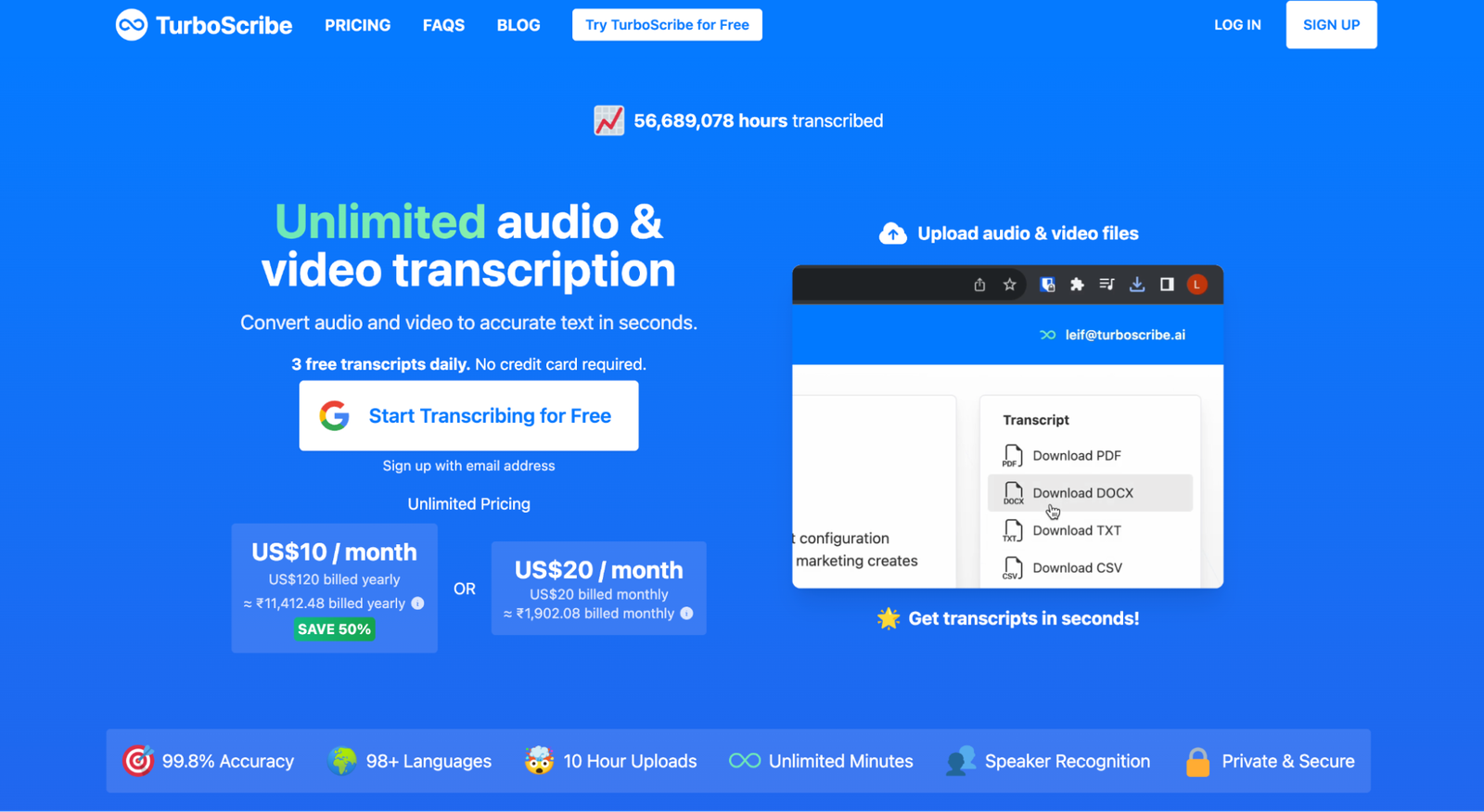
TurboScribe is the cheapest option for a file backlog. Free handles three files a day, capped at 30 minutes each. Unlimited costs $20 monthly or $120 a year, accepts 10-hour or 5 GB files, and uploads batches of 50.
“Unlimited” describes volume, not guaranteed speed. Above an average of 24 hours of audio a day, High Volume Mode typically processes one file at a time and may pause uploads. Our full TurboScribe review explains the threshold and the $200-a-month Max plan.
TurboScribe suits a journalist, podcaster, or researcher who can let a large archive run over time. It has no public API, unlike the WhisperAI API, and no calendar-connected meeting assistant. Choose WhisperAI when you also need bot-free calls, recording-specific instructions, or automated Drive transcription.
3. MacWhisper
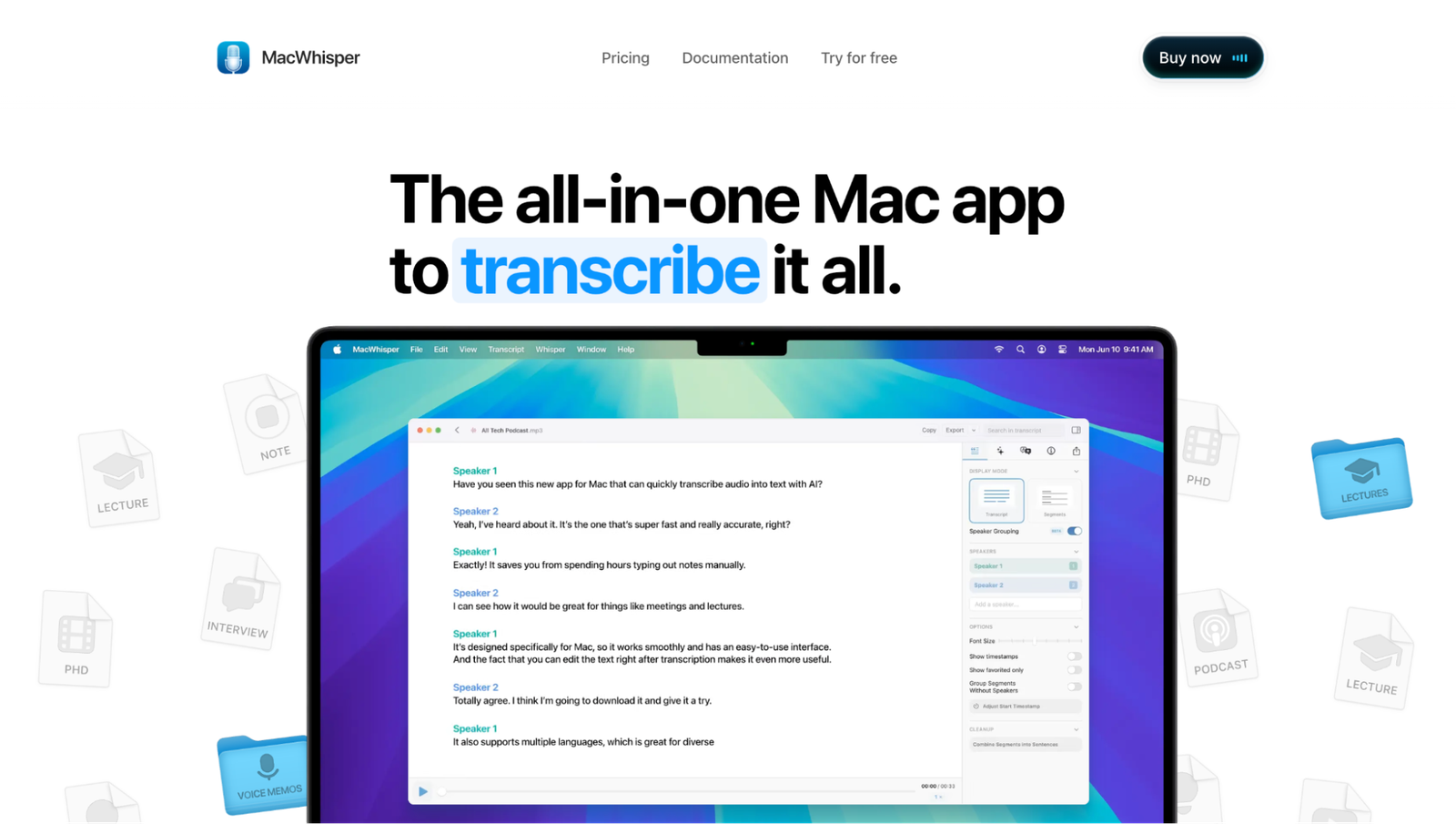
MacWhisper keeps transcription on your computer when you select a local model. It can process files and capture Mac system audio from Zoom, Teams, and other apps without adding a bot. That makes it the clearest choice here for embargoed interviews or sensitive research that should not be uploaded to a transcription service.
The free edition covers basic file transcription. Pro is a one-time purchase with batch transcription, watched folders, broader exports, meeting detection, and speaker recognition when you use a compatible WhisperKit model. There is no recurring minute allowance to manage.
The trade-off is your hardware. Local files run as fast as your Mac can process them, and Intel Macs are considerably slower than Apple-silicon models. MacWhisper also offers cloud transcription and connections to AI providers, but those options send audio or transcript text to the selected provider.
Choose a local model and local AI service when on-device processing is the reason you picked it. Windows and Chromebook users need another tool.
4. Rev
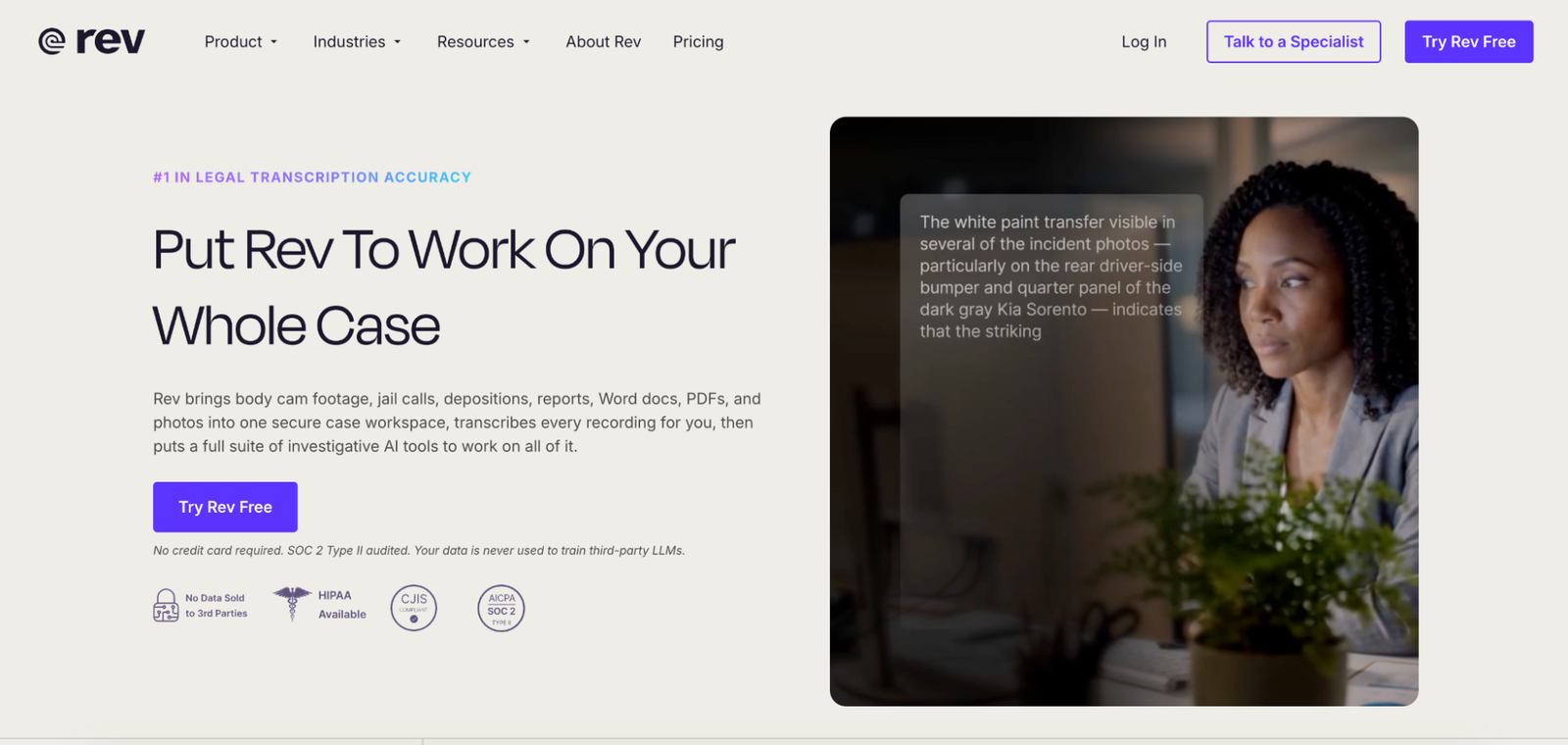
Rev is the outlier because it can put a human transcriptionist between the recording and the final text. Human transcription starts at $1.99 per audio minute, or $119.40 for an hour, with 99%+ guaranteed accuracy and delivery in 12 hours or less. Its pay-as-you-go AI service costs $0.25 per minute and supports 37 languages.
That bill is difficult to justify for routine calls. It becomes reasonable for a documentary interview, working legal transcript, or publication where a consequential error would cost more than the second pass. Even then, verify quotations and any detail carrying legal or editorial weight.
Rev also sells subscriptions and an AI Notetaker for live meetings, but that is not why it leads this category. Pick Rev when human review is the product. Its AI-training policy permits customer content to train Rev’s proprietary speech and AI models, while excluding generative-AI training. Enterprise and Unlimited customers can request an opt-out.
Which Otter.ai alternatives are best for meeting notes?
These tools earn their place through what happens around the call, like CRM updates, summaries, clips, coaching, or notes you can send without much cleanup. For a deeper meeting-only comparison, see our guide to the best AI note takers.
5. Fireflies.ai
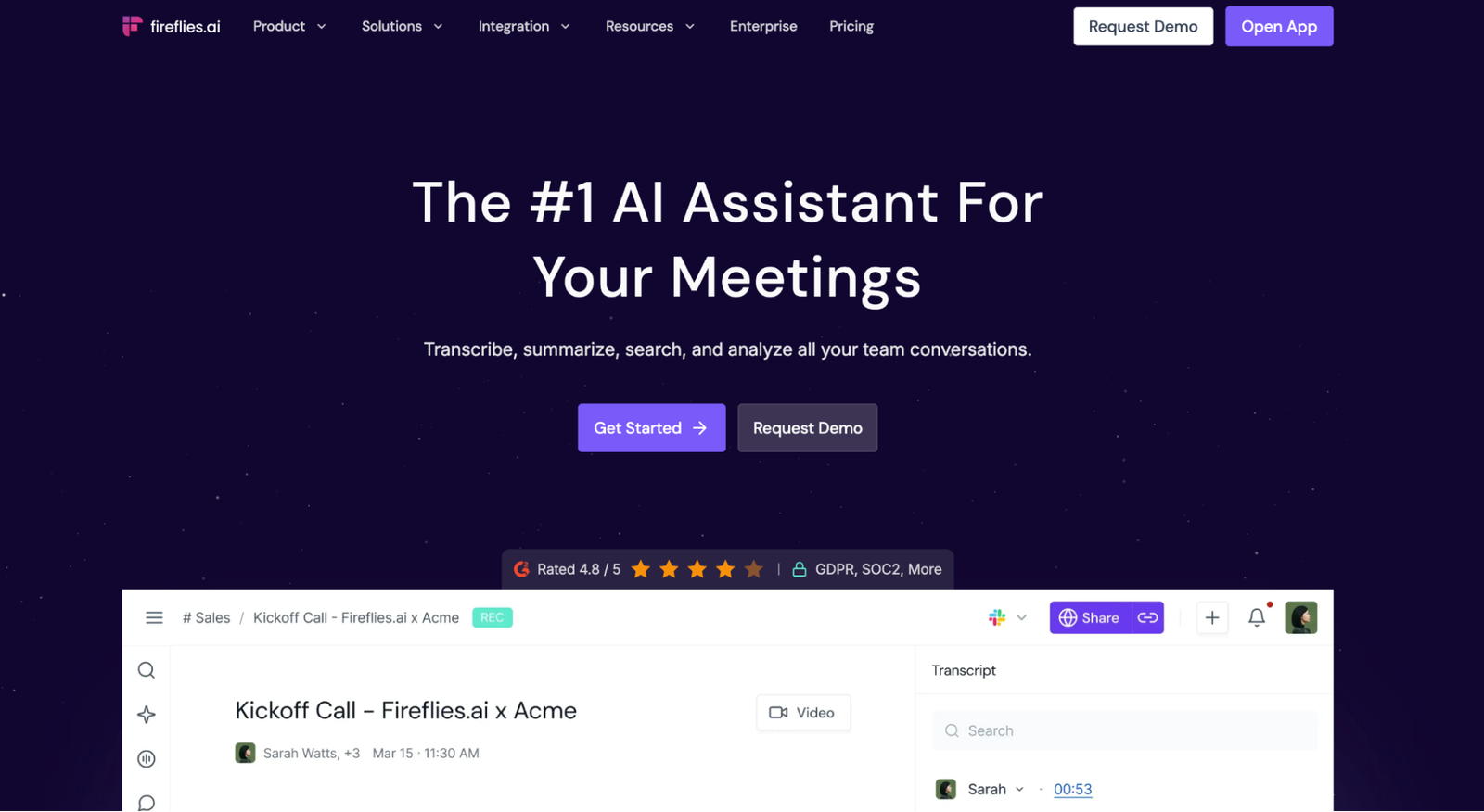
Fireflies is the closest like-for-like Otter replacement for sales and customer-success teams. In a Fireflies vs Otter comparison, its advantage appears after the call. It sends notes to Salesforce, HubSpot, Slack, and project tools, with support for 100+ transcription languages.
The Free plan begins with three transcripts; enabling eligible Auto Join settings opens unlimited supported meetings, with 400 minutes of storage. Pro costs $18 monthly or $10 monthly on annual billing.
Fireflies can join as a bot, while its desktop app and Chrome extension provide bot-free routes for supported workflows. Bot-free desktop capture doesn't save audio or video and cannot name individual speakers. Uploads max out at 150 minutes; audio files can be 500 MB, while video is limited to 100 MB on Free and 2 GB on paid plans.
WhisperAI's 5 GB allowance is more forgiving for large recordings.
6. Fathom
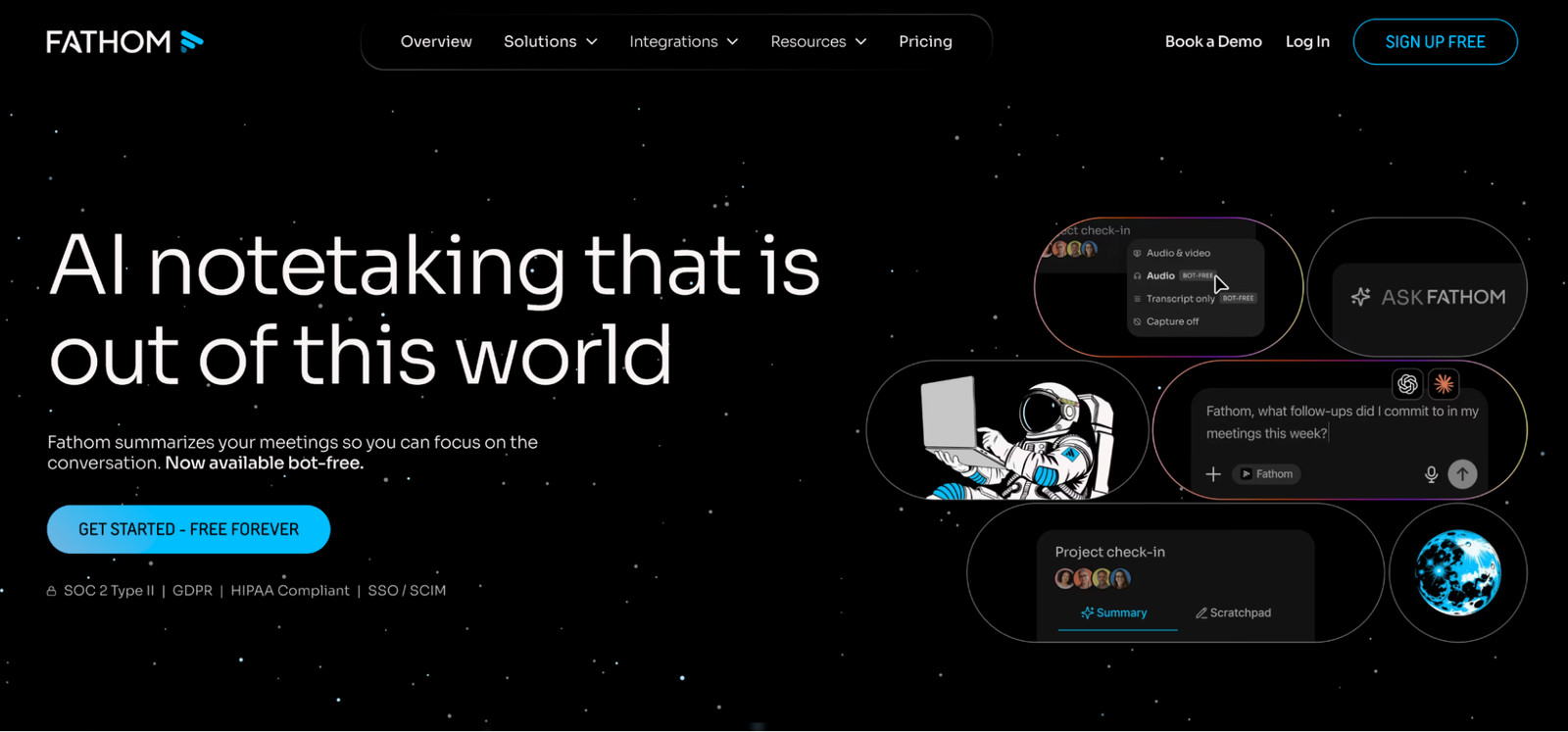
Fathom gives individual users unlimited recordings, transcriptions, and storage without a monthly minute ceiling. The free plan provides advanced summaries for the first five calls each month, then falls back to its general summary. Premium costs $20 monthly or $16 per month with annual billing and removes that AI limit. For free live meetings, that makes Fathom the stronger choice in an Otter AI vs Fathom comparison.
The free archive is the reason to choose it. You can record recurring Zoom, Meet, or Teams calls, search them later, and share clips without paying for additional minutes. It will not, however, process an existing interview backlog because external file uploads are not supported.
Fathom’s bot-free experience is still a beta for eligible Mac users. Availability depends on the device, language, account rollout, and meeting platform, so do not choose it on the assumption that every Windows or Teams call can run without the Fathom participant.
7. Notta
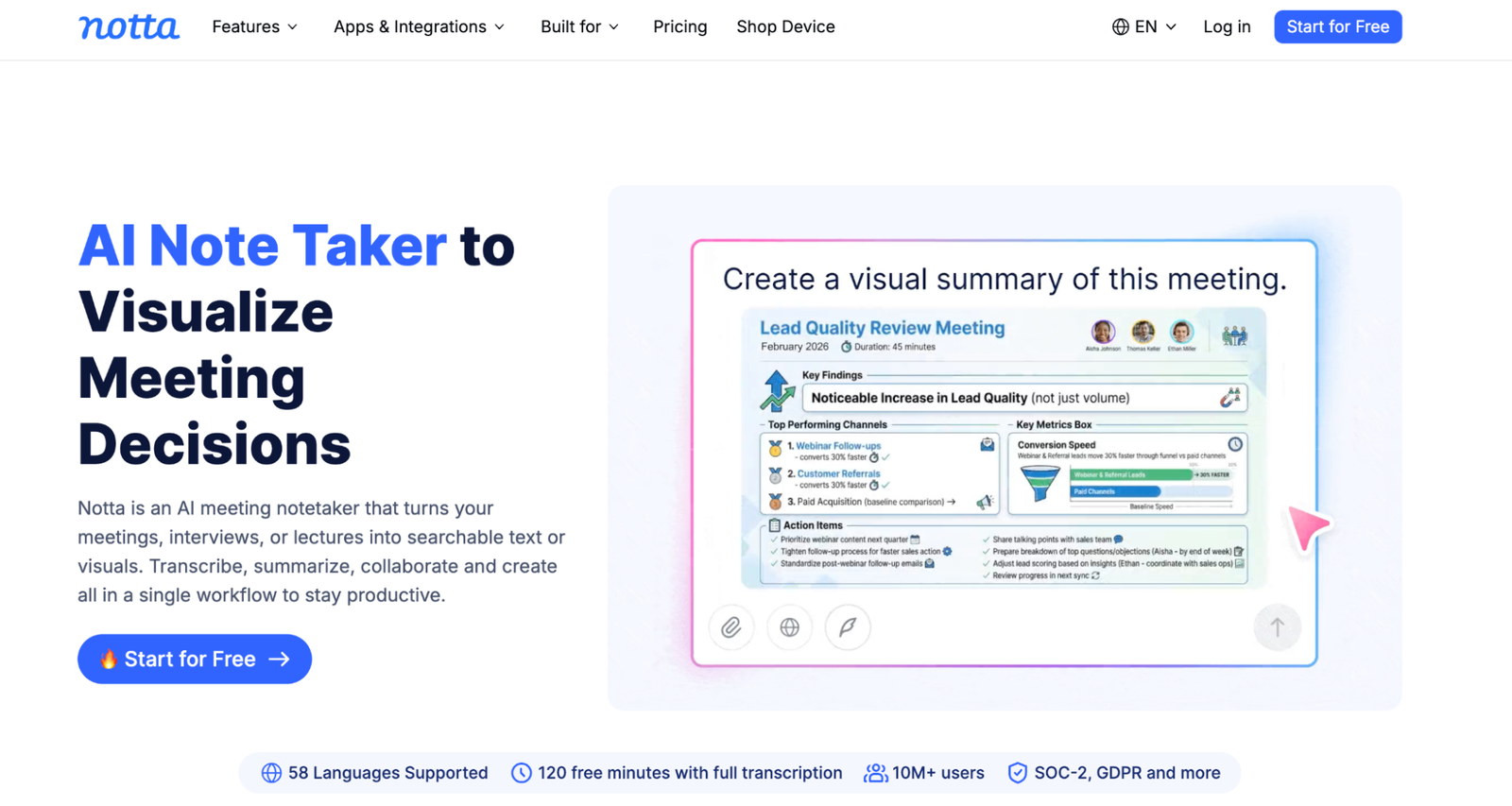
Notta combines file uploads, a meeting bot, and bot-free system-audio recording in its Mac and Windows desktop apps. That cross-platform capture is its clearest advantage over browser-tab recorders. It works across Zoom, Meet, Teams, Webex, and other apps without adding a participant.
Notta supports 58 transcription languages, well beyond Otter's six. The free plan advertises 120 minutes a month, but each conversation stops at three accessible minutes, so it is a product test rather than a working meeting plan. Pro costs $13.49 monthly or $97.99 annually, includes 1,800 minutes a month, and raises the per-recording ceiling to five hours.
Choose Notta when your calls move between desktop apps and operating systems. WhisperAI remains stronger for file-heavy work as it accepts 5 GB uploads, covers 98 uploaded-file languages, and lets you provide presets, terms, and instructions for each recording.
8. tl;dv
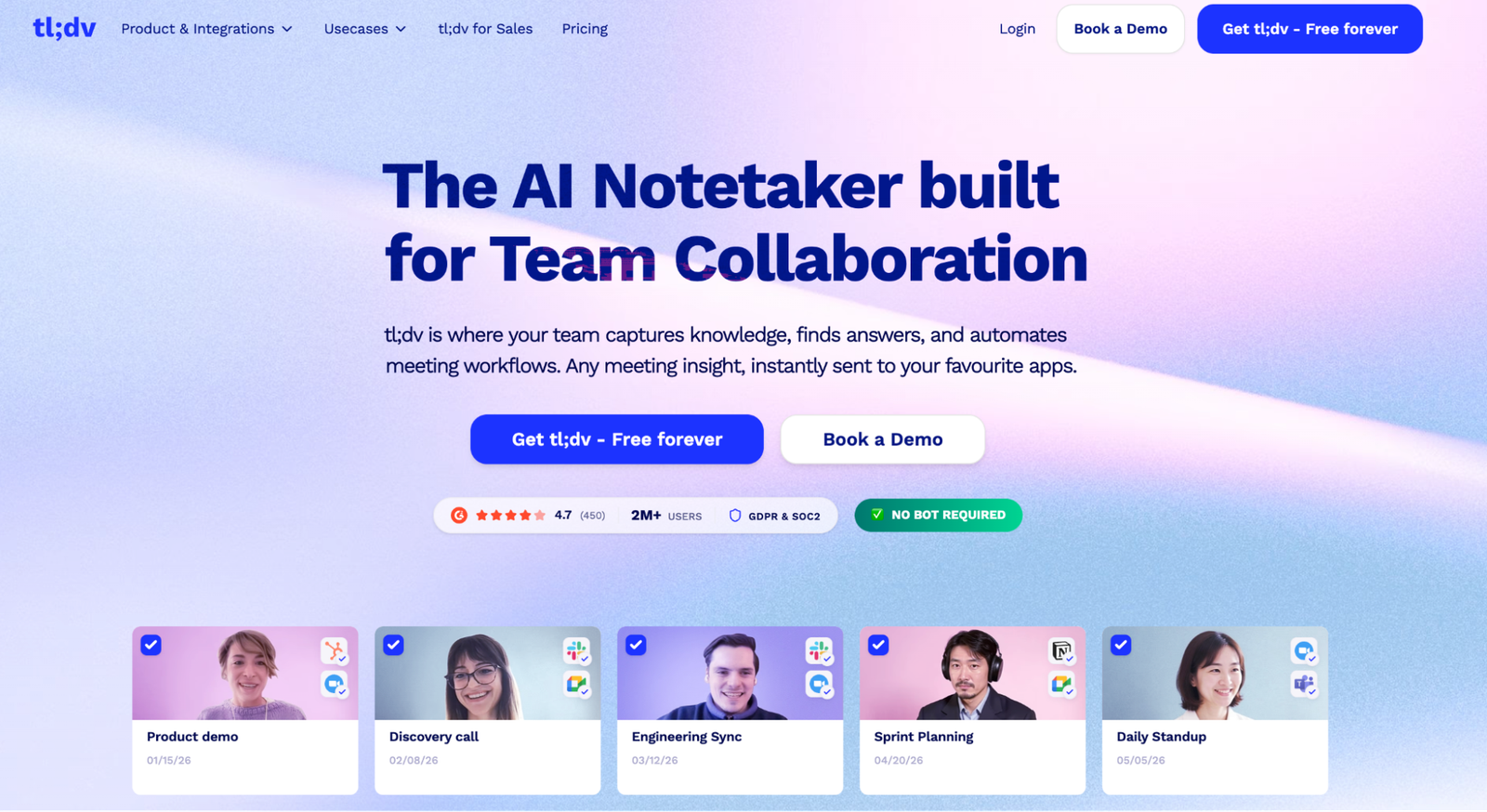
Sometimes a colleague needs one moment from a call, not the whole transcript. tl;dv records calls and cuts them into timestamped clips inside a searchable meeting library. The free tier includes unlimited recordings with three-month retention and limited AI notes. Pro costs $29 a month or $18 a month annually.
Its Mac and Windows apps record without a bot, though bot-free capture is audio only. Uploaded recordings stop at three hours.
If complete transcripts are the deliverable, the file-first tools above suit the work better.
9. Granola
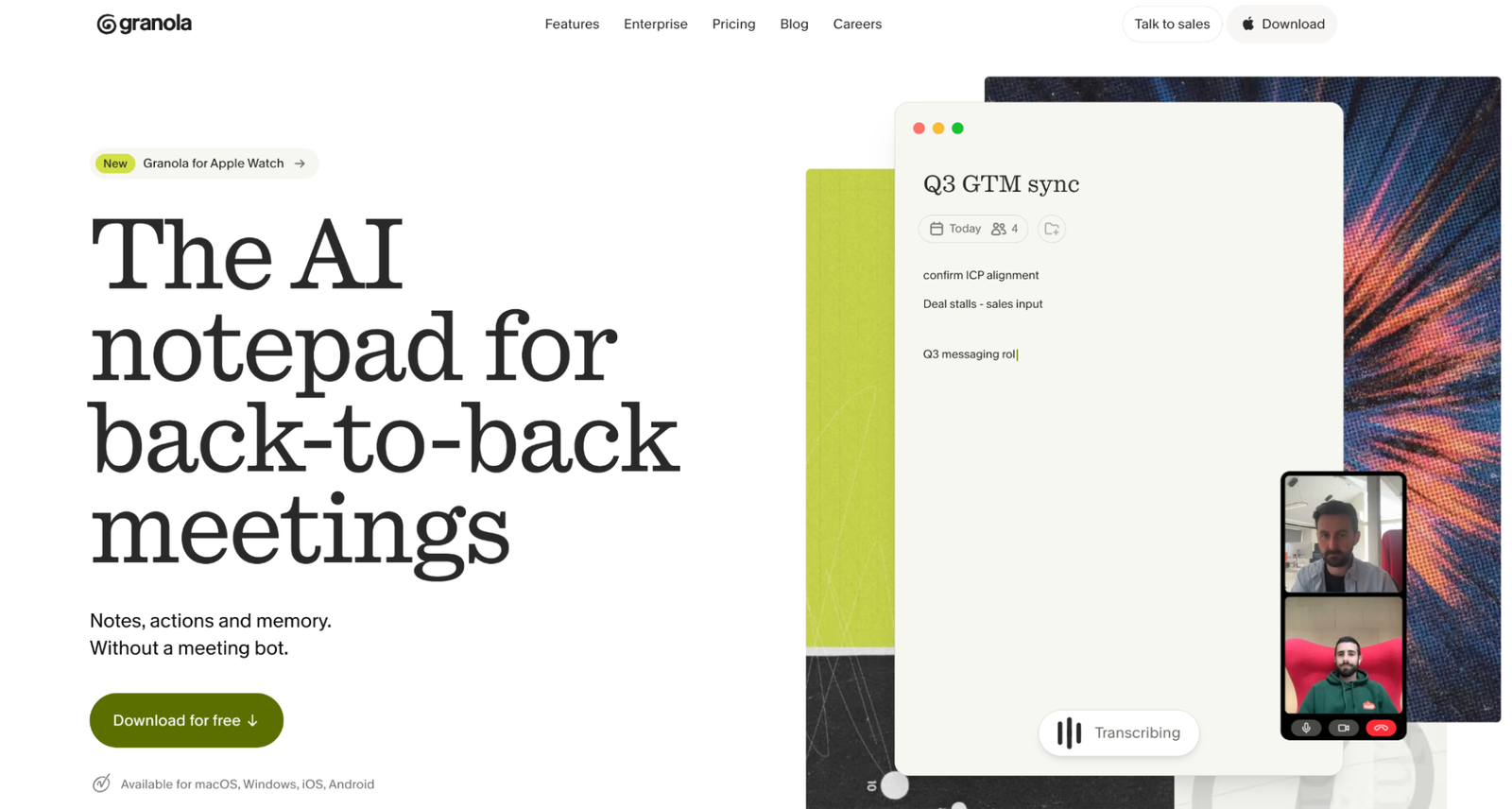
The Otter AI vs Granola choice comes down to the output: a recording archive or share-ready notes. Granola records device audio without adding a bot, then uses the transcript to expand your own points into a structured document.
Basic includes unlimited meetings, AI chat, shared folders, and custom templates, but only the last 30 days of history remain accessible. Business costs $14 per user per month and adds unlimited history, advanced models, and integrations. Granola now supports 32 desktop languages, with a smaller set on some mobile platforms.
Granola deletes meeting audio after transcription and retains the transcript and notes. Basic and Business users can opt out of model training individually. Enterprise applies the control across the workspace.
Choose it when you want a polished note rather than a recording archive. Prerecorded audio and video imports are not part of its documented workflow.
10. Read AI
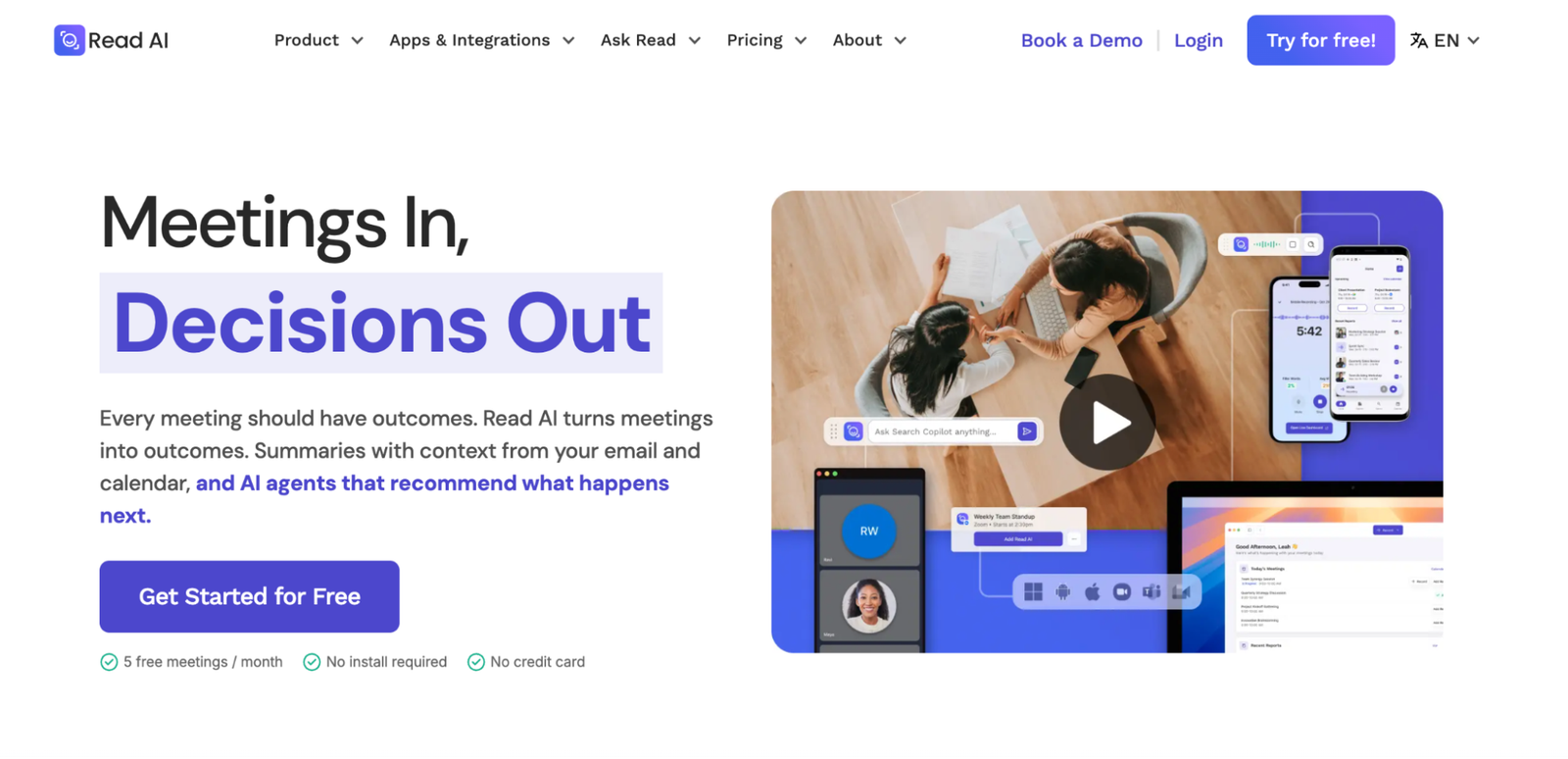
Read AI is aimed at managers who want to compare meetings, not merely remember one. It tracks talk time, engagement, sentiment, and coaching signals across calls, email, and chat. Free includes five meeting reports a month, with a one-hour ceiling while Pro costs $19.75 monthly or $15 per user per month with annual billing.
Read’s desktop app can record system audio without adding a bot, but the choice changes the output. Bot-free reports lose video, speaker attribution, coaching, and participant-level metrics. The visible bot is therefore the better route when Read’s analytics are the reason you chose it.
Pro includes 100 file-upload credits a month, and one credit equals one minute, not one file. Uploads also lose automatic speaker names, coaching, and engagement graphs. Read currently documents 36 languages for meeting reports.
Pick it for live-team analysis. A journalist clearing recorded interviews will get more from the first four tools.
How should you choose an Otter.ai alternative?
Start with the work you need the replacement to handle:
- For interviews, lectures, podcasts, and other recordings, choose WhisperAI, or TurboScribe if you need inexpensive file transcription without the broader meeting workflow.
- For local transcription on a Mac, choose MacWhisper and use its local models rather than its optional cloud providers.
- For team meeting notes that need to enter a CRM, choose Fireflies.
- For meetings without a bot, choose WhisperAI’s browser recorder if you also handle uploaded files, or Granola for a note-first meeting workflow.
Before switching, test the real job. Upload a difficult five-minute recording to file-based tools, or record the same consented call with meeting tools. Check names, timestamps, speaker labels, export formats, and how much correction remains. The best product is the one that reduces the full workflow, including cleanup and sharing.
How do you move transcripts out of Otter?
Otter Basic exports transcripts as TXT and audio as MP3. Pro adds PDF, DOCX, and SRT; Business and Enterprise add bulk export.
If you are on Business or Enterprise, use bulk export before downgrading. On Pro, export important conversations individually while PDF, DOCX, and SRT remain available.
After a downgrade, only the 25 newest conversations remain in normal history. Older conversations are archived rather than deleted and can still be exported individually, but Basic text exports are limited to TXT. Keep the original audio where possible. Re-uploading it to WhisperAI lets the system generate new speaker labels, timestamps, translations, and a transcript shaped by a different preset.
Choose for the work you actually do
If you used Otter mainly for meetings, there are several capable replacements. If most of your work begins with recorded interviews, lectures, or podcasts, however, much of Otter’s meeting automation may solve a problem you do not have.
WhisperAI combines file transcription with bot-free meeting capture, without making you ration a backlog around monthly import counts. You can give the transcription context before it begins, check the result against the recording, and keep follow-up calls in the same workspace.
Got a backlog of recordings? Upload them to WhisperAI Business Pro and stop counting imports.
Frequently asked questions
What is the best free transcribing app?
For live meetings, Fathom includes unlimited recordings, transcription, and storage. For uploaded files, TurboScribe accepts three files a day, up to 30 minutes each. MacWhisper’s free edition is the local option for Mac users. The right choice depends on whether you are capturing meetings or processing recordings. See our guide to the best free transcription software.
Is Otter.ai better than TurboScribe?
Otter is better for calendar-connected meetings and collaborative notes. TurboScribe is better for a file backlog. Its free plan accepts three files a day, while Otter Basic allows three file imports for the lifetime of the account.
Which Otter alternative supports the most languages?
By advertised count, Fireflies supports more than 100 transcription languages, while MacWhisper lists 100. WhisperAI supports 98 languages for uploaded recordings, 18 for live transcription, and 87 translation targets. Check the exact language and recording mode you need, since upload, live, and translation lists often differ.
Does Otter.ai sell your data?
Otter’s privacy policy does not say it sells recordings or transcripts. It says Otter discloses device, cookie, and location information to mobile advertising, analytics, advertising, and integrated-service providers, and that some disclosures “may broadly be considered a ‘sale’” under US state privacy laws. You can opt out through the “Do Not Sell or Share My Personal Information” link in Otter’s website footer.
Is Read AI or Otter.ai better?
Choose Otter for a simpler transcription-first workspace. Choose Read AI if your team wants engagement metrics, speaker coaching, and search across meetings and connected work tools.
Which is better, Otter.ai or ChatGPT?
They serve different workflows. Paid ChatGPT plans can transcribe uploaded audio, and eligible macOS plans can record meetings and voice notes. Otter is a dedicated meeting and transcription workspace. ChatGPT is broader and is better suited to analyzing a recording or turning it into other work. The WhisperAI connector combines those roles. You can transcribe recordings from ChatGPT while keeping the audio, speaker-labelled transcript, and exports in WhisperAI.
Is there an open-source alternative to Otter.ai?
OpenAI Whisper is a free, open-source speech-recognition model that can run locally. You normally install it through Python and use the command line, and it does not include Otter’s calendar connections, meeting assistant, shared library, or summaries. For a no-install version, you can use OpenAI Whisper online.
WhisperAI Team
Product