12 Best Apps for Recording Lectures and Taking Notes (2026)
Discover apps for recording lectures that boost note-taking, audio quality, and accessibility for students and professors on iOS, Android, and desktop.
TL;DR
- For students who want to record and transcribe every class, WhisperAI’s Business Pro plan has no monthly cap, records up to 12 hours in one session, and transcribes 98 languages.
- For students who want to record lectures and take notes in one place, Notability and Goodnotes sync your recording to your handwriting.
- For simple Android recording, Easy Voice Recorder records with no time limit
- For students who want flashcards and quizzes from each lecture, StudyFetch and Knowt build them in.
- Google Recorder is a fantastic free option for Pixel users. The key is to match the app's strengths (be it transcription, note-syncing, or editing) to your specific study or work habits.
Taking notes during a lecture means dividing your attention between writing and listening. By the time you've written one point down, the professor may have moved on.
Apps for recording lectures help by capturing what you might miss. Some simply record audio, others sync it with handwritten notes, and AI tools turn lectures into searchable transcripts and study notes. The right lecture recording app depends on what you'll need during class and when you revise.
This guide is published by WhisperAI, which holds the #1 spot below, so I'll be upfront about where it's the wrong pick. To compare all 12 apps fairly, I looked at three things: whether they record the whole lecture, how easily you can find information afterwards, and what they cost.
Which kind of lecture app do you need?
The 12 apps fall into three groups, and each group answers “can I find things later?” differently.
| Kind of app | What you get | Apps |
|---|---|---|
| Plain recorders and built-in apps | A lecture recorder that costs little or nothing, sometimes with a transcript | Apple Voice Memos and Notes, Google Recorder, Easy Voice Recorder |
| Note apps that sync audio to your notes | Tap a line you wrote and hear what was said at that moment | Notability, Goodnotes, Microsoft OneNote |
| AI apps that record, then write notes, summaries or flashcards | A lecture recorder to notes in one app: a searchable transcript, then study material | WhisperAI, Otter, Notta, TicNote, StudyFetch, Knowt |
These categories can overlap, and the available features may vary by app, device, and subscription plan.
Whichever type you choose, the app still depends on what the recording captures. An AI note taker can reduce work after class, but it cannot recover speech that was not recorded clearly. For equations, diagrams, or demonstrations, keep the slides or your own visual notes too.
That leaves three broad workflows. Now we can compare the individual apps in practice.
1. WhisperAI
Best for: Recording every class and searching the semester later
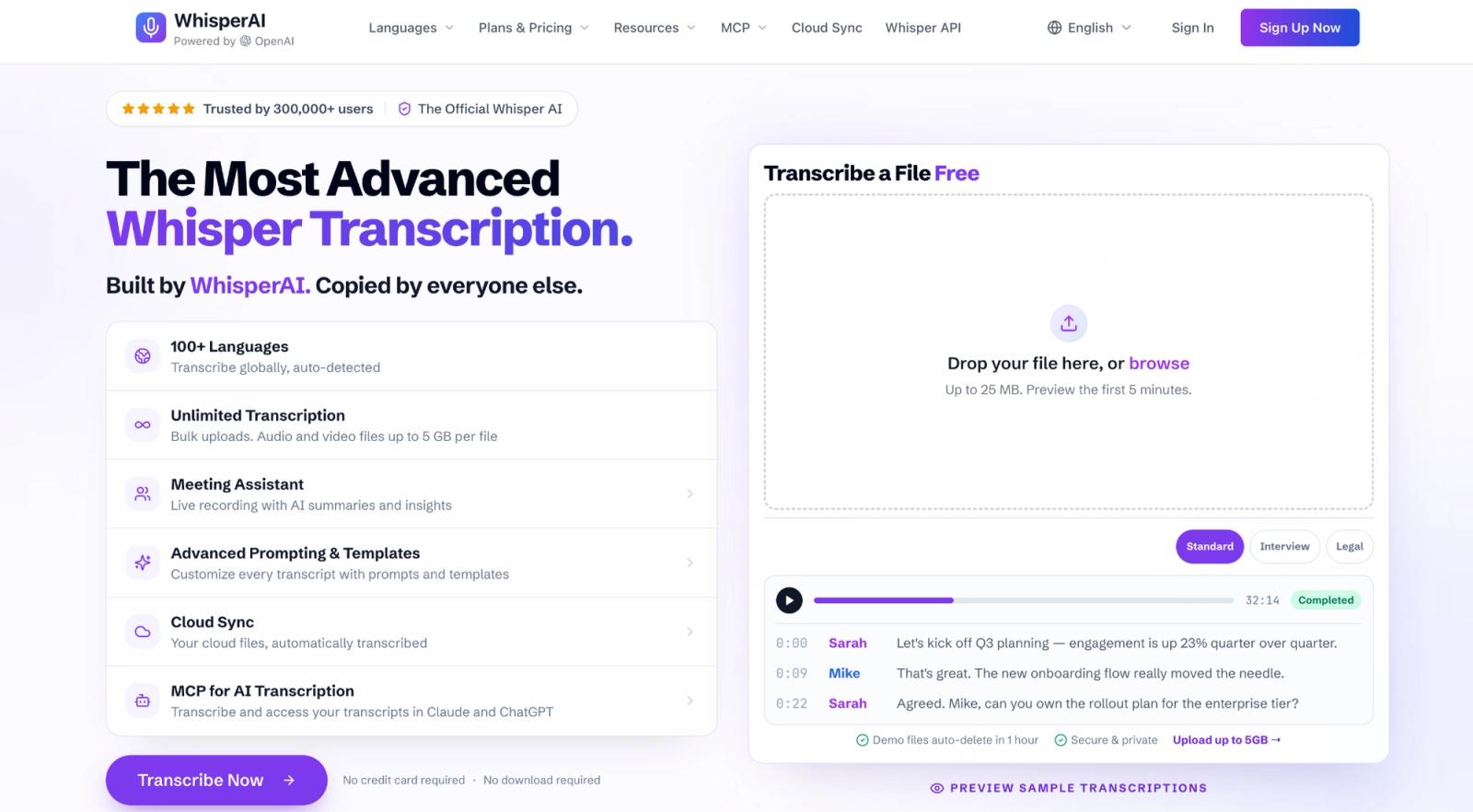
I put WhisperAI first for students who want to record every class. At that point, the challenge is no longer capturing one lecture, but managing hours of audio and finding what you need later.
WhisperAI is built for that workflow: record live or upload existing audio, turn it into searchable transcripts, and, on Business Pro, generate study notes, summaries, and transcript-based answers.
Why it stands out
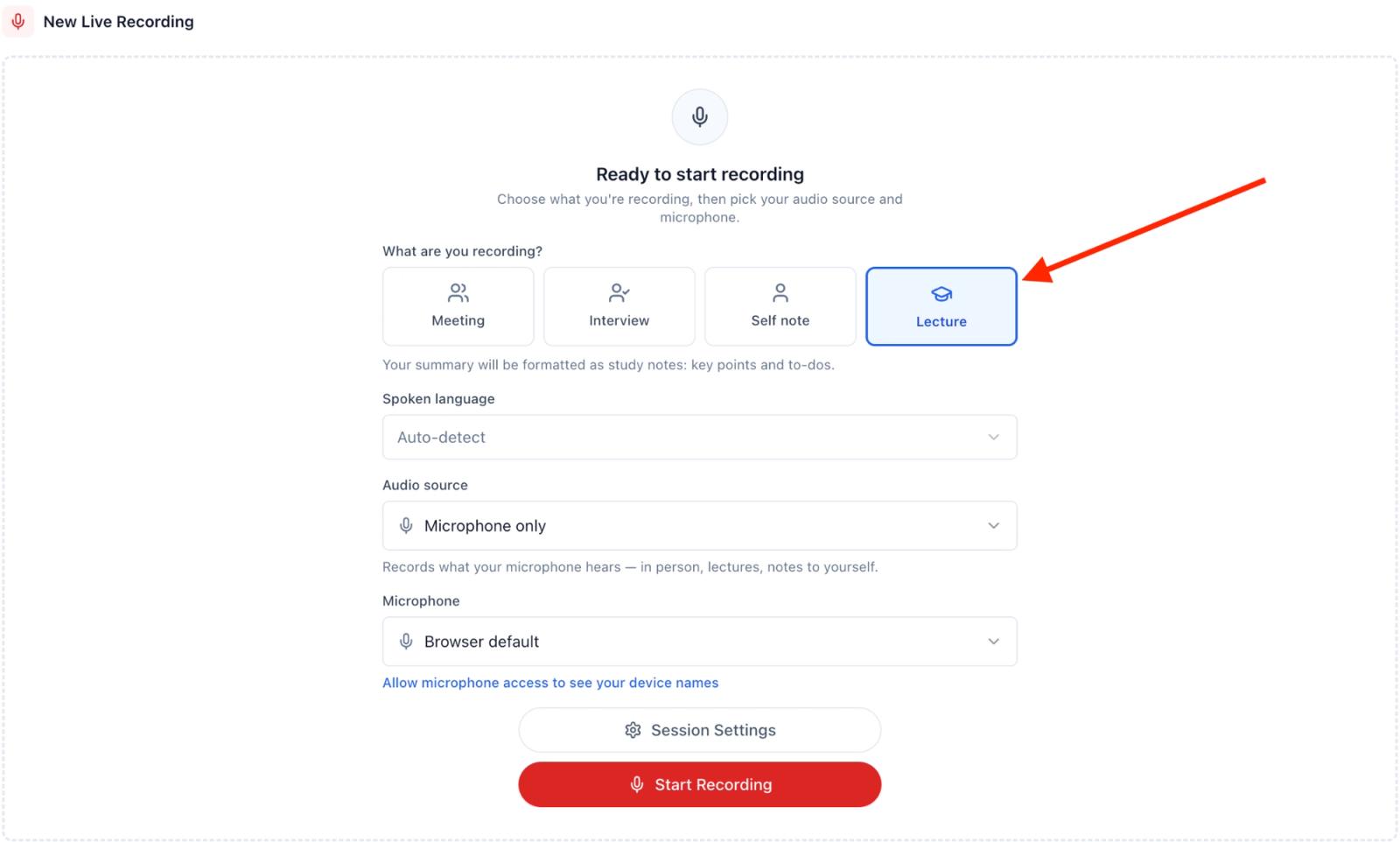
WhisperAI records the whole lecture
The web recorder has a Lecture recording type, and one session can run up to 12 hours, which covers a three-hour evening class with room to spare. The iPhone and iPad app keeps recording with the screen locked, so the phone can sit face down on your desk. On Business Pro, the recap that follows is a set of study notes with key points and to-dos.
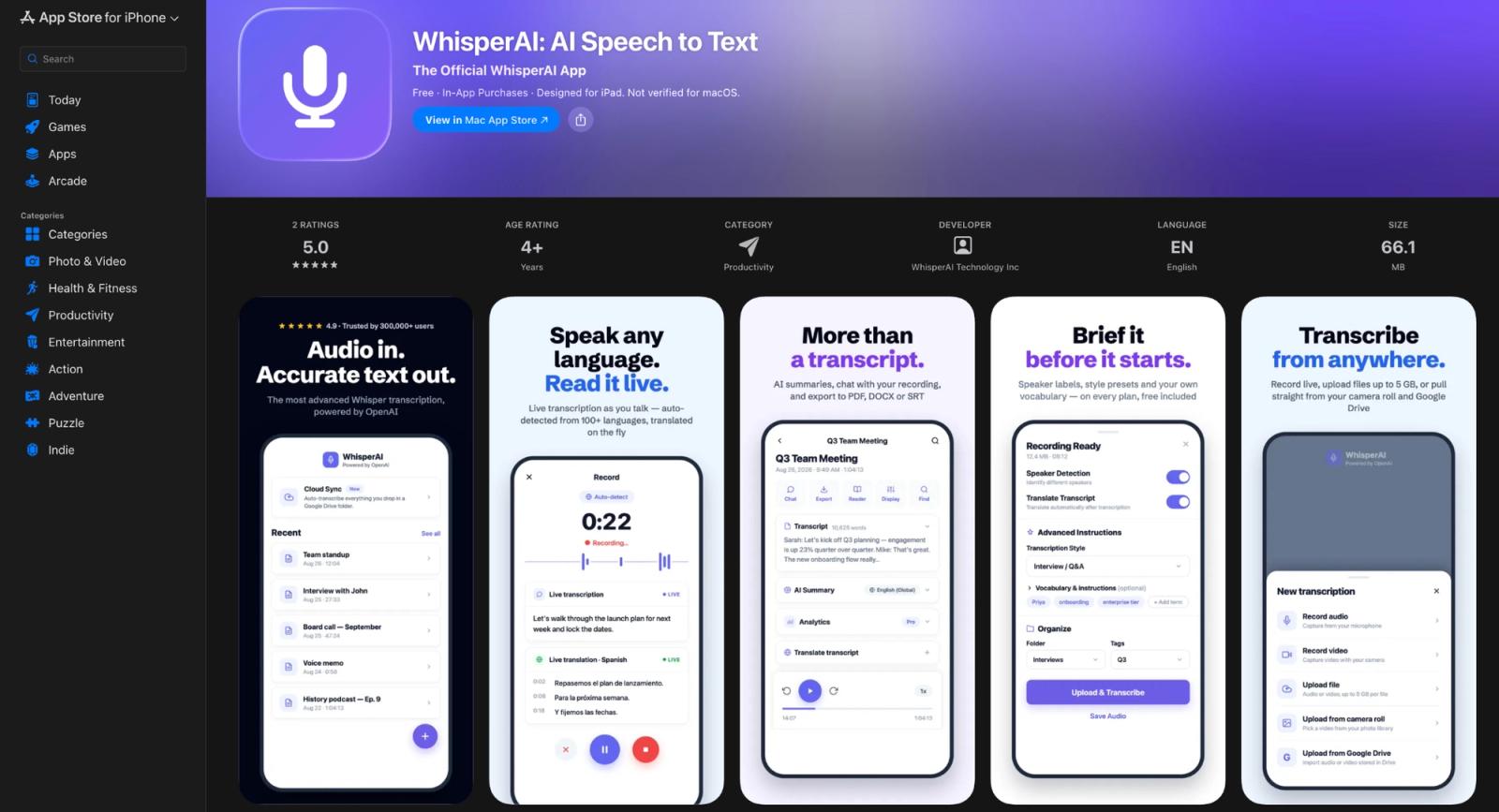
It takes recordings from other apps
A semester of Voice Memos can go straight in. You can upload files up to 5 GB, so you can transcribe lectures you recorded in any app.
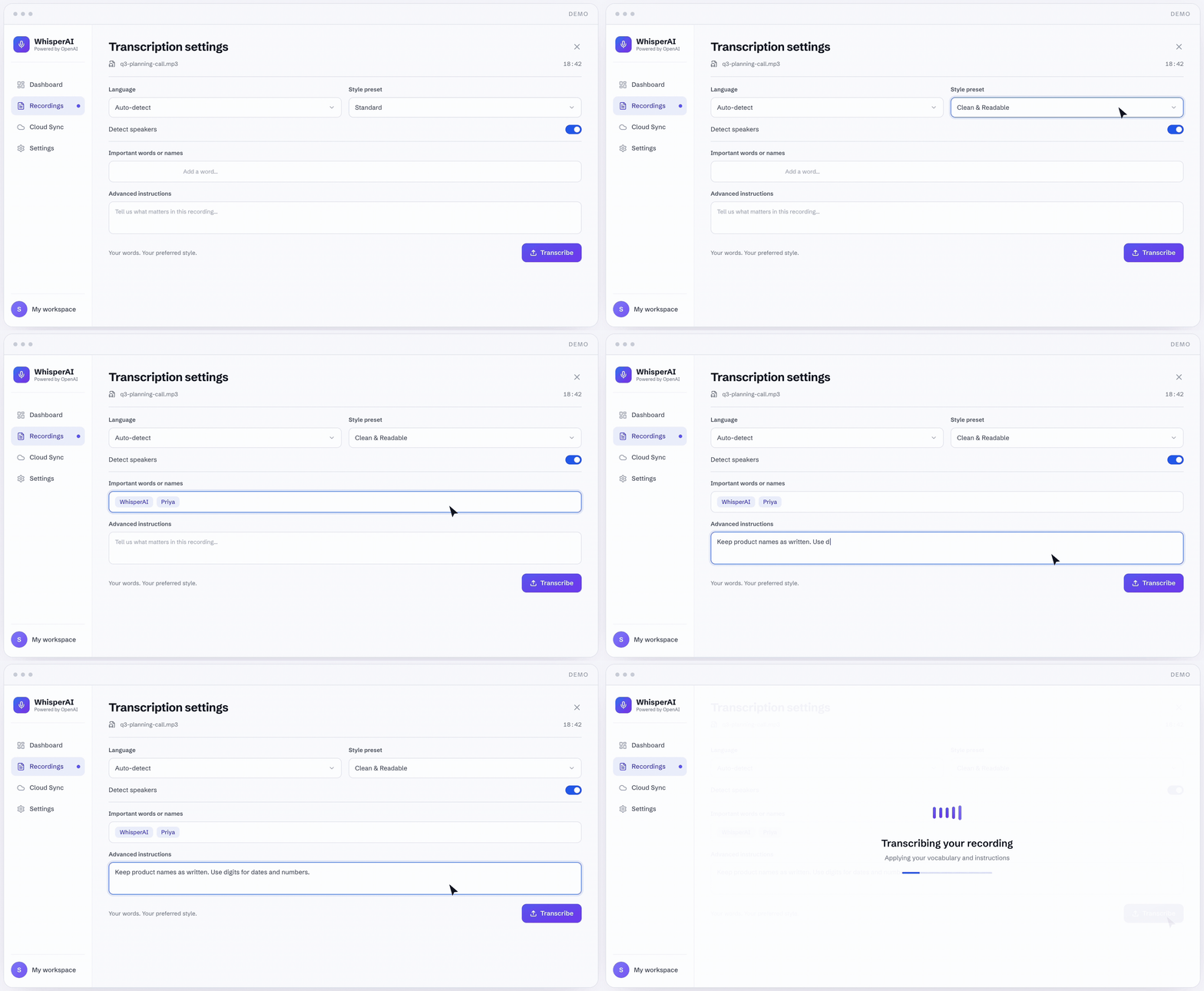
It learns your course's vocabulary
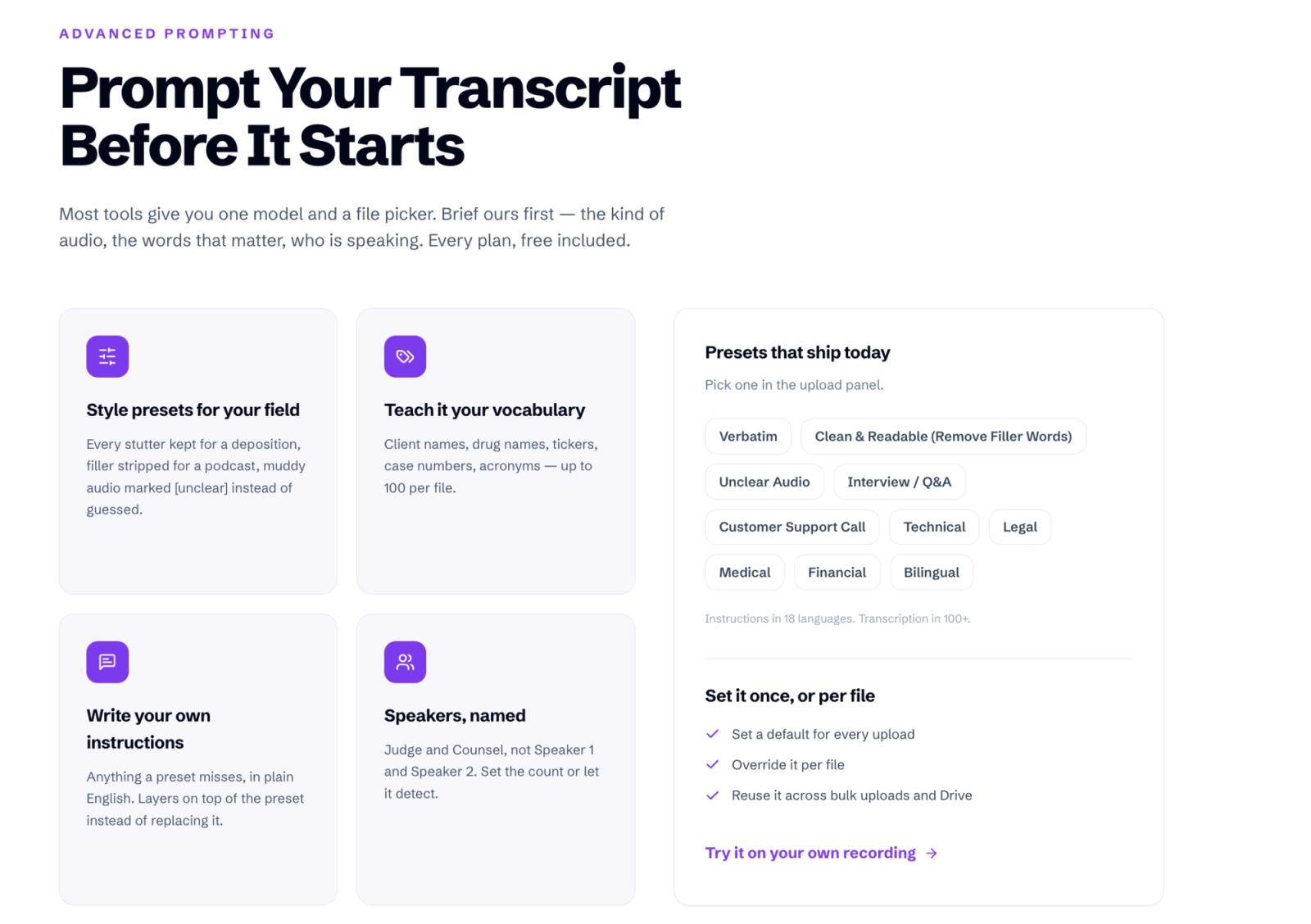
Transcripts usually go wrong on jargon, so you can add up to 100 custom terms per file, such as drug names, formulas, or professors' names. Presets include Technical, Medical, and Bilingual.
WhisperAI is built for multilingual lectures
Transcription runs in 98 languages, and 18 of them work live. Paid plans starting with Premium include live translation, so you can read the lecture in another language while listening. If you're an international student, or your professor switches languages mid-lecture, you can follow along in the language you think in.
The monthly limit is what decides whether you need it
Fifteen hours of class a week creates about 65 hours of audio in an average month. Otter Pro covers 20 hours and caps each conversation at 90 minutes. Notta Pro covers 30 hours, with up to five hours per recording. TicNote Professional covers 25 hours, with a three-hour web-recording ceiling.
WhisperAI Business Pro gives you unlimited transcription for $199 a year, less than the unlimited plans from Otter, Notta, and Plaud. A single session runs up to 12 hours, three times the 4-hour limit on Otter Business, which costs $239.88 a year. Record every class all semester, upload last term’s recordings, and never check a minute counter, all without buying a separate recorder.
If you want to compare WhisperAI with broader options beyond lecture use, see our guide to the best AI transcription software.
Pricing & key features
Every plan includes 5 GB uploads, transcript editing, search, and exports. Recording works within your plan’s minute allowance.
- Free: Five minutes a month. Use it to test a short section of one lecture.
- Premium: $14.99/month, $99/year, or $9.49/week for 120 minutes a month, enough for two one-hour lectures. Unused minutes roll over, up to 360. It includes live transcripts, speaker labels, live translation, and the in-session assistant.
- Business Pro: $24.99/month or $199/year for unlimited transcription. It adds Lecture study notes, AI summaries, transcript chat, and Google Drive sync, which is free with the plan for now.
The choice is fairly simple. Free tests the transcript, Premium covers occasional lectures, and Business Pro covers a timetable.
Skip WhisperAI if you're on Android.
Record your next lecture with WhisperAI's Lecture type and get the study notes when class ends.
2. Otter.ai
Best for: Live notes and cross-lecture questions in shorter classes
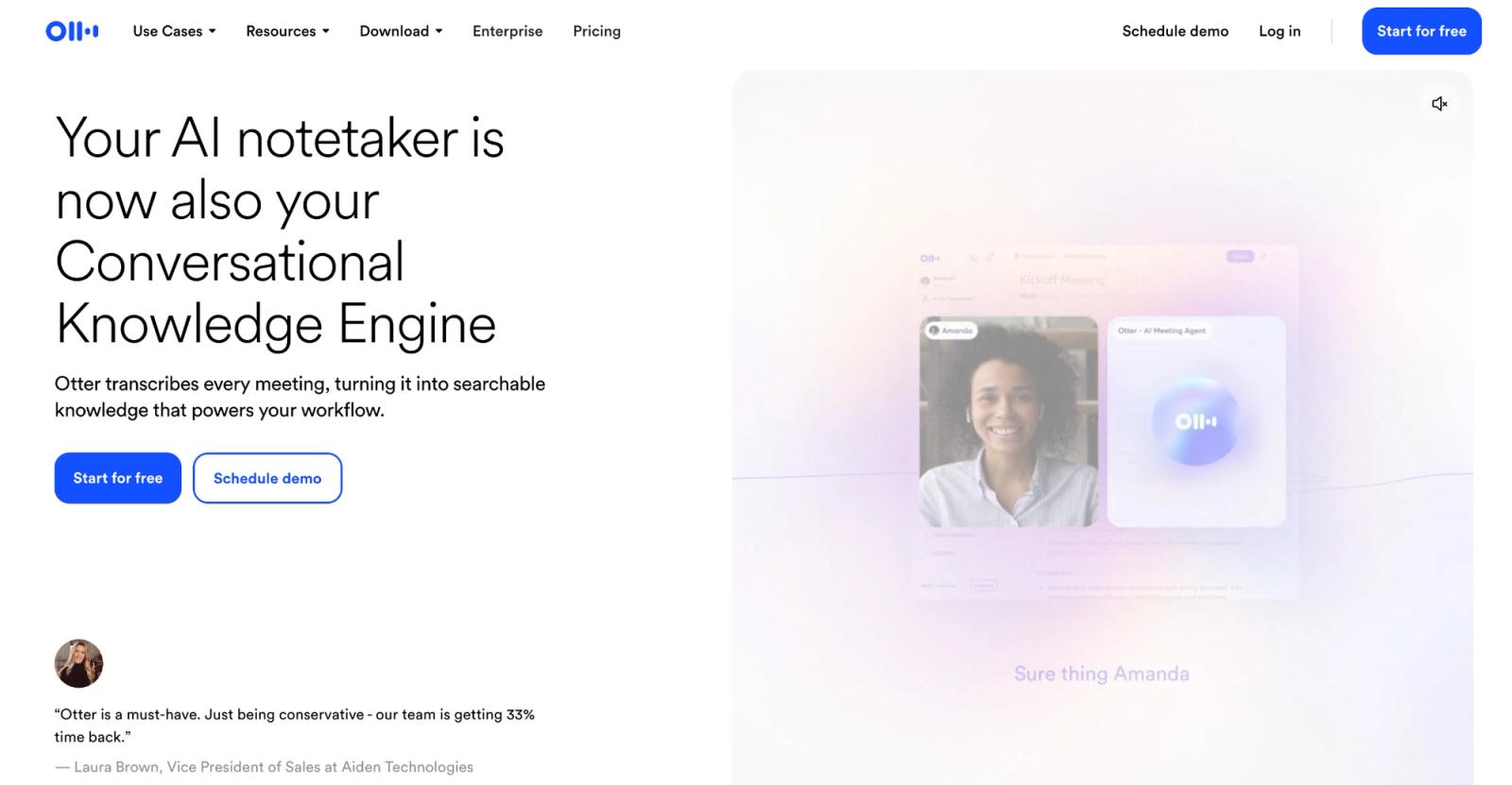
Otter writes the transcript as the professor talks, making it useful for students who want live text during class. Its usage limits determine whether it can cover a full week of classes.
Key features & user experience
You can highlight useful passages and revisit the matching audio later. Otter Chat also makes recorded conversations searchable, so previous classes are easier to review.
Language is a key limitation. Otter transcribes only six languages: English, Spanish, French, German, Japanese, and Simplified Chinese. By comparison, WhisperAI transcribes 98 languages, 18 of them live.
Second, Otter works best with clear speech. Recent G2 reviews are positive about speed and searchable notes, but technical vocabulary, overlapping speakers, accents, and speaker identification still come up as correction points.
One reviewer, for example, praised Otter’s speech recognition but noted issues with acronyms, product names, and thicker accents.
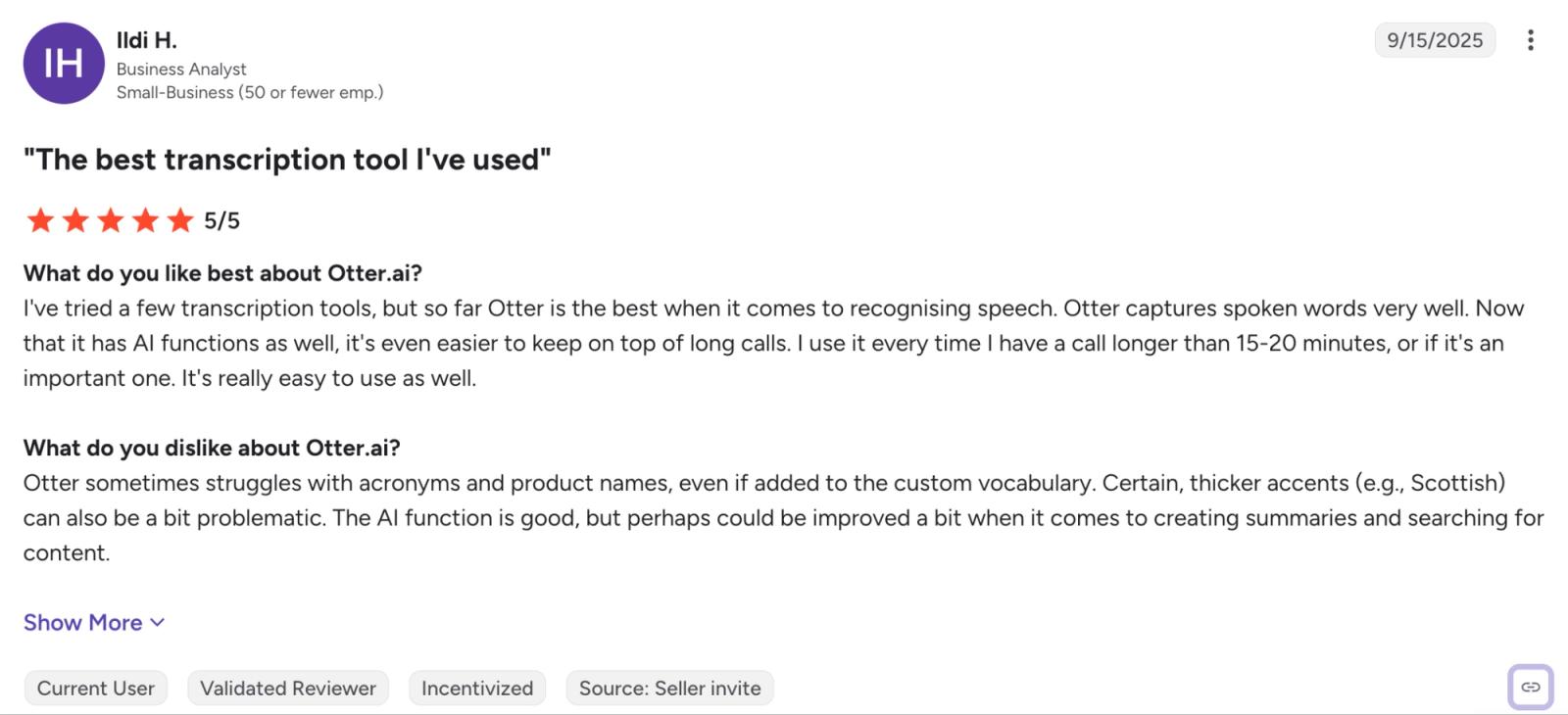
Source: G2
Privacy is also worth considering when choosing a tool for online classes. In August 2026, a federal court allowed several claims in In re Otter.AI Privacy Litigation to proceed, involving allegations that Otter recorded, retained, and used meeting data without all participants’ consent. The ruling was not a final decision on liability, and the case remained ongoing at that stage.
This doesn’t mean “don’t use Otter.” Before using OtterPilot (Otter’s assistant that joins online meetings) in class, make sure your instructor and other participants know it’s recording and your school allows AI tools to process class recordings.
Otter.ai pricing: Basic is free with 300 transcription minutes a month, but each conversation stops at 30 minutes and you get only three file imports for the life of the account. Pro costs $8.33 per user/month on annual billing, or $16.99 monthly, with 1,200 in-app recording minutes, 90 minutes per meeting, and ten imports a month. Eligible students and teachers using a .edu address currently receive 20% off Pro.
The 90-minute ceiling is the number I'd watch. A two-hour seminar fails that test even while plenty of monthly minutes remain. WhisperAI runs a single session for up to 12 hours, so a long seminar is one recording, not two.
Got a seminar longer than 90 minutes? Record it in one WhisperAI session.
3. Notability
Best for: Students who think in handwritten notes, diagrams, and annotated slides
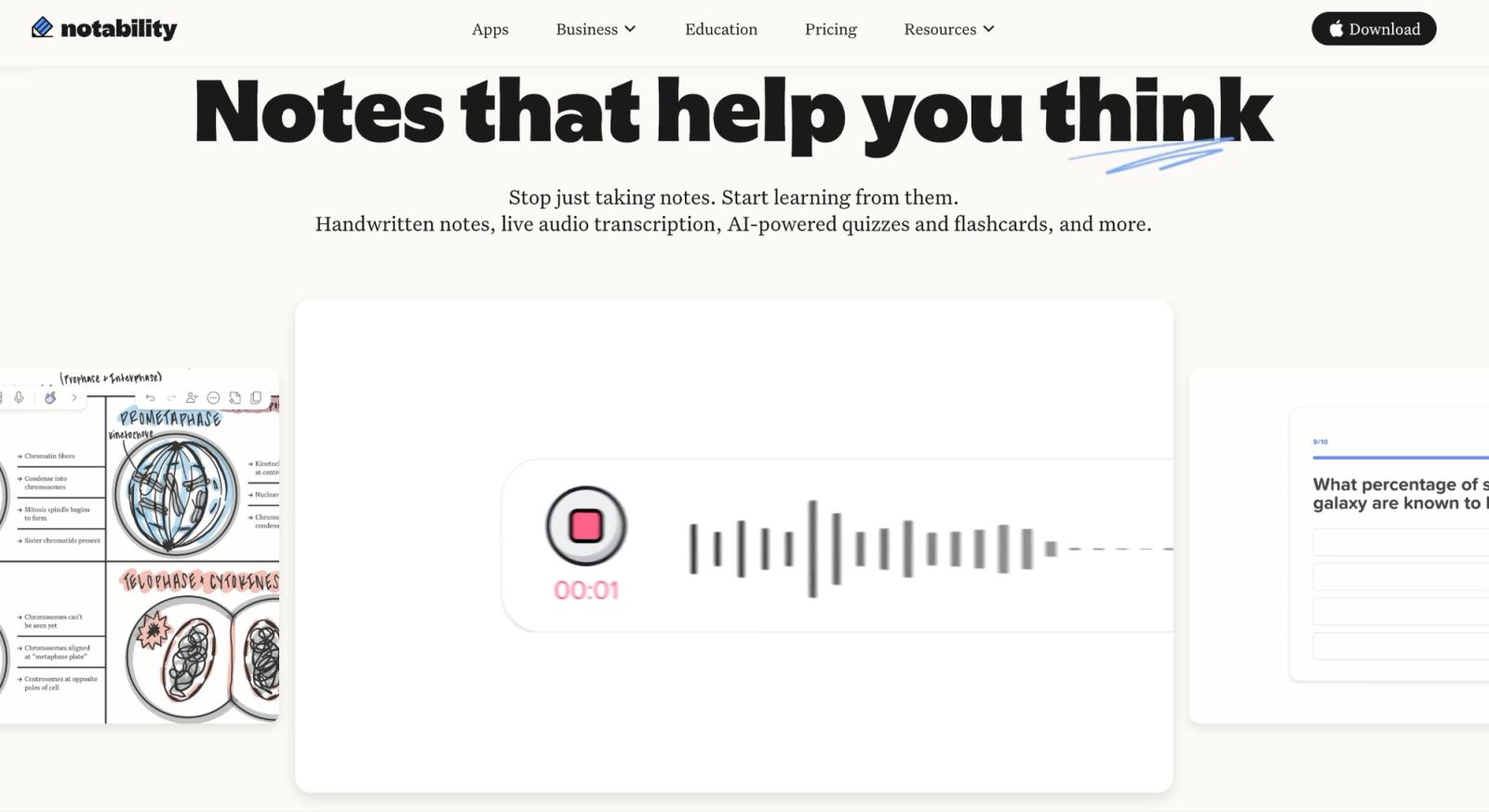
Notability solves a different retrieval problem from Otter. You don't have to remember what the professor said. You can remember what you wrote when they said it.
Key features & user experience
Every ink stroke can be tied to the recording. During review, Note Replay reconstructs your writing alongside the audio, so tapping the part of your notes where you drew a pathway, equation, or diagram takes you back to that part of the class.
That's especially useful in subjects a transcript represents badly. “The professor explained the arrow on the left side of this diagram” isn't very searchable as text. Your handwritten arrow is.
Notability has pushed further into AI in 2026. Plus includes limited audio transcription, while Pro adds unlimited live transcription, live Smart Notes, quizzes, flashcards, and chat with your notes. Its live transcription system breaks audio into overlapping segments of 3 to 15 seconds as you record, rather than waiting for the lecture to finish.
Notability pricing: Classic has returned as a one-time purchase at $49.99 through the App Store, with a lower web promotional price. It gives you unlimited notes, handwriting recognition, collaboration, and syncing, but no audio transcription or Learn features.
Notability had enough confusion around that distinction that its team posted an announcement in the official Notability subreddit clarifying that Classic doesn’t include audio transcription or Learn.
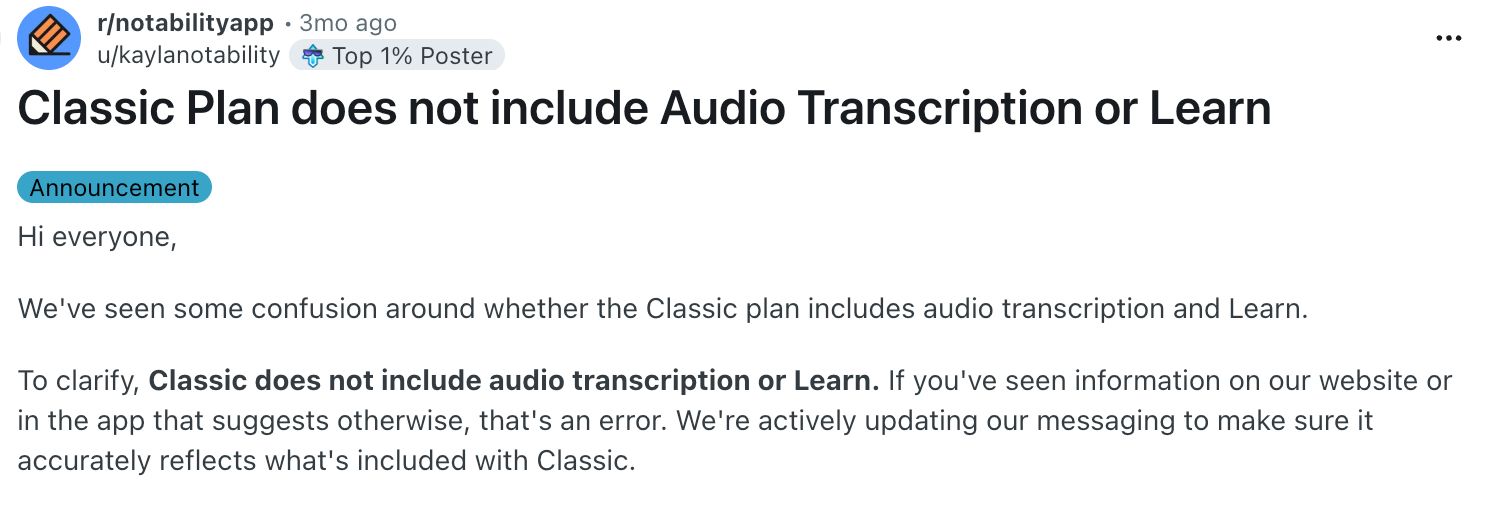
Source: Reddit
Regular annual pricing is $19.99 for Plus and $99.99 for Pro.
I'd choose Notability when handwriting is already how you study and the recording is there to recover context. If you're opening the app mainly because you want an AI transcript, other tools give you more transcript capacity for the money.
4. Goodnotes
Best for: Students whose lectures start with a PDF or slide deck
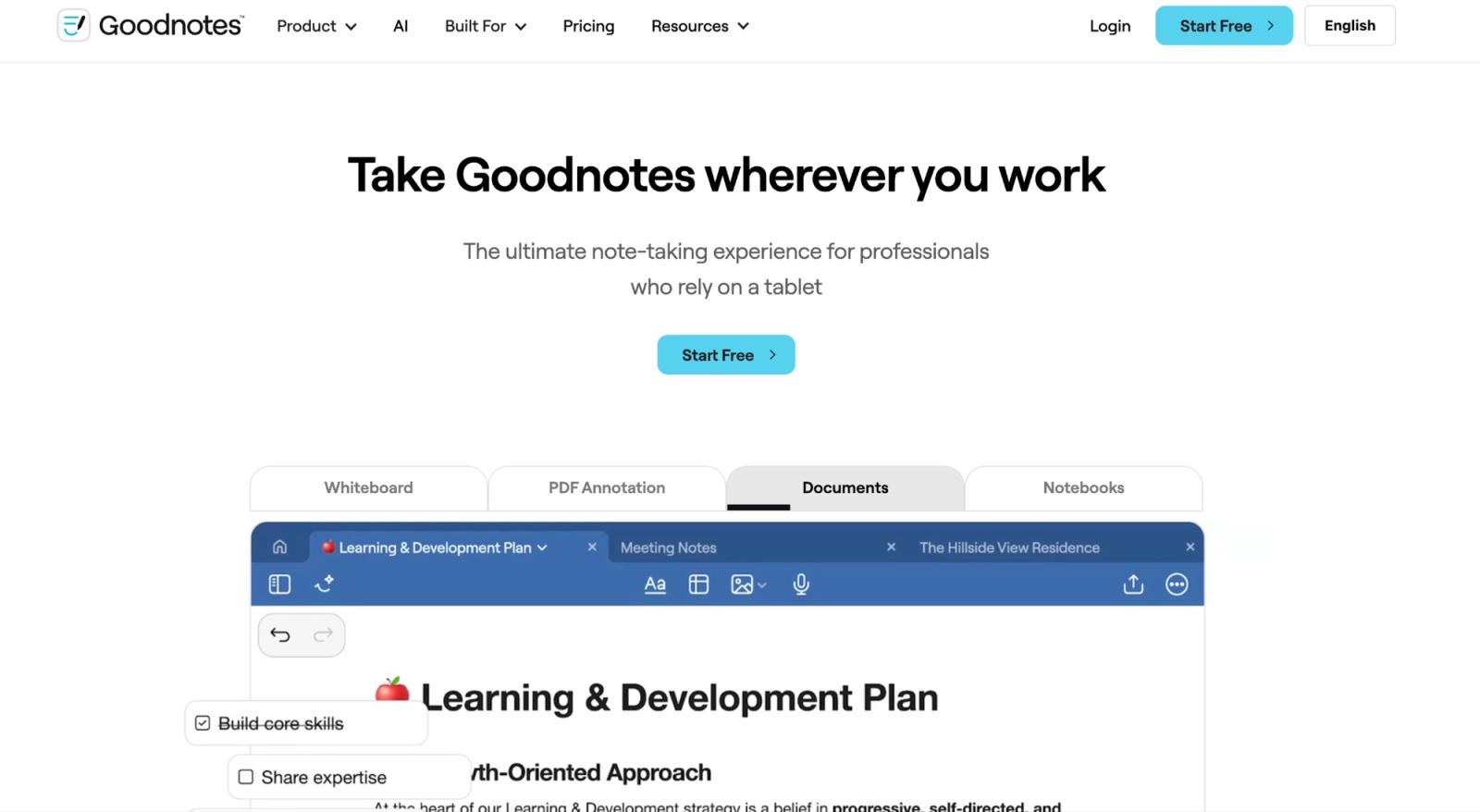
Goodnotes is closest to Notability, but I would choose between them based on where the class material starts.
If the professor uploads a 60-slide deck before class and you already annotate it in Goodnotes, putting the recording beside those slides makes sense. Your PDF, handwriting, and audio stay in one course notebook, and Goodnotes’ Note Replay can show the handwriting that was created as the audio played.
Key features & user experience
Goodnotes' standard import list covers PDFs, images, Word, PowerPoint, and Goodnotes files. It doesn't list audio formats. The lecture workflow is built around audio you record inside Goodnotes, so it is a poor migration target for a folder containing last semester's MP3s or Voice Memos.
If that folder is mostly MP3s, here's how to transcribe MP3 to text so last semester stays searchable.
Goodnotes’ audio transcription stops after three hours, although the recording itself can keep going. That’s enough for most classes, but it’s a ceiling to check if you’re recording workshops or long labs.
Platform details matter too. On Android, Goodnotes says recording stops if you switch to another app, while on Apple devices, Windows and the web it keeps recording in the background. A student taking notes on an iPad and a student using an Android tablet are therefore not buying exactly the same experience.
For an archive of recordings you already have, use an audio-to-text transcription tool such as WhisperAI, which takes files up to 5 GB.
Goodnotes pricing: Goodnotes Free permits three notebooks and 20 minutes of audio per notebook. Essential costs $11.99/year and removes the recording limit. Pro is $35.99/year and adds cross-platform sync, collaboration, and advanced AI. AI Pass costs another $9.99/month for more AI credits.
5. Microsoft OneNote
Best for: Students whose university already gives them Microsoft 365
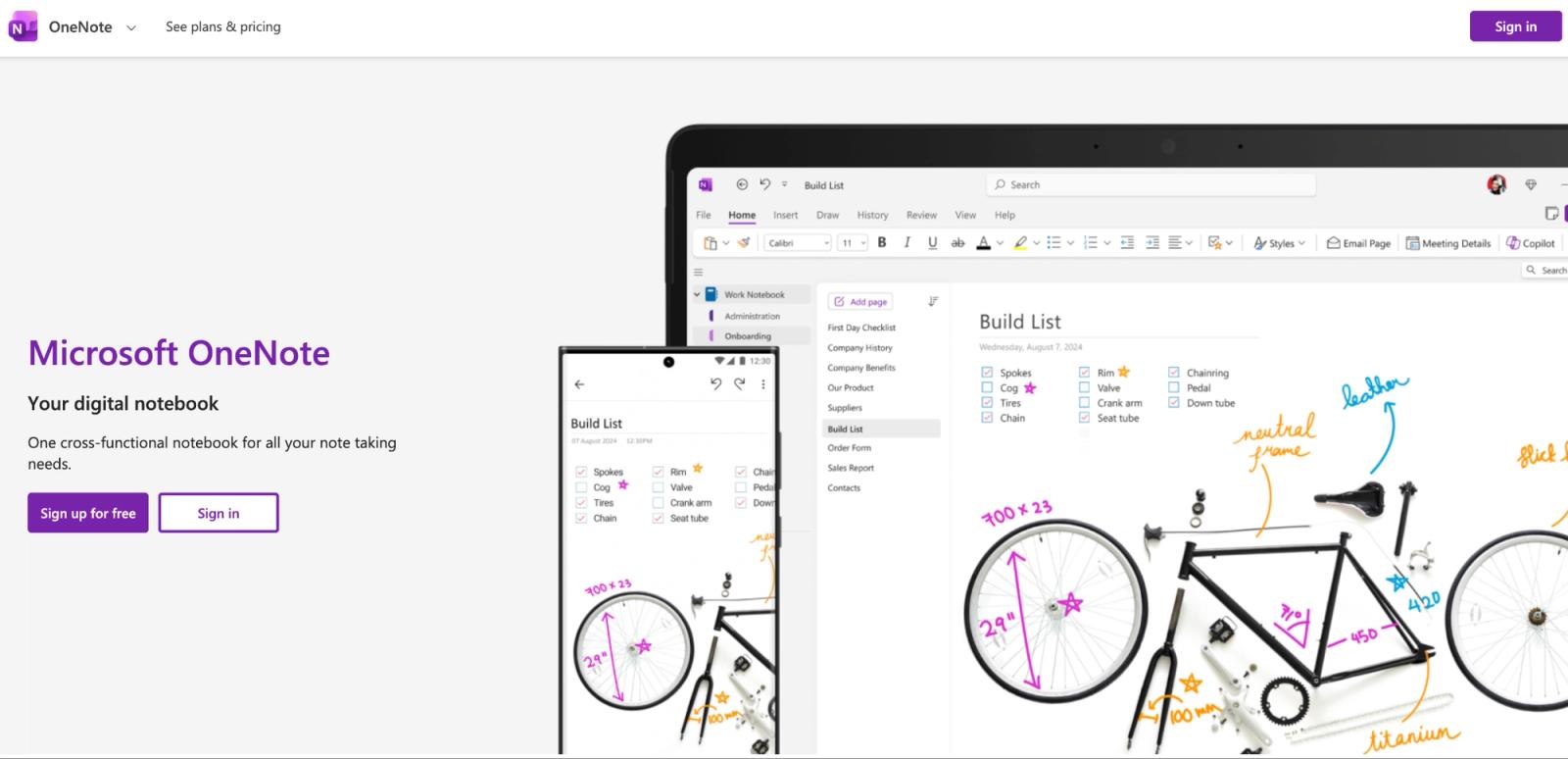
Microsoft OneNote excels as one of the best apps for recording lectures by seamlessly blending audio recording with its powerful freeform note-taking canvas. For students deeply integrated into the Microsoft ecosystem, OneNote allows you to record audio directly onto a notebook page. As you type notes, OneNote creates timestamps, linking your text to the exact moment it was mentioned in the lecture audio.
Key features & user experience
Transcribe in OneNote is currently a Windows feature for OneNote for Microsoft 365. It can record directly or take an uploaded audio file, separates speakers, and gives standard Microsoft 365 subscribers 300 minutes of uploaded audio per month. Microsoft says the feature requires an internet connection.
That's very different from saying “OneNote has transcription” and leaving it there. If you use an iPad, Mac, or browser for most of your classes, confirm the exact workflow on that device before paying for Microsoft 365 because of this feature. WhisperAI’s recorder works in the browser and on iPhone and iPad, so it doesn’t depend on Windows.
Microsoft OneNote pricing: The core OneNote app is free. Microsoft 365 Personal is $9.99/month or $99.99/year in the US, but a lot of students already receive Microsoft 365 through their school. Check that account first. Paying another $99.99 for a feature your university already licensed would be an avoidable mistake.
OneNote is the pragmatic pick when your classes, files, and notes already live in Microsoft 365. I wouldn't move an otherwise happy Goodnotes or Notability user into it solely for lecture transcription.
6. Apple Voice Memos and Notes
Best for: Free lecture recording on an iPhone you already own
You may already own the whole setup. Voice Memos is the better capture tool; Notes keeps audio beside typed text, scans, links, and course material. Neither adds a subscription or account.
Key features & user experience
Voice Memos transcription works on iPhone 12 and later in ten language groups: English, Spanish, Portuguese, Italian, French, German, Japanese, Korean, Simplified Chinese, and Traditional Chinese. You can watch the transcript while recording, search words across titles and transcripts, and tap a term to jump to its place in the audio.
Summaries have a separate gate: Apple Intelligence hardware, a supported language, and a supported region. An ordinary iPhone 15 can transcribe but cannot create an Apple Intelligence summary. Do not upgrade if searchable text is all you need.
Start here for personal review on an eligible iPhone. Voice Memos and Notes are Apple’s own apps, so the recording doesn’t go to a third-party AI service unless you export it, which suits classes that permit recording but not third-party AI. If you later need better treatment of course terms or semester-wide search, export the original audio. Our guide to transcribing Voice Memos covers that step.
Already have a folder of Voice Memos? Upload them to WhisperAI and search every lecture at once.
7. Easy Voice Recorder
Best for: Android students who want dependable capture and will handle transcription elsewhere
Easy Voice Recorder shouldn't be judged against Otter or StudyFetch on AI study features. On Android, its main job is simpler: capture the lecture audio reliably so you have it to review later.
Key features & user experience
The Pro Android app advertises recordings without a time limit, including long classes, with several audio formats and playback-speed controls. At the time checked, Google Play lists Pro at $4.99 in the US.
The free Android version is supported by ads, while Pro adds the conveniences you'd expect from a mature recorder: extra formats, folders, cloud uploads, trimming, Bluetooth microphone support, and other recording controls.
What you don't get on Android is the integrated “lecture → transcript → quiz” pipeline that fills the rest of this list.
That can be an advantage.
If all you need during class is reliable audio, a dedicated recorder has fewer moving parts. Record first. Put the resulting file into WhisperAI or another transcription service, or whatever study system you already use afterwards. You can change the transcription tool next semester without changing how you capture class.
I'd pick this workflow for an Android student who doesn't want their entire academic routine tied to one AI app.
If you want searchable text before you leave the room, use an AI lecture app instead.
8. Google Recorder
Best for: Pixel owners who want searchable recordings without another subscription
Google Recorder records and transcribes on supported Pixel devices. Search for a term afterward to find the part of class where it came up.
Key features & user experience
Recorder works on Pixel 3 and later phones and Pixel Tablet. It keeps recording when the screen sleeps, and Google supports individual recordings up to 18 hours. That's far beyond what a normal lecture needs.
The useful part comes after class. Search the transcript for a term, jump back into the recording, or send the transcript to Google Docs. Google now also lets you send Recorder transcripts straight into Gemini Notebook, which is a more interesting study workflow than Recorder's basic feature list suggests.
That can remove the need for a paid lecture app entirely.
There are still ceilings.
On a Pixel 8 or later, Recorder’s built-in AI summary supports recordings from five minutes up to a maximum of one hour of speech, with some variation by language and speech density. A 90-minute lecture can therefore record successfully and still be too long for the built-in summary.
Speaker labels are available on Pixel 6 and later and only in US English. Google creates the voice models on the device and deletes them shortly after labeling, but the language restriction matters in multilingual classes.
If you own a compatible Pixel, I would start here for free. Buy another app only after you can name the thing Recorder doesn't do for your classes. For lectures longer than an hour, WhisperAI records up to 12 hours in one session, and Business Pro turns the recording into study notes.
9. StudyFetch
Best for: Turning lectures into practice material in one study app
StudyFetch's Live Lecture records and transcribes class while generating notes. Its broader study tools turn course materials into flashcards, quizzes, and practice tests.
Key features & user experience
Once the material is inside StudyFetch, the same course can feed flashcards, quizzes, practice tests, study plans, and its Sparky tutor. The system is designed to pull your lecture, slides, and other course material into one study loop rather than leaving you with another document to read.
That makes it more compelling before an exam than a plain transcription service, but generated study material is also where you need judgment.
Don't judge StudyFetch by whether it successfully writes down a lecture. Feed it one representative class and inspect the questions it creates. If the questions force you to recall the material the way your course exams do, you've found the value. If you're correcting repetitive or shallow cards, the transcript wasn't the problem.
StudyFetch pricing: StudyFetch is free to start, but its public support material doesn't give a clean numeric free lecture allowance. Its US App Store lists Premium at $19.99/month or $96/year.
I'd pay that when I wanted to replace several post-lecture steps with one study environment. If you already have a flashcard system you love, a transcription tool such as WhisperAI Premium, at $14.99 a month, may be enough.
10. Notta
Best for: Students on Android who want live AI transcription
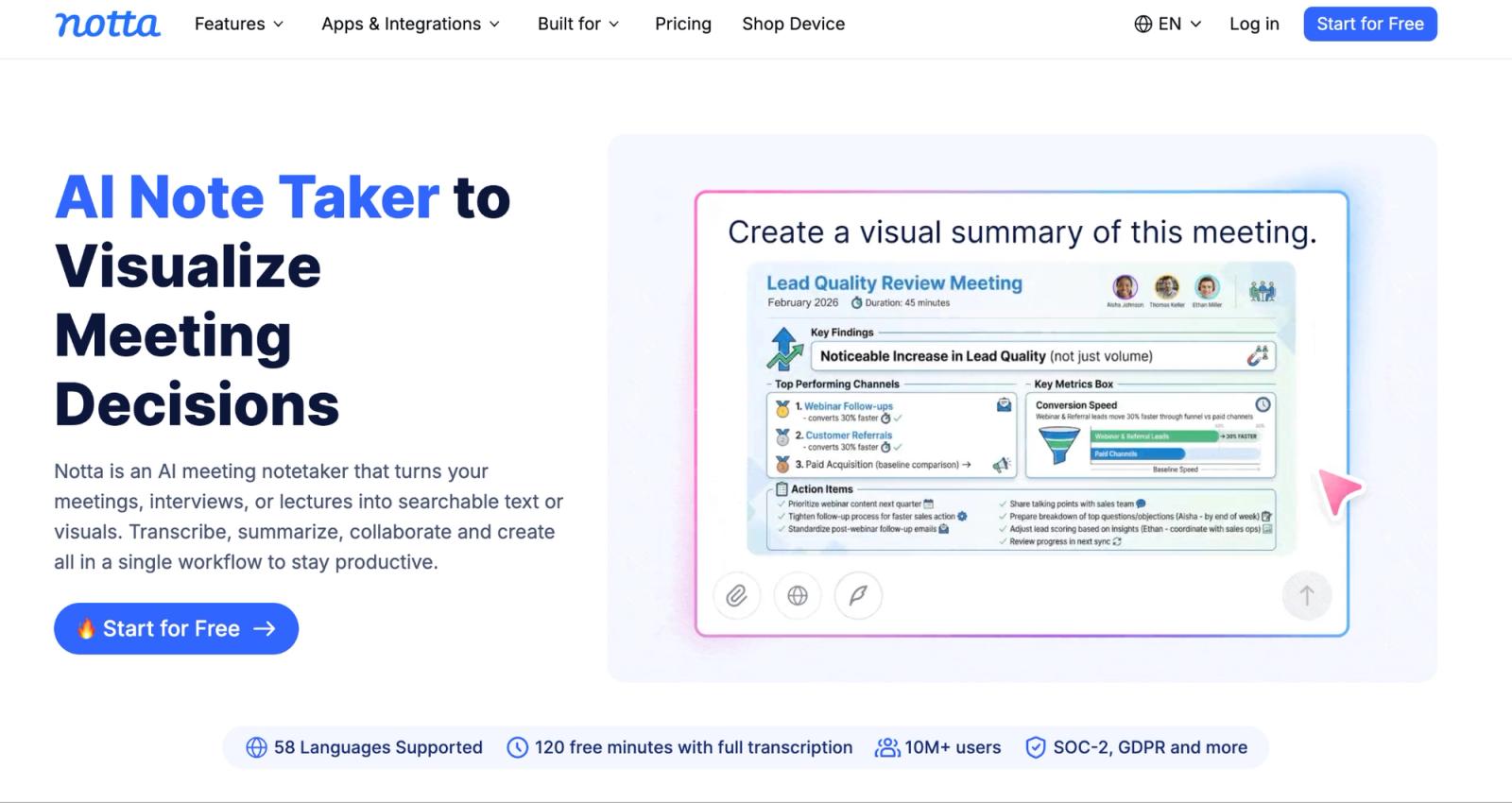
Notta is a step up from Otter on recording length and languages. It records live, accepts files, joins supported online meetings, and syncs across web and mobile.
Key features & user experience
Otter currently transcribes six languages. Notta supports 58 for monolingual transcription. Otter Pro cuts a meeting at 90 minutes. Notta Pro permits recordings up to five hours. WhisperAI goes further on both: 98 languages, and single sessions of up to 12 hours.
If you're an international student, your professor switches languages, or your seminars routinely run two or three hours, those differences can decide the purchase before anything else does.
Don't stop at the language count, though. Notta separates transcription from some translation workflows. Pro includes transcript translation, while monolingual and bilingual translation add-ons have their own pricing and usage rules. If live translation is the reason you're buying, check that specific feature instead of assuming “58 languages” means every language feature is included. WhisperAI includes live translation on every paid plan from Premium up.
Notta pricing: The Free plan says 120 minutes a month, which sounds respectable until you read the second number: three minutes per conversation. Pro costs $97.99/year, advertised as $8.17/month on annual billing, with 1,800 minutes a month and five hours per recording. Business is $199.99/year per seat on annual billing and removes the monthly transcription cap while keeping the five-hour-per-recording limit.
Thirty Pro hours a month can cover a few courses. It still doesn't cover a 15-hour-per-week timetable, which generates roughly 65 hours of class audio in an average month.
For multilingual students, Notta is a step up from Otter, and WhisperAI goes further, with 98 languages and live translation from Premium. For recording everything, compare its Business tier ($199.99 a year) with WhisperAI Business Pro ($199 a year), which runs a single session for up to 12 hours against Notta's 5.
11. TicNote
Best for: Students who like the idea of a dedicated recorder feeding an AI workspace
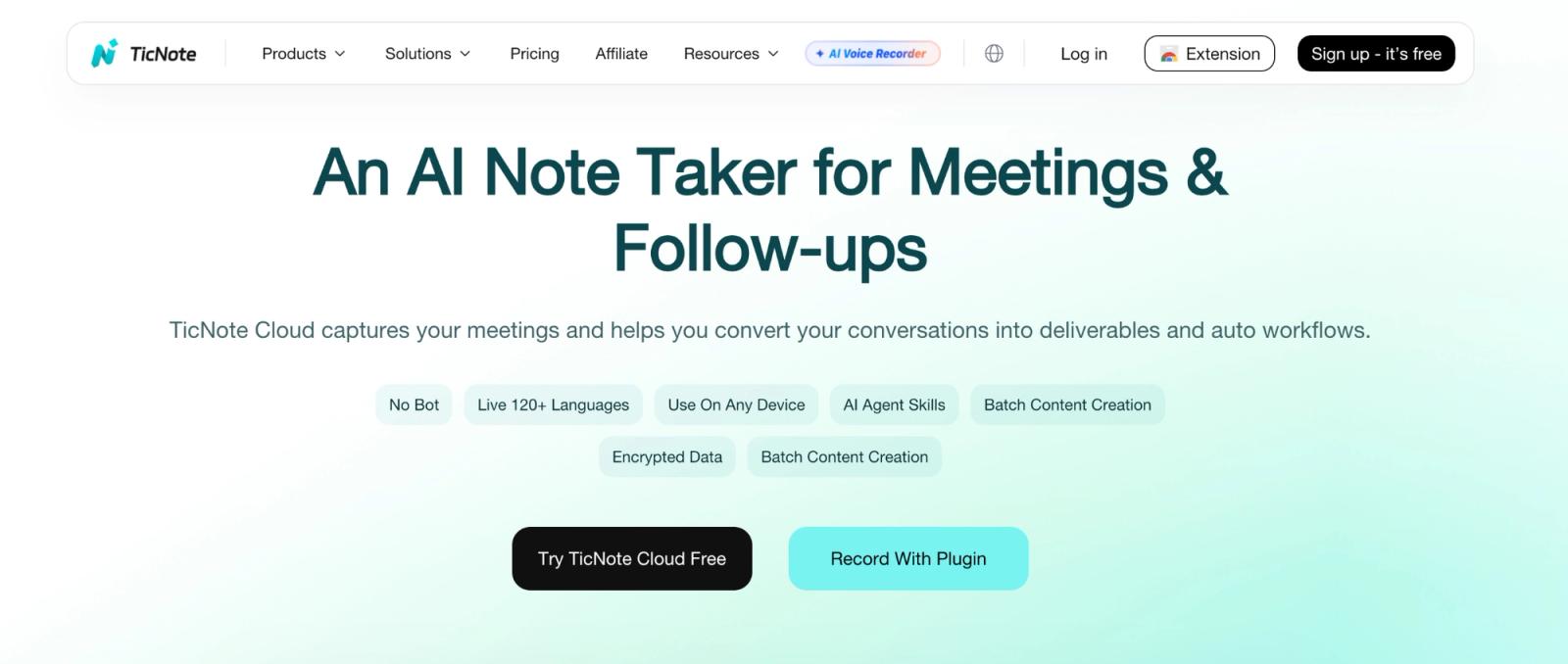
TicNote is the odd one on this list because buying its software and buying its hardware are separate decisions.
Key features & user experience
TicNote Cloud works without a TicNote device. Its Chrome extension can record supported web meetings and videos, including Google Meet, Zoom, Microsoft Teams, and YouTube, without adding a bot to the call.
After recording, TicNote Cloud can generate transcripts, summaries, action items, mind maps, AI Chat responses, deep-research reports, and cross-file search across your workspace. The hardware adds another capture method rather than unlocking the cloud workspace itself.
That distinction matters for students. A dedicated recorder may be useful if you want your phone in your bag and a one-purpose device on the desk, but it also means another battery, another object to carry, and another upfront purchase.
The language claims need separating. TicNote advertises transcription across 120+ languages. Its Chrome extension supports real-time translation in 17 languages, while post-meeting translation in the web app supports 70+ languages.
TicNote pricing: TicNote Cloud works without hardware. Free includes 300 transcription minutes a month and 30-minute web recordings. Professional raises that to 1,500 minutes a month and three-hour web recordings. Linking a TicNote device adds 600 minutes a month.
Professional costs $199 a year. TicNote’s recorders start at $129.99, and each device adds 600 transcription minutes a month, so treat the hardware and the cloud plan as separate costs.
12. Knowt
Best for: Students who want lecture notes connected to flashcards and quizzes
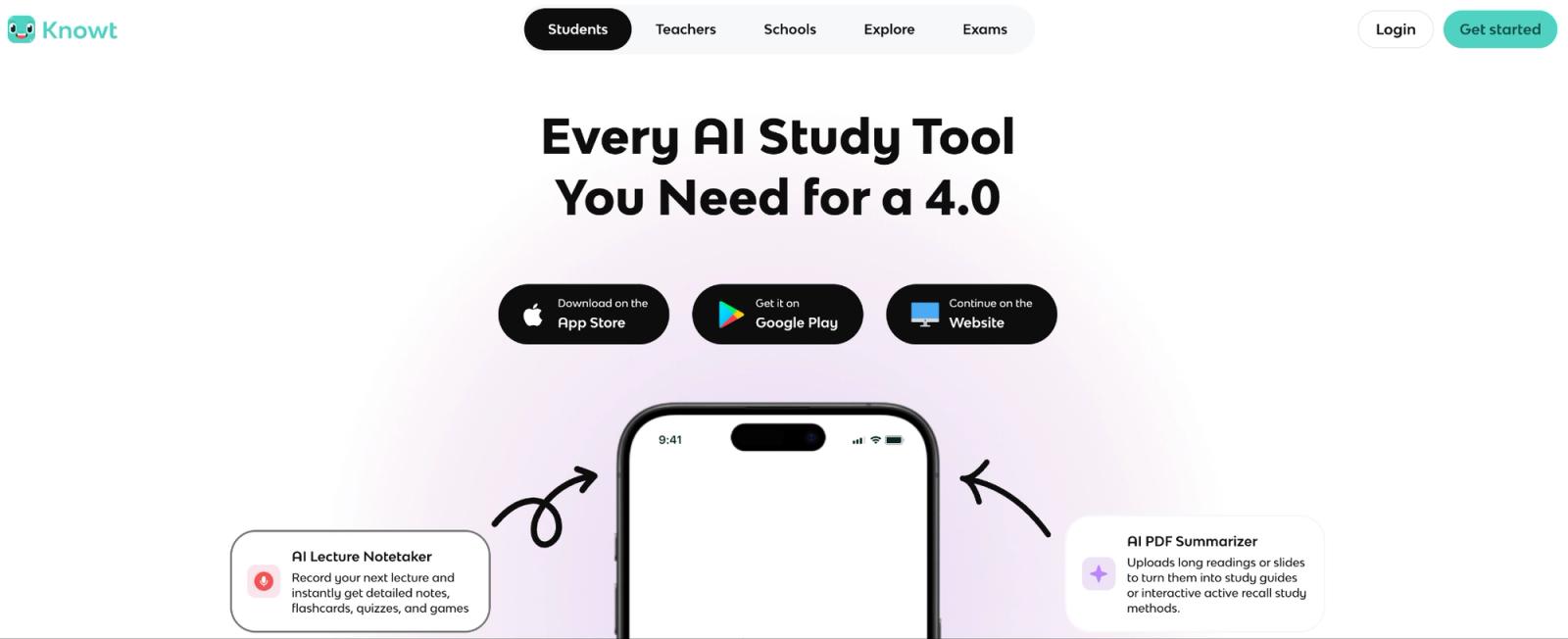
Knowt combines AI lecture tools with flashcard studying. You can use it to turn class content into notes and practice questions, then study within the same system.
Key features & user experience
Record a live class or upload existing audio, then choose whether Knowt should turn it into notes or flashcards. From there, you can use the same material for practice tests, spaced repetition, study games, AI chat, podcasts, and its Kai voice tutor.
That changes the comparison.
If you already spend your evenings turning lecture notes into flashcards, Knowt can remove that step. If all you want is a clean transcript to quote or search, you're paying for a large study layer you may never use.
Its free plan is generous for traditional studying: unlimited flashcard sets and notes, plus the main study modes. The AI allowance is much smaller. Free students get one AI summary per month across PDFs, images, videos, PowerPoints, and live recordings.
One free summary isn't one free lecture every week. It's one sample of the AI workflow.
Knowt pricing: Ultra costs $149.99/year, billed upfront, or $24.99 monthly, and includes the AI lecture recording summarizer plus the wider AI feature set.
That price makes more sense if Knowt is also replacing your separate flashcard and practice-test apps. It makes less sense if the lecture summarizer is the only feature you're after. If the transcript and study notes are all you need, WhisperAI Business Pro costs $199 a year and has no monthly cap.
Between Knowt and StudyFetch, I wouldn't decide from the transcription pitch. Give both the same lecture and compare what they produce after transcription. The better questions and flashcards are the product you're going to study from.
Top 12 lecture recording apps compared
The differences are easier to see side by side. The table below compares each app by workflow, price, audience, and the limitation or feature most likely to affect your choice.
| Product | Core features | Quality ★ | Price/Value 💰 | Audience 👥 | Unique ✨ |
|---|---|---|---|---|---|
| WhisperAI | Recording, transcription, search; recaps/chat on Business Pro | Full-timetable text workflow | Free 5 min/mo; Business Pro $24.99/mo or $199/yr | Students recording every class | Lecture recording type, 12-hour sessions, 98 languages, unlimited on Business Pro |
| Otter.ai | Live transcription, AI Chat, meeting capture | Live class review | Free 300 min/mo; Pro $8.33/mo annual or $16.99 monthly | Students with shorter classes | 90-min Pro sessions; 10 imports/mo |
| Notability | Audio-linked handwriting; AI study tools | Visual notes with audio context | Plus $19.99/yr; Pro $99.99/yr | Handwritten note-takers | Pro adds unlimited live transcription and study tools |
| Goodnotes | PDF annotation, notes, audio, transcription | Slide-centered study | Free 20 min/notebook; Essential $11.99/yr | Students annotating slides | In-app audio transcription; no external-audio transcription |
| Microsoft OneNote | Notebook pages, linked audio, Windows Transcribe | Existing course notebooks | Core app free; Transcribe needs eligible Microsoft 365 | Microsoft 365 students | Windows Transcribe; 300 uploaded min/mo |
| Apple Voice Memos and Notes | Recording and supported-device transcripts | Basic iPhone study workflow | Free | iPhone users | Transcription from iPhone 12+; summaries need newer hardware |
| Easy Voice Recorder | Android recording, background capture, exports | Audio backup | Free with ads; Pro $4.99 in US | Android students | No recording time limit; transcription is separate |
| Google Recorder | Pixel recording, transcription, search | Searchable audio | Free on supported Pixels | Pixel users | Up to 18-hour recordings; summaries max about 1 hour |
| StudyFetch | Live Lecture, notes, flashcards, quizzes | Practice from course content | Premium $19.99/mo or $96/yr in US App Store | Students wanting revision tools | Lecture capture feeds study tools |
| Notta | Recording, uploads, transcript translation | Longer sessions than Otter | Pro $97.99/yr; 30 hr/mo | Students outgrowing Otter Pro | 5-hour Pro recordings; Free capped at 3 min/session |
| TicNote | Transcripts, summaries, mind maps | Recorder-plus-workspace option | Free 300 min/mo; Professional $199/yr for 1,500 min/mo | Dedicated-recorder shoppers | Optional hardware; Pro web recordings up to 3 hours |
| Knowt | AI lecture notes, flashcards, quizzes | Recall practice | 1 free AI summary/mo; Ultra $149.99/yr | Flashcard-focused students | Free study modes; AI lecture allowance is separate |
The comparison tells you which app fits. The next step is checking whether recording is allowed in the first place.
Are you allowed to record lectures?
There isn't one rule that applies everywhere. Before recording, ask your instructor and check your syllabus and university policy. Recording permission, sharing permission, and permission to send audio to an AI service can be separate.
The examples below show how those rules can differ; your own school and location may have different requirements.
For example, Cal Poly Pomona's Policy 1416 requires written permission and, under its standard agreement, prohibits uploading recordings to AI tools. It also requires deletion at the end of term. Check your own school's terms before using any cloud app, WhisperAI included.
If recording is an approved disability accommodation, work with your accessibility office. Stanford's guidance says an instructor's privacy or copyright objection doesn't override that accommodation, while limiting recordings to the student's personal study.
Local law also matters. California's rules on recording confidential conversations involve consent from all parties; whether a conversation is confidential depends on the circumstances. Keep recordings private unless you have explicit permission to share them.
Once you know the recording is permitted and how the file can be used, the quality of the capture becomes the next thing that matters.
How to record a lecture so the transcript is worth reading
- Ask first. Check permission for recording and for any cloud or AI processing.
- Get close to the lecturer. Keep the microphone unobstructed and away from typing or rustling papers. A clearer source gives you less to correct later.
- Record 30 seconds and play it back. Check the actual speech level, available storage, and battery before class begins.
- Turn on Do Not Disturb. Test that your chosen app continues recording when the screen locks.
- Mark the passages you'll need. Bookmark an exam hint or a difficult explanation; WhisperAI supports bookmarks during recording.
- For online classes, capture the right source. In WhisperAI, share the class's browser tab in Chrome or Edge and enable tab audio. On macOS, this route can't capture Zoom or Teams running as desktop apps; join through the browser. If the lecture is posted on YouTube, you may not need to record it at all: here's how to transcribe a YouTube video from the transcript that's often already there.
- Add course vocabulary before transcription. If your app supports it, add course vocabulary before transcription. WhisperAI takes up to 100 terms per file. Review technical terms and important passages against the audio, and attach the relevant slide or diagram before you forget the context.
Ready for your next class? Start a Lecture recording in WhisperAI, add your course terms first, and get study notes when class ends on Business Pro.
Final thoughts
The best lecture recorder depends less on how many features it has and more on what you need to recover after class.
Key takeaways and making your choice
WhisperAI makes the strongest case when you record every class. Business Pro has no monthly cap, one session runs up to 12 hours, and it transcribes 98 languages, 18 of them live, with live translation from Premium up. That covers a full timetable, long seminars and multilingual lectures in one app. Otter fits shorter classes in one of its six languages. If you already own a recent iPhone or Pixel, try Apple Notes or Google Recorder for free first.
If you study through handwritten notes and diagrams, Notability or Goodnotes make the recording part of that workflow.
Actionable next steps for implementation
Test the app with one real lecture, not a five-minute sample. Check whether it records the entire class, handles the terminology you actually hear, and lets you find an important explanation afterward.
Then decide whether its output saves you work. A transcript, linked note, summary, or quiz is useful only if it makes studying easier rather than creating another thing to clean up.
Already recorded a semester on your phone? Upload it to WhisperAI and search every lecture at once.
Frequently asked questions
Is there a free way to record lectures and take notes?
Yes. Apple Notes is a free all-in-one option for recording lectures and taking notes, with transcription on supported iPhones. Google Recorder offers searchable recordings on supported Pixel phones. OneNote is free for written notes, while Otter Basic offers transcription but limits each recording to 30 minutes.
How do I record lectures on my iPhone?
Record lectures using Voice Memos or the audio-recording feature in Apple Notes. Test the recording before class to confirm the audio works. WhisperAI’s iOS app is another option, but live transcripts require Premium or above, while study-note recaps require Business Pro. It keeps recording with the screen locked, so the phone can sit face down on your desk. If you want more recording options, compare the best audio recording apps for iPhone.
Can I record a lecture on Zoom?
Yes, you can record a Zoom lecture with the host’s permission using Zoom’s built-in recording feature (if available) or a recording tool. If using WhisperAI on a Mac, share Zoom’s browser-tab audio in Chrome or Edge; recording only your microphone may not capture the lecturer’s audio clearly.
What is the best device to record lectures?
Your phone is enough, because distance from the lecturer matters more than the hardware. If you want a dedicated recorder, the Plaud Note costs $159 and includes 300 transcription minutes a month.
What's the difference between transcribing and recording?
Recording saves the sound of what was said. Transcribing turns those spoken words into written text. You can listen back to a recording, while a transcript lets you read, search, and find specific information more easily. They work well together, but they don’t have to happen in the same app: you can record first and transcribe the audio later.
WhisperAI Team
Product