8 Best AI Transcription Apps for iPhone and iPad in 2027
Looking for an AI transcription app for iPhone? Compare 8 free and paid apps for iPhone and iPad on recording length, speaker labels, exports, and languages
Key takeaways
- Your iPhone may already transcribe for free. The question is what you need beyond plain text you can copy.
- Free plans vary widely. They range from 5 minutes a month to 300, and some cap a single recording at 3 or 30 minutes.
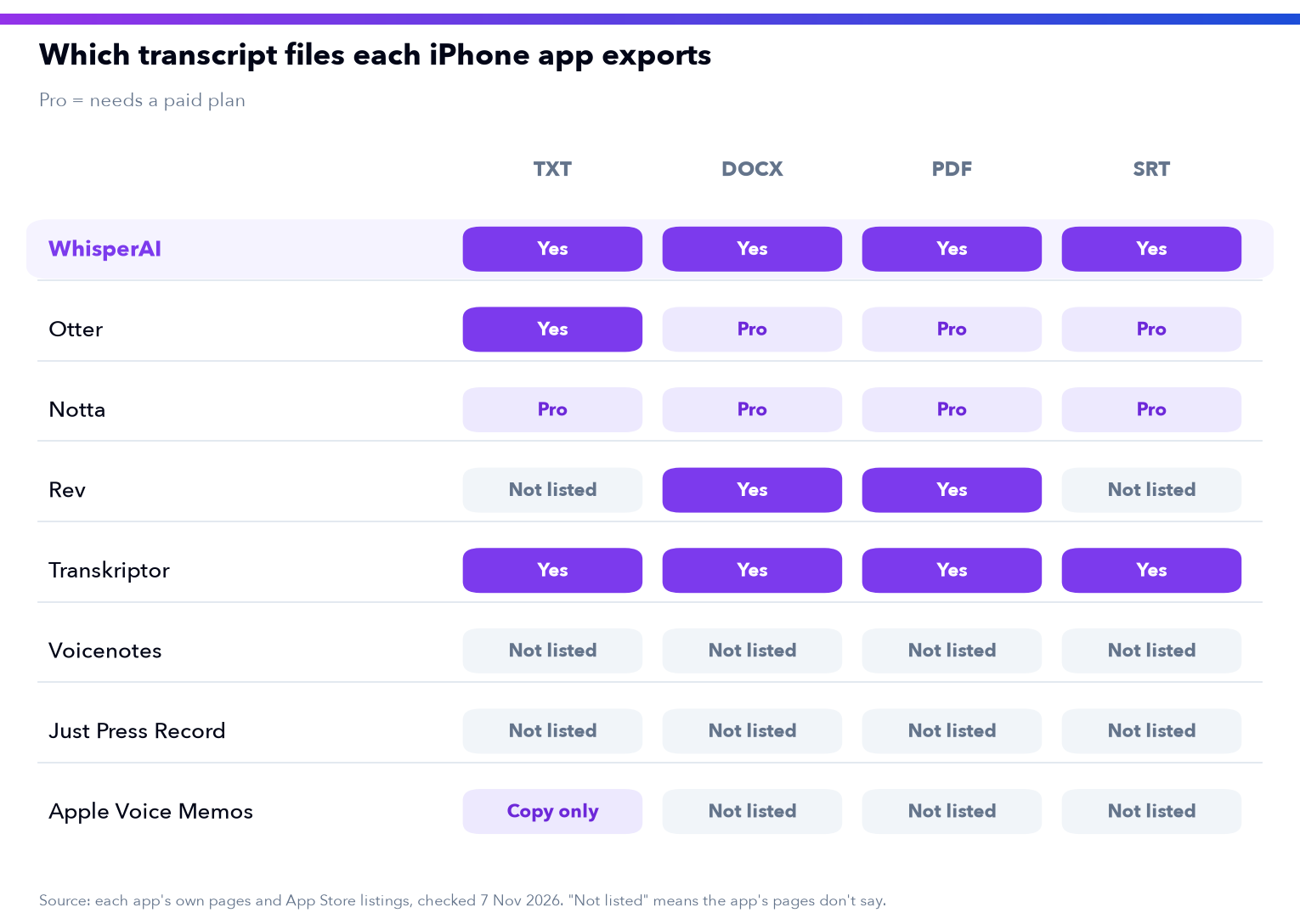
- Getting the transcript out of the app is where the gaps show. Some apps export Word and subtitle files, and some list only copying or sharing the text.
- WhisperAI's app for iPhone and iPad records or uploads audio up to 5 GB per file, labels speakers, and exports TXT, DOCX, PDF and SRT.
A transcription app sounds like a simple thing to choose. You press record, you talk, and the words appear. Then you try it on a real recording, and the differences start to matter.
Will it take a two-hour interview, or stop at half an hour? Will it tell you who said what? And when the transcript is done, can you send it as a Word file, or only copy and paste it?
We make the WhisperAI app for iPhone and iPad, and those are the questions we built it around. This guide compares 8 transcription apps for iPhone and iPad on exactly that: how long a recording they handle, what you can export, which languages they cover, and what the free plan really gives you. Every price and limit comes from the app's own website, help pages or App Store listing (checked November 2026).
Recording on a laptop or uploading files from a desktop? Our guide to the best AI transcription software covers desktop and web tools.
The best transcription apps for iPhone at a glance
Prices are monthly, in US dollars, for the plan named, as each company lists it. Every app here runs on iPhone and iPad.
| App | Free plan | Paid plan shown | Longest recording or file | Speaker labels | Exports | Languages |
|---|---|---|---|---|---|---|
| WhisperAI | 5 minutes a month | Premium $14.99 (120 min), Business Pro $24.99 (unlimited) | 5 GB or 10 hours per file | Paid plans (basic on Premium, full on Business Pro) | TXT, DOCX, PDF, SRT, VTT, JSON | 100+ |
| Otter | 300 min a month, 30 min per conversation | Pro $16.99 | 90 min per conversation on Pro | All plans | TXT, MP3 free; PDF, DOCX, SRT on Pro | 4 (App Store) |
| Notta | 120 min a month, 3 min per recording | Pro $14.99 (App Store) | Not listed for paid plans | All plans | TXT, DOCX, Excel, PDF, SRT on Pro | 58 |
| Rev | 45 AI min a month, English only | Essentials $29.99 per seat | Not listed | Yes, in the newest app | Word, PDF (beta editor) | 37+ on Pro |
| Transkriptor | 90 min in total | Pro $19.99 (2,400 min) | Not listed | Yes | PDF, DOCX, TXT, SRT | Over 40 (App Store) |
| Voicenotes | 30 min per meeting, 3 imports a month | Pro $14.99 (App Store) | Not listed for paid plans | Pro, in Zoom, Meet and Teams calls | Not listed | 100+ (App Store) |
| Just Press Record | None | $6.99 once | Unlimited recording time | Not listed | Audio files, shared text | Over 30 |
| Apple Voice Memos | Built in | Built in | Not listed | Not listed | Copy the text | 10 |
Three questions that decide which app works for you
Many "best app" lists rank by features. Features matter less than these three questions, and you can answer all of them from the table.
| Ask this | Why it matters |
|---|---|
| How long are my recordings? | Several free plans stop a single recording at 3 or 30 minutes. A lecture, an interview or a long meeting needs a higher cap or a paid plan. |
| Do I need to know who said what? | Interviews and meetings are much harder to use without speaker labels. The table shows which apps include them, and on which plans. |
| What do I do with the transcript next? | If it goes into a report, an email or a video, you need Word, PDF or subtitle files. Copying text out of an app works for a note, not for a 40-page interview. |
If you record lectures, our guide to apps for recording lectures goes deeper on classroom audio.
The 8 best transcription apps for iPhone and iPad
WhisperAI comes first because it's our app, so we can describe it from the inside. The other seven are grouped by how you pay: five subscription apps, one you buy once, then the one that comes with your iPhone.
1. WhisperAI
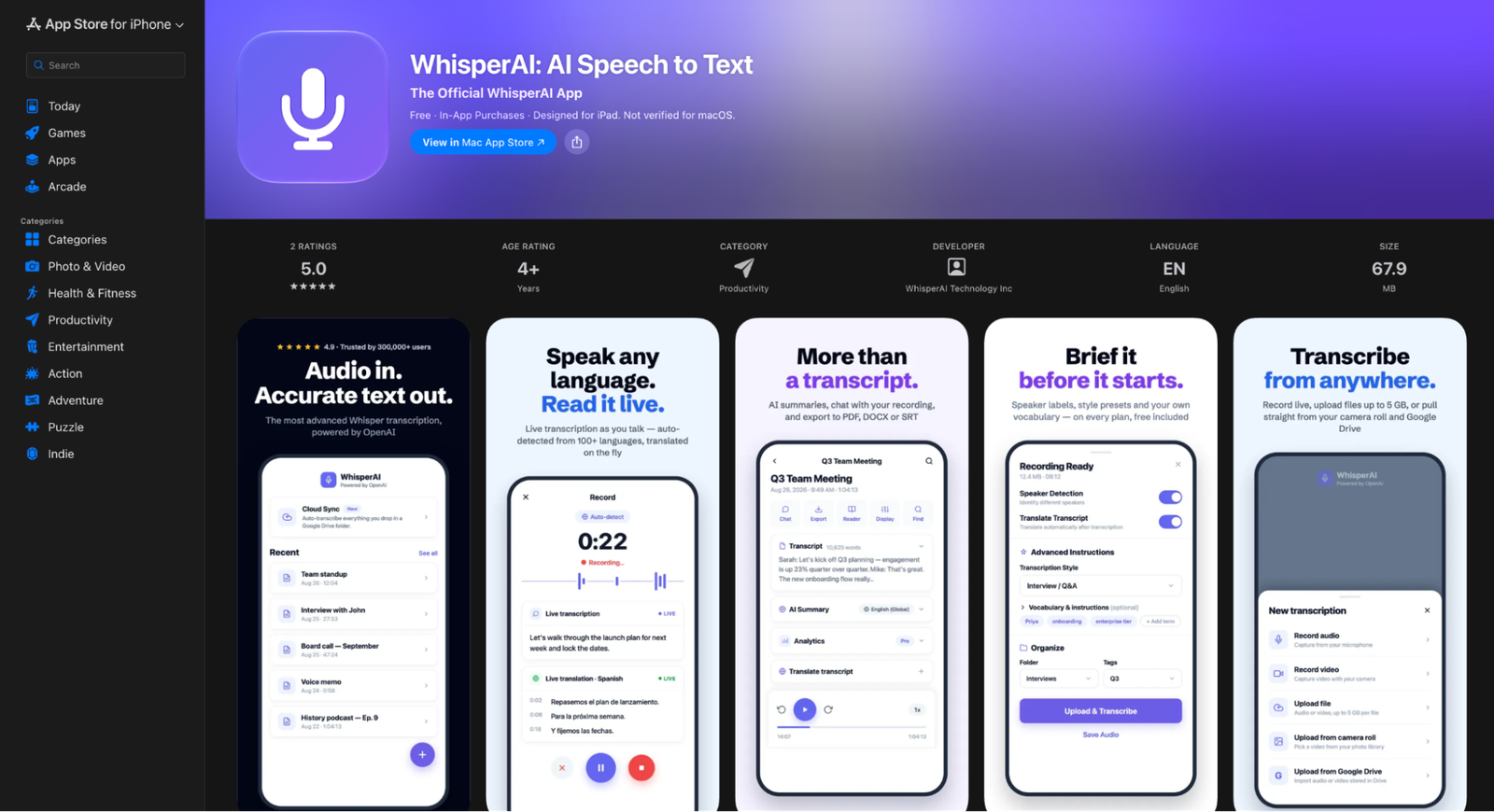
The WhisperAI app for iPhone and iPad lets you record a conversation or upload audio you already have, and turns it into a transcript you can edit, search and share. It runs on iOS 16.4 or later.
"The recordings that matter are usually the long ones: the two-hour interview, the full board meeting. We built the app so that the recording comes back as a transcript you can send, not a wall of text."
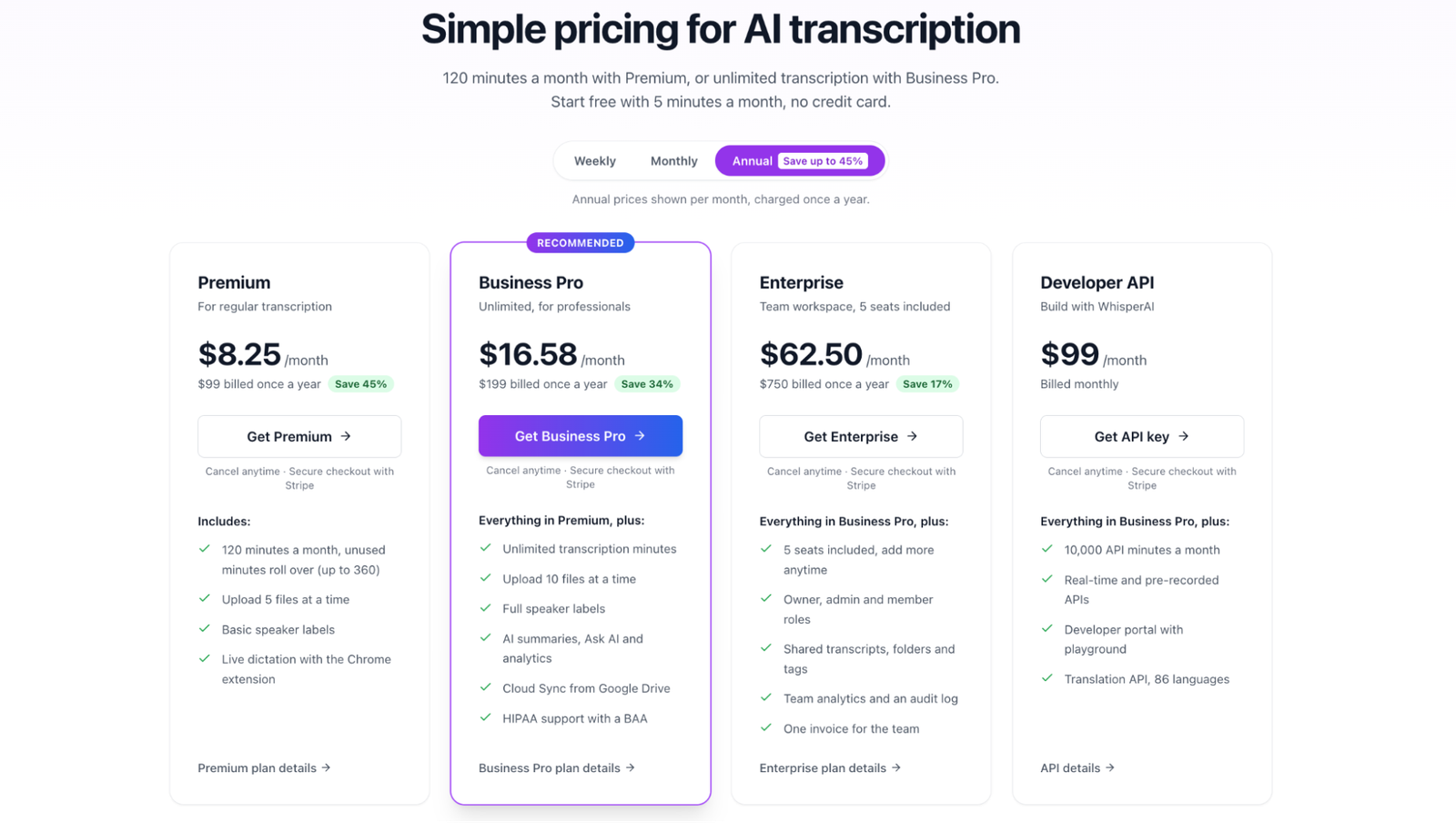
Pricing: the app is free to download, and the free plan gives you 5 minutes a month to try it. Premium costs $14.99 a month, or $99 a year, for 120 minutes a month with rollover up to 360. Business Pro costs $24.99 a month, or $199 a year, for unlimited minutes. The same account works in the app and on the web.
What you get on your iPhone or iPad
- Record in the app, or upload a file from your device. Files can be up to 5 GB on every plan.
- Speaker labels that split the conversation by who's talking. Premium has basic labels and Business Pro has full ones.
- Timestamps that jump you back to the exact moment in the audio, handy for checking a quote.
- Exports in TXT, DOCX, PDF and SRT from the app. The web app adds VTT and JSON.
- More than 100 languages, detected automatically, with translation of the finished transcript into other languages.
- Names and jargon added before a file runs, so they come out spelled right, on every plan.
- AI summaries, key points and Ask AI on Business Pro, plus HIPAA support with a signed BAA.
Download WhisperAI for iPhone and iPad and transcribe your first recording today!
2. Otter
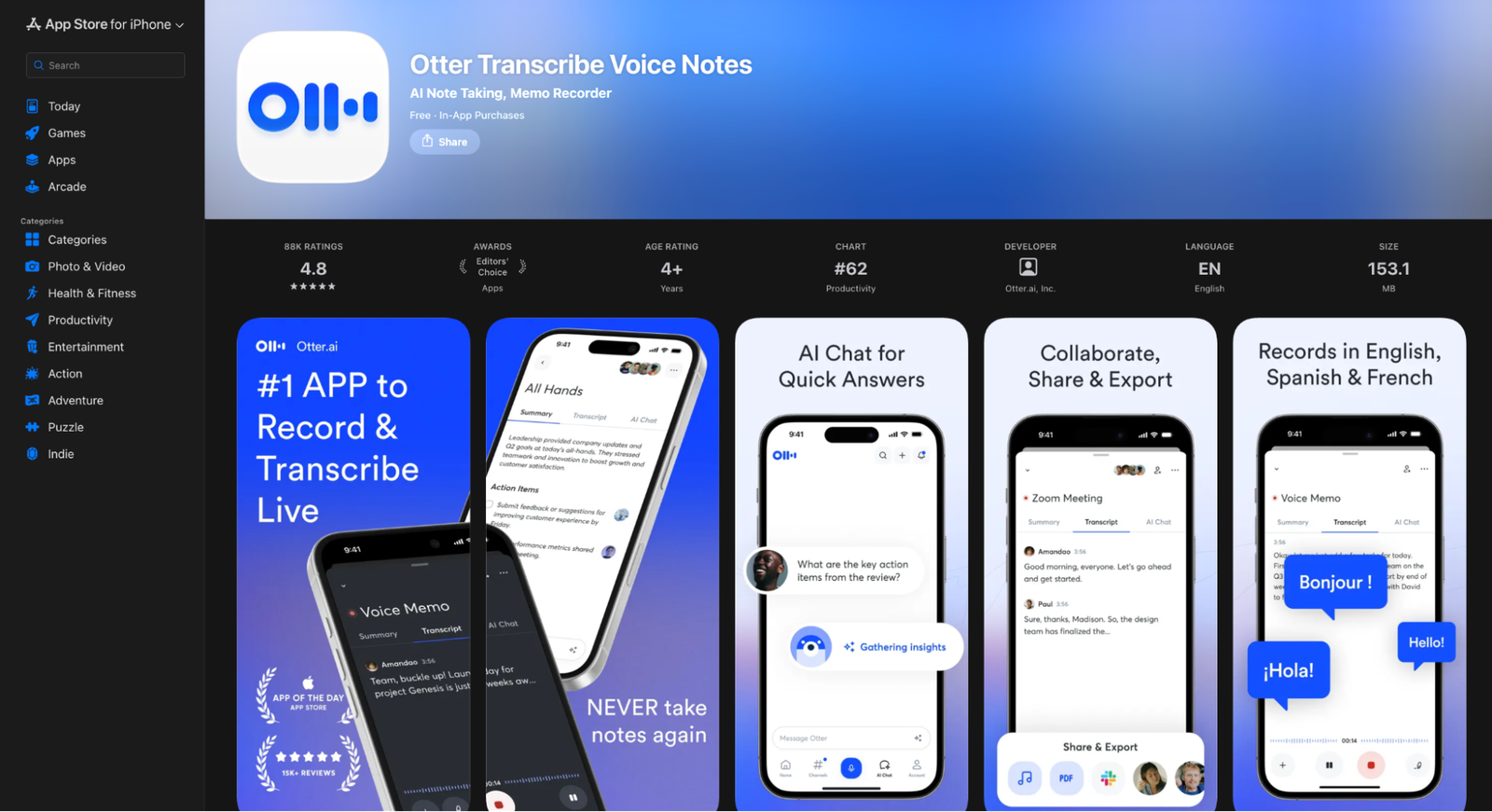
Otter is a meeting assistant first, and its app runs on iPhone and iPad with iOS 16 or later. Its free plan gives you 300 minutes a month, but each conversation stops at 30 minutes and you can import only 3 files in total (Otter pricing).
Pro costs $16.99 a month, or $8.33 a month billed yearly, and raises the cap to 90 minutes per conversation and 1,200 minutes a month. Exports on the free plan are TXT and MP3. PDF, DOCX and SRT come with Pro. Otter's App Store listing names 4 transcription languages.
Recording interviews that run past 90 minutes? WhisperAI takes files up to 10 hours or 5 GB, and Business Pro has no monthly minute cap.
3. Notta
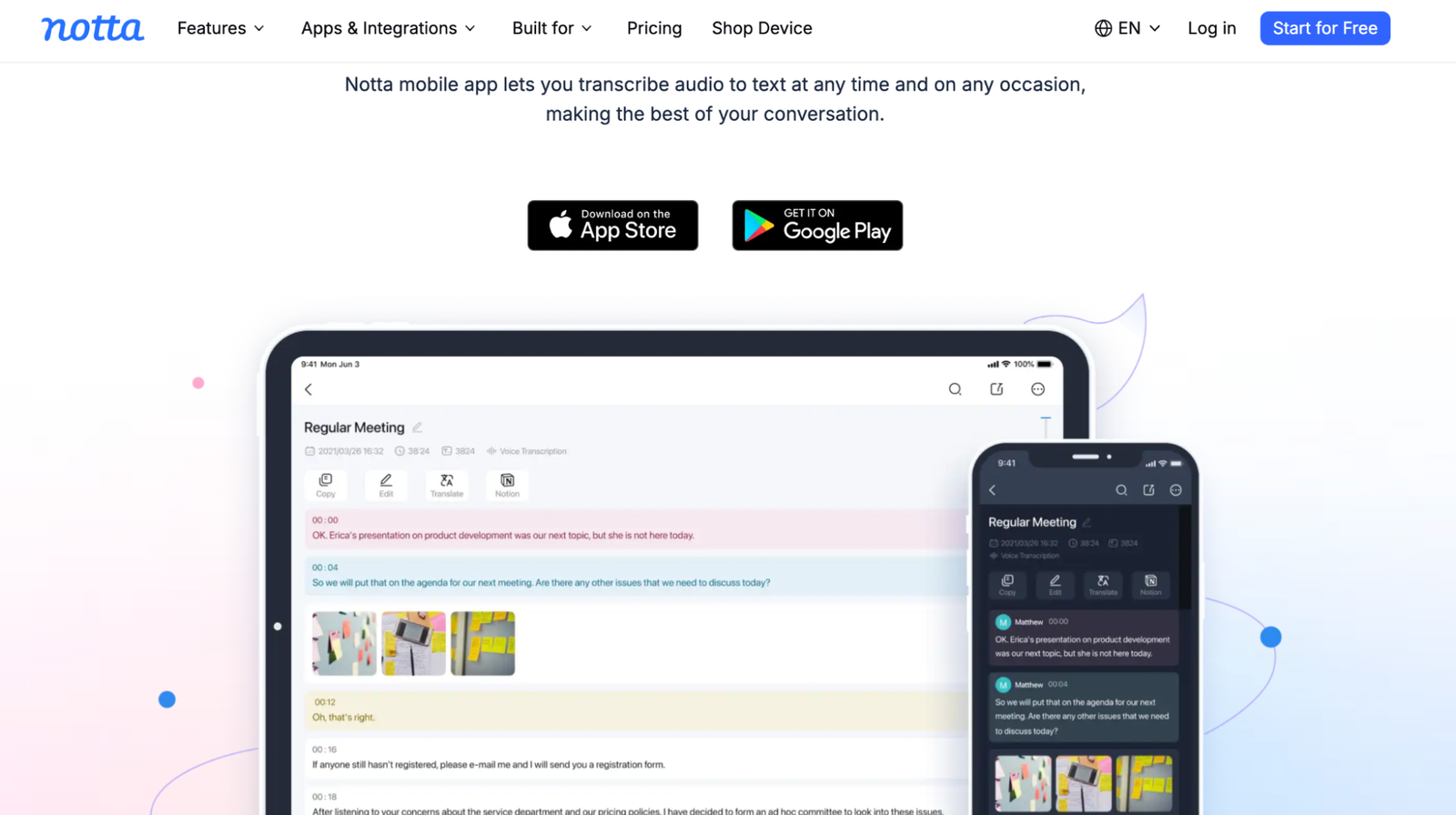
Notta runs on iPhone and iPad, and transcribes in 58 languages, according to its App Store listing. The free plan gives you 120 minutes a month, but each recording is capped at 3 minutes (Notta pricing).
Pro costs $14.99 a month in the App Store, or $8.17 a month billed yearly on Notta's site. Exporting the transcript as TXT, DOCX, Excel, PDF or SRT is a Pro feature.
Want the transcript as a Word or subtitle file without upgrading first? WhisperAI includes its editor and exports on every plan.
4. Rev
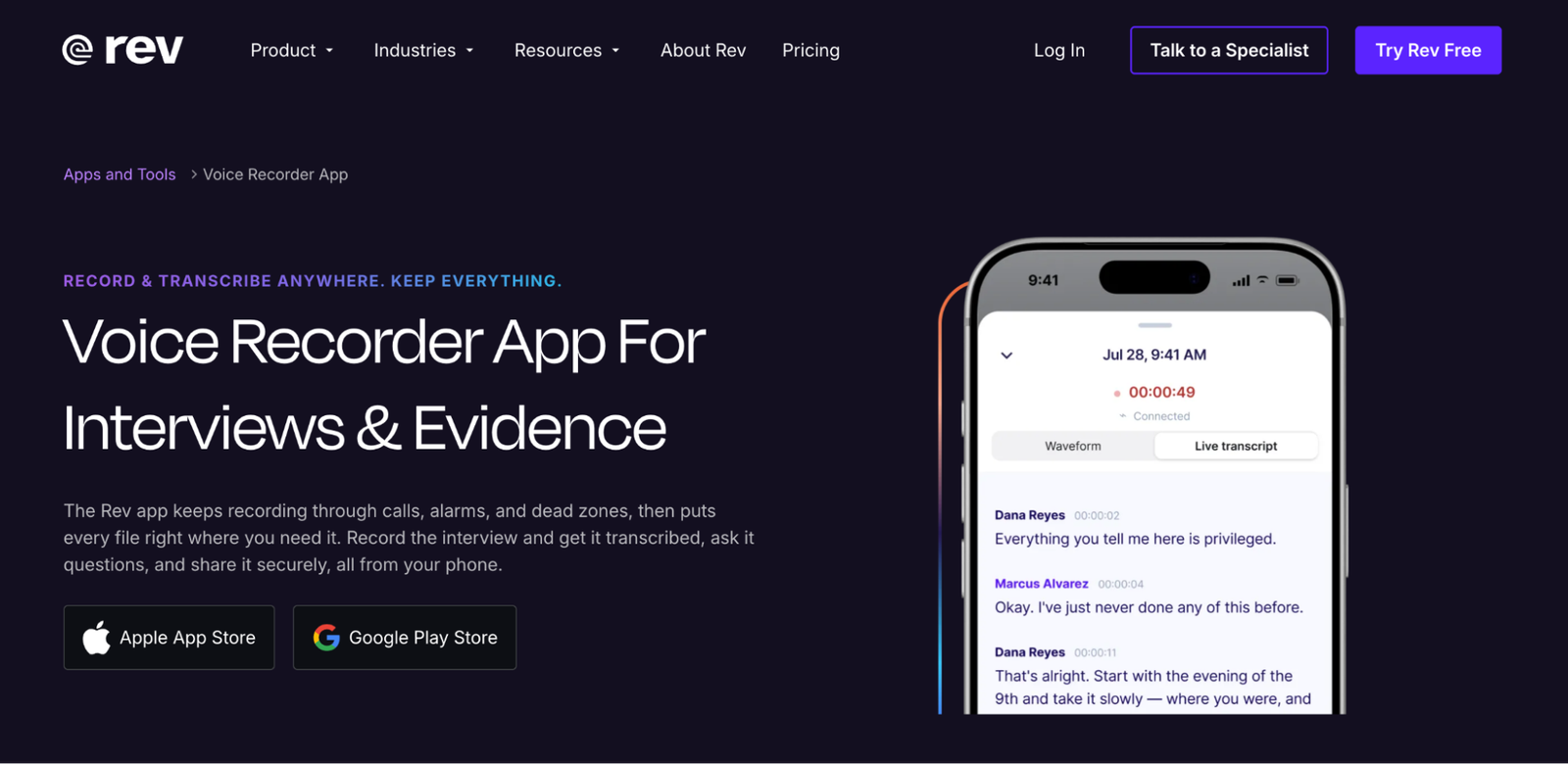
Rev's newest app for iPhone and iPad, which does AI transcription, came out on 30 October 2026. The free plan gives you 45 AI minutes a month in English only (Rev pricing).
Paid plans are per seat: Essentials costs $29.99 a month, or $25.49 billed yearly. Pro covers 37+ languages.
Transcribing interviews in more than one language? WhisperAI detects more than 100 languages on every plan, including the free one.
5. Transkriptor
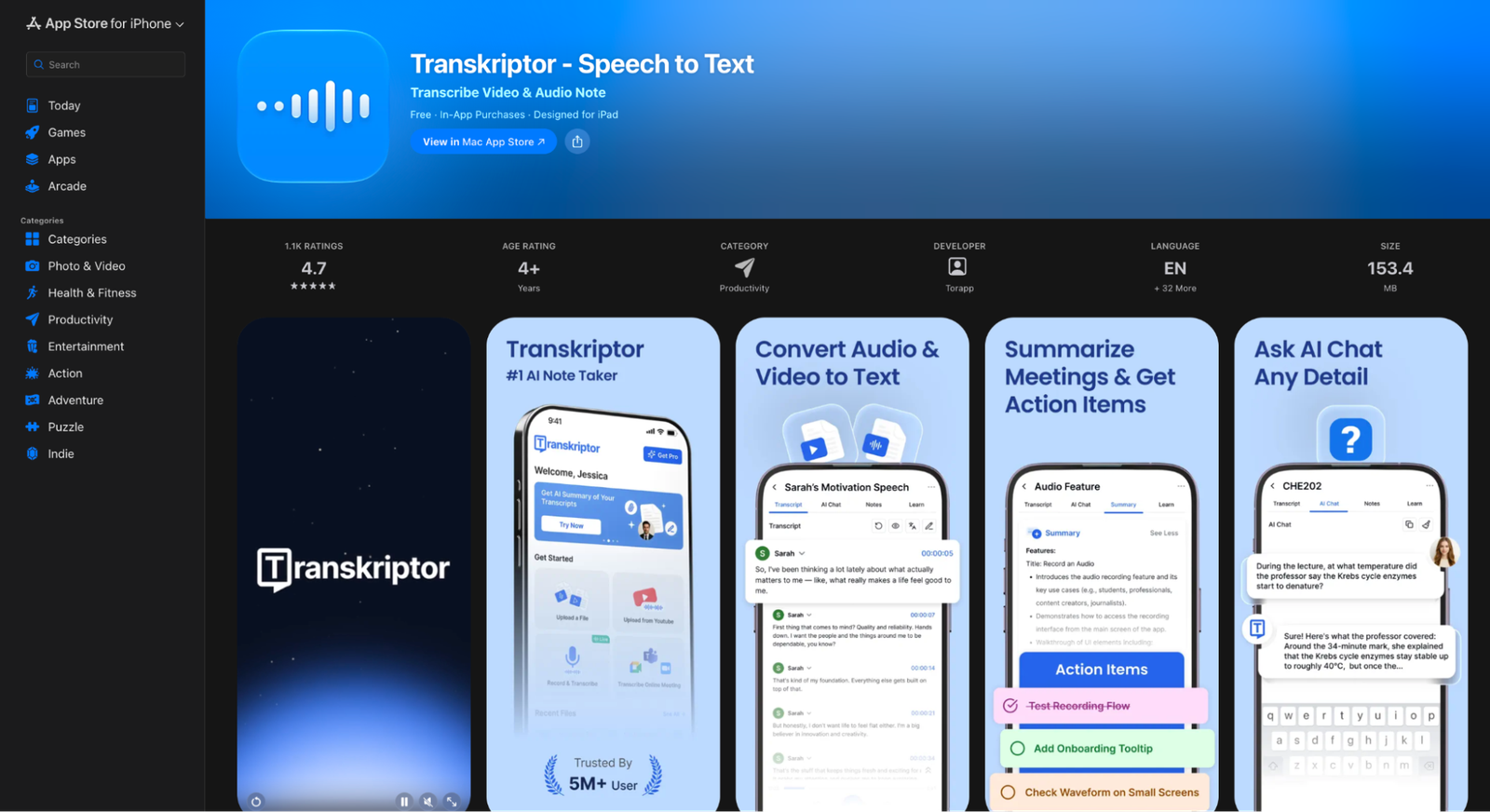
Transkriptor runs on iPhone and iPad, plus the web. New accounts get 90 free minutes in total, according to its App Store listing (Transkriptor pricing).
Pro costs $19.99 a month, or $8.33 a month billed yearly, for 2,400 minutes a month with AI summaries and chat. It exports PDF, DOCX, TXT and SRT, and identifies speakers. Its App Store listing says over 40 languages, while its website says 100+.
Transcribing more than 40 hours a month? WhisperAI Business Pro has no monthly minute cap, for $24.99 a month.
6. Voicenotes
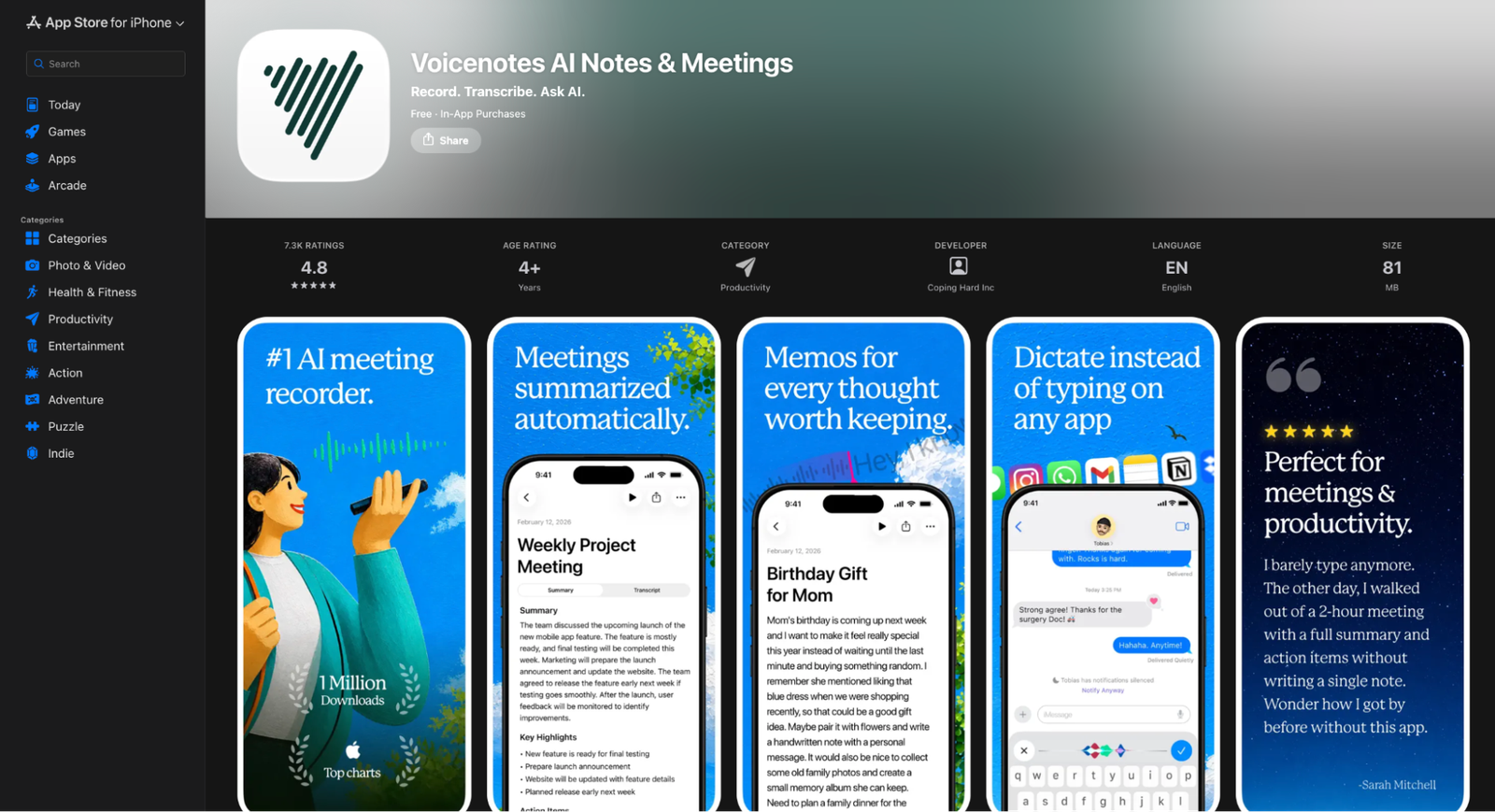
Voicenotes is built for capturing ideas and meetings, and runs on iPhone and iPad as well as desktop. The free plan caps meetings at 30 minutes, keeps 14 days of history and allows 3 imports a month (Voicenotes pricing).
Pro costs $14.99 a month or $99.99 a year in the App Store. Its App Store listing says 100+ languages.
Need subtitles from your recordings? WhisperAI exports SRT and VTT subtitle files alongside Word and PDF.
7. Just Press Record
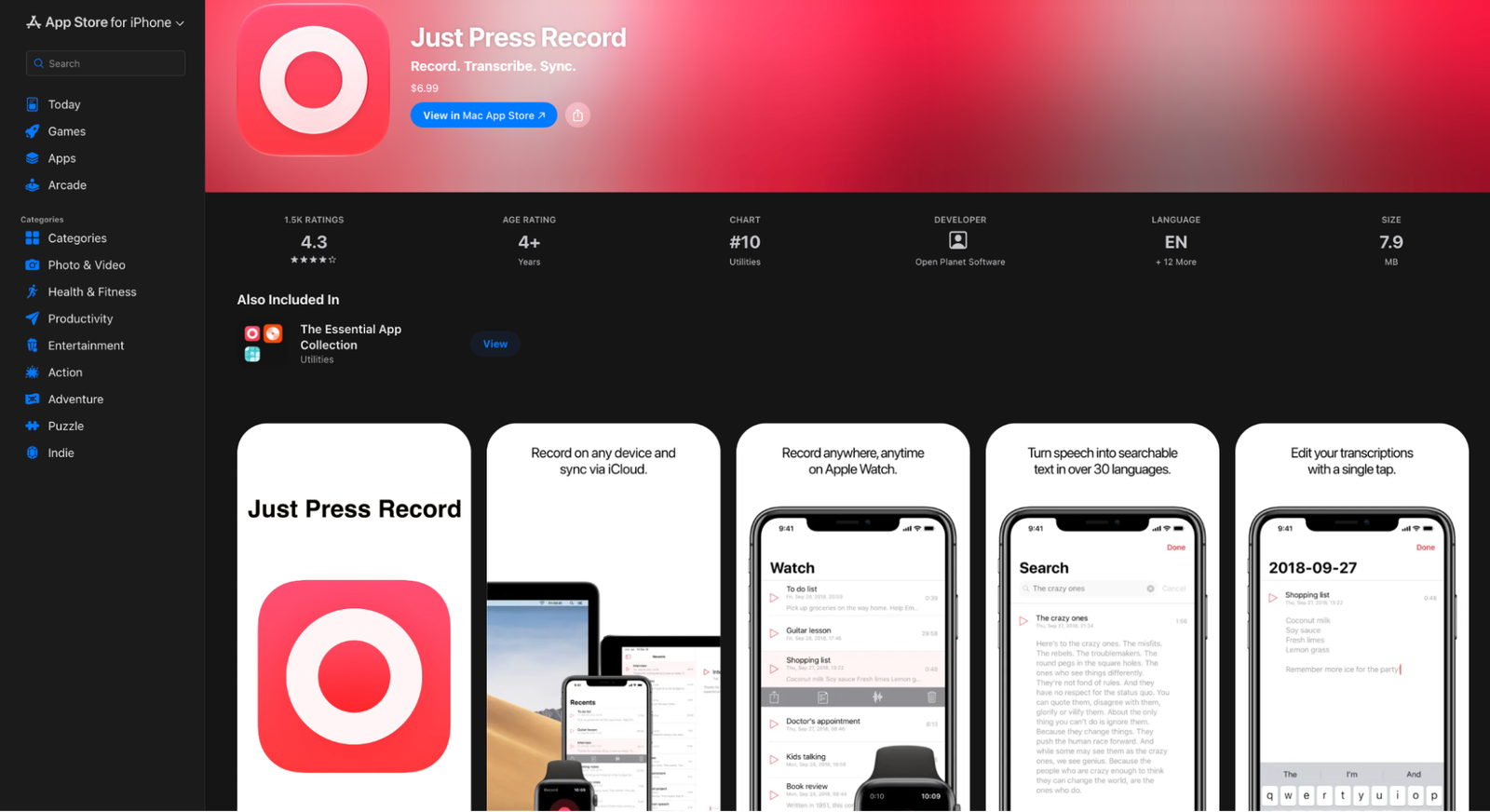
Just Press Record costs $6.99 once and runs on iPhone and iPad with iOS 18.6 or later. It transcribes in over 30 languages using Apple's speech recognition.
Its developer says transcription "typically" happens on your device, but audio may go to Apple's servers. You can share audio files into it from other apps, and save recordings as M4A, WAV or AIF.
Need the transcript split by speaker? WhisperAI labels speakers on its paid plans.
8. Apple Voice Memos
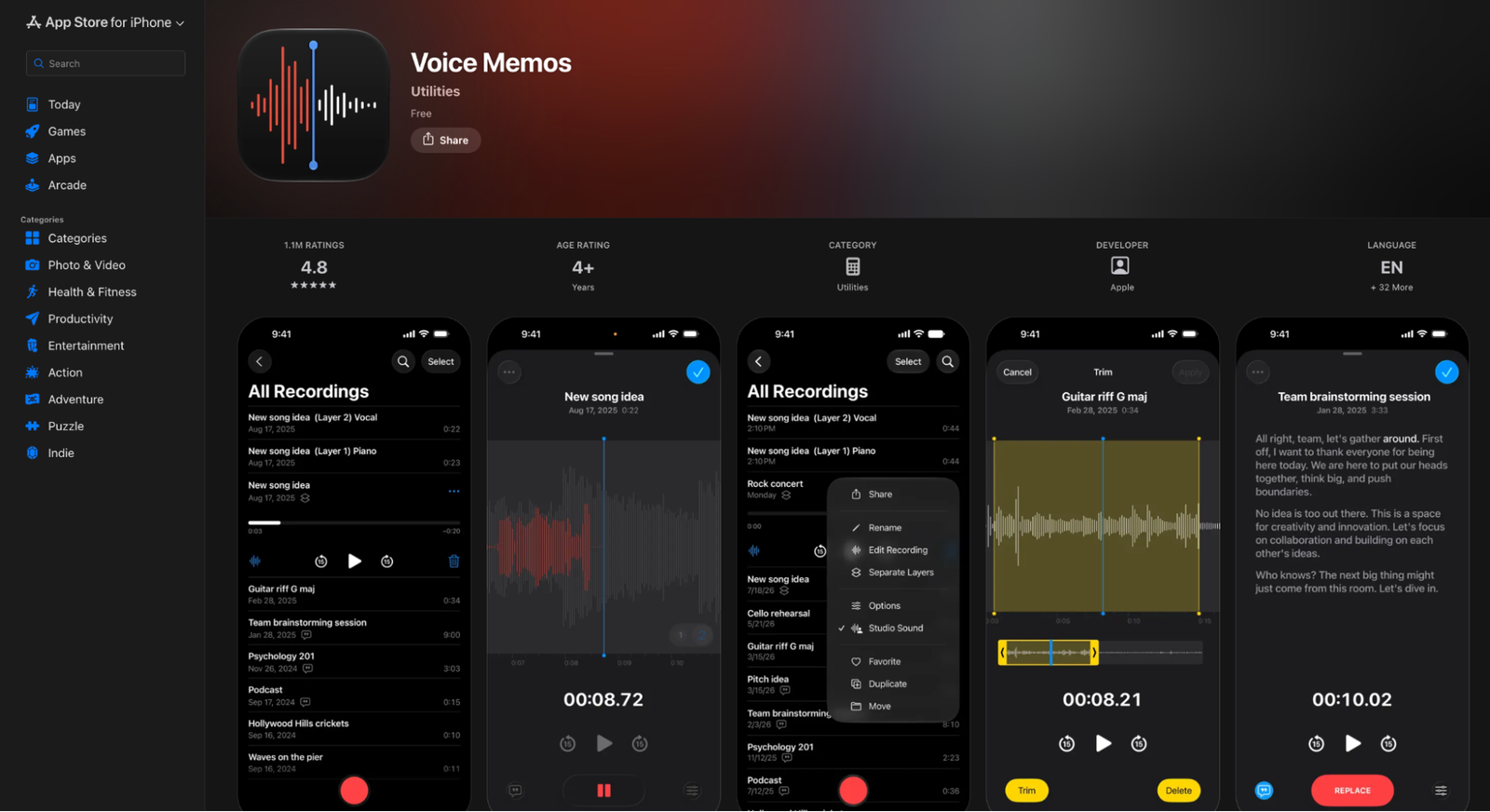
Voice Memos comes free with your iPhone and iPad. On an iPhone 12 or later, it transcribes as you record, in 10 languages including English, Spanish, French, German and Japanese, though not in every country.
You can search your recordings by what was said. To get the transcript out, you copy the text.
Need to send the transcript as a document? WhisperAI exports DOCX, PDF and TXT, and covers more than 100 languages.
Is your iPhone's built-in transcription enough?
Voice Memos on an iPhone 12 or later is enough for one speaker, in one of its 10 languages, when copied text will do.
Here’s how 10 languages compares with the other apps on this list:
- 100+ languages: WhisperAI, Transkriptor and Voicenotes
- 30 to 60 languages: Notta (58), Rev (37+ on Pro) and Just Press Record (over 30)
- 10 or fewer: Apple Voice Memos (10) and Otter (6)
Counts are as each app lists them. Where an app’s own pages disagree, we’ve used the higher figure.
It runs out when the recording has several speakers, a language outside those 10, or a reader who needs a document rather than a note. That's where WhisperAI fits: speaker labels, timestamps, more than 100 languages, and Word, PDF or subtitle files from one app on your iPhone or iPad.
Care more about sound quality than transcripts? See our list of the best audio recording apps for iPhone.
How to pick a transcription app you'll keep using
Every app on this list will turn clear speech into text. The differences show up later: when a recording runs long, when several people talk, or when someone asks for the transcript as a document.
So test with a real recording. Take your longest file and your messiest conversation, run them through two or three apps, and see which transcript you'd send without fixing.
We'd like WhisperAI to be one of them. It records on iPhone and iPad, takes files up to 5 GB, labels speakers, and sends your transcript out as Word, PDF or subtitles.
Get WhisperAI for iPhone and iPad and start with 5 free minutes.
FAQ about transcription apps
What is the best transcription app for iPhone?
It depends on your recordings. Voice Memos transcribes for free on an iPhone 12 or later, and you copy the text out. For long interviews, meetings and lectures you need to share, WhisperAI handles long files, labels speakers and exports Word, PDF and subtitle files.
Is there a free transcription app for iPhone?
Yes. Voice Memos transcribes for free on an iPhone 12 or later. Otter's free plan gives 300 minutes a month and Notta's gives 120, with per-recording caps. WhisperAI's free plan gives 5 minutes a month to try it, and its paid plans start at $14.99 a month.
Can my iPhone transcribe recordings by itself?
Yes, on an iPhone 12 or later. Voice Memos transcribes as you record in 10 languages, and you can copy the text out. For other languages, speaker labels or document exports, you need an app such as WhisperAI.
Do transcription apps work on iPad?
Yes. Every app in this guide lists iPad support in the App Store, including WhisperAI, which runs on iPhone and iPad with iOS 16.4 or later. Apple's transcription guide for Voice Memos covers iPhone 12 or later.
Can I transcribe a recording I already have on my iPhone?
Yes, in most apps. WhisperAI, Otter, Notta, Rev, Transkriptor and Voicenotes let you import audio, though free plans often limit how many files. WhisperAI accepts files up to 5 GB on every plan.
WhisperAI Team
Product